v5.0 launch sale - limited time offer!
Tailwind CSS Image Overlays
There are 10 available components in this category, preview them all!
Overlay Fade In
Fully responsive design
Supports dark mode
Supports color editor
HTML code snippet
React code snippet
Vue.js code snippet
Screenshot

Overlay Zoom In
Fully responsive design
Supports dark mode
Supports color editor
HTML code snippet
React code snippet
Vue.js code snippet
Screenshot
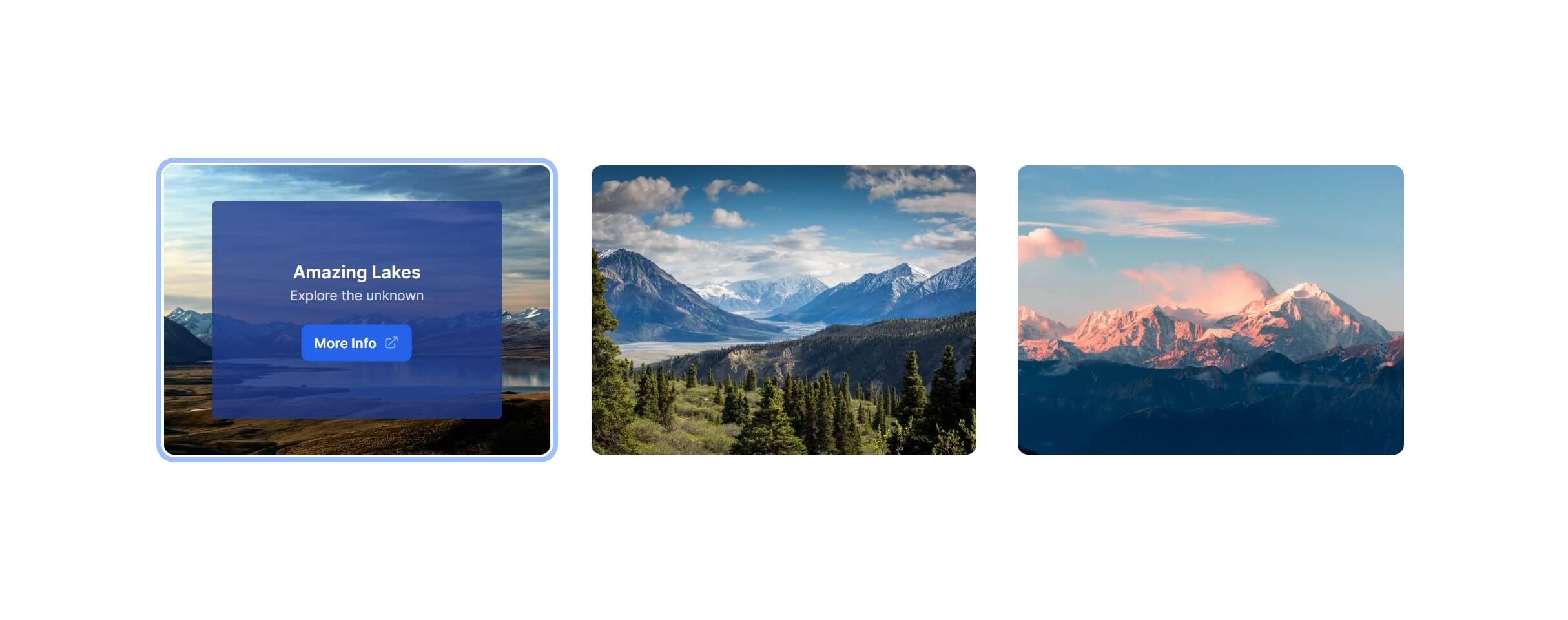
Overlay Zoom Out
Fully responsive design
Supports dark mode
Supports color editor
HTML code snippet
React code snippet
Vue.js code snippet
Screenshot

Overlay Slide Top
Fully responsive design
Supports dark mode
Supports color editor
HTML code snippet
React code snippet
Vue.js code snippet
Screenshot
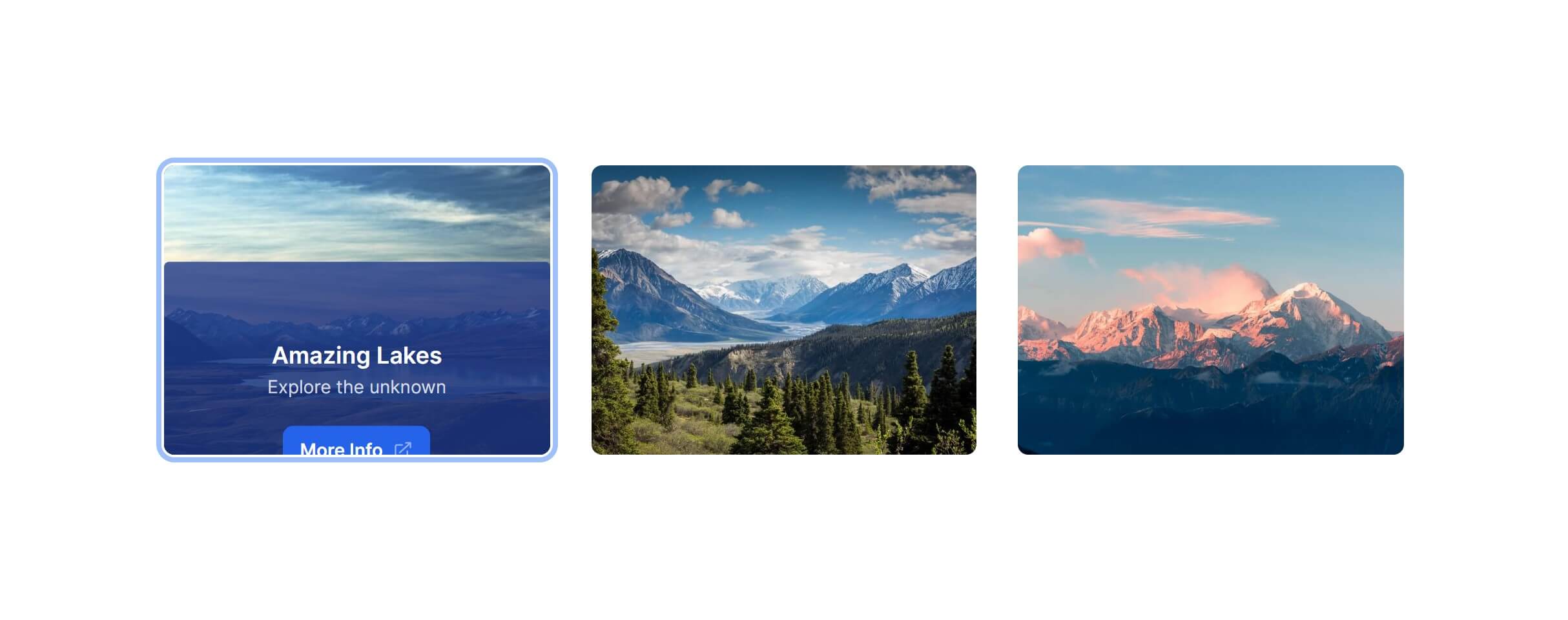
Overlay Slide Bottom
Fully responsive design
Supports dark mode
Supports color editor
HTML code snippet
React code snippet
Vue.js code snippet
Screenshot
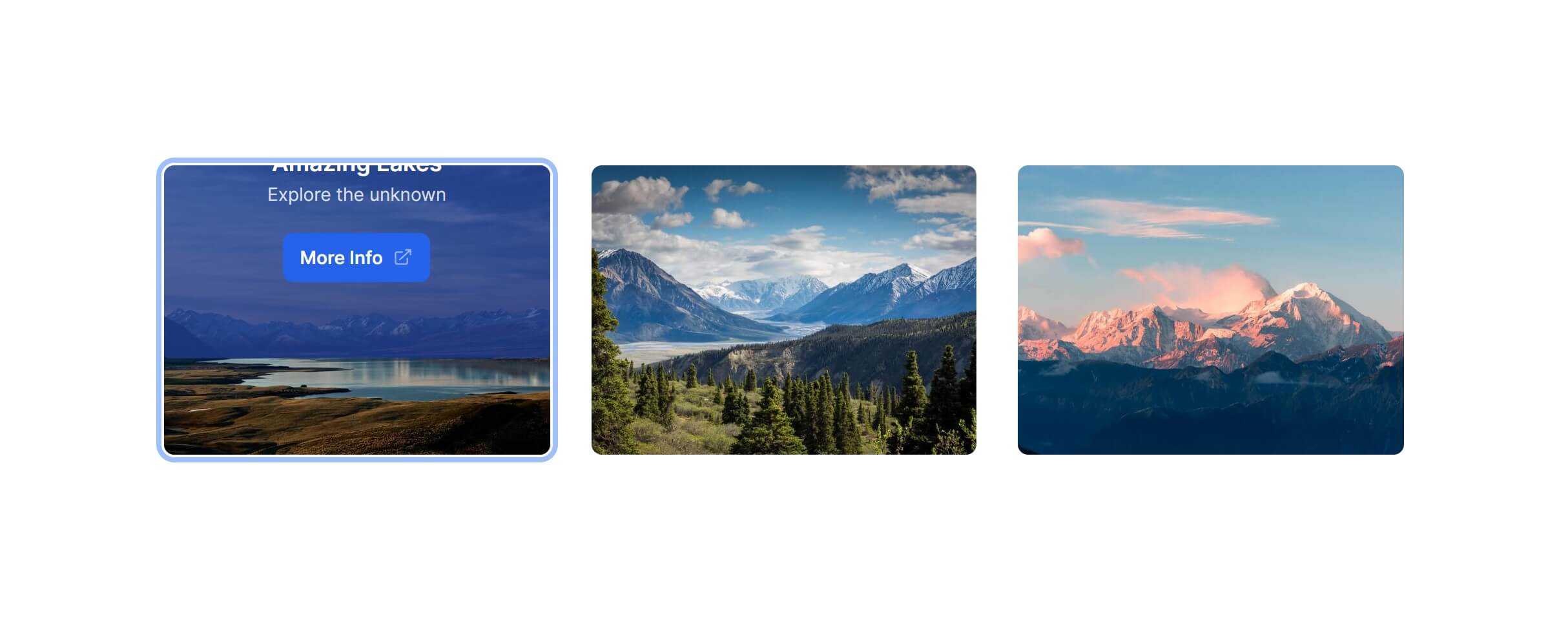
Overlay Slide Right
Fully responsive design
Supports dark mode
Supports color editor
HTML code snippet
React code snippet
Vue.js code snippet
Screenshot
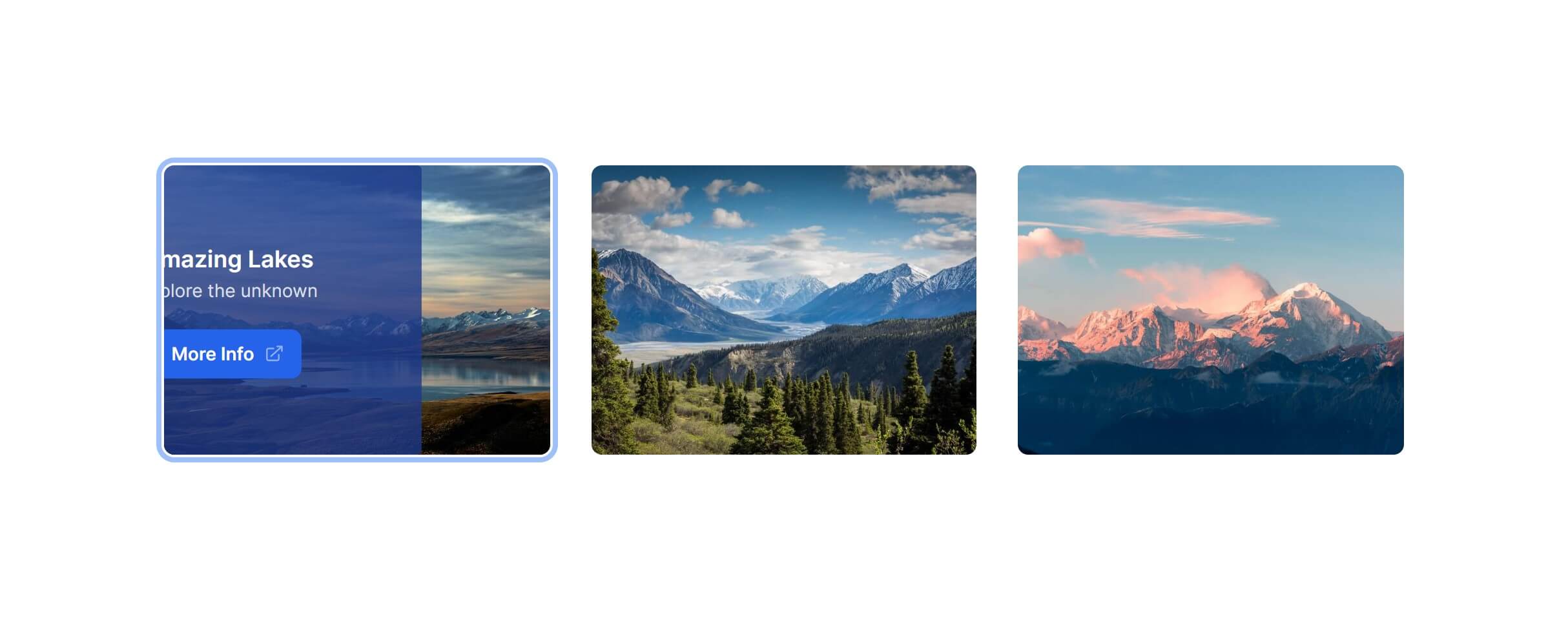
Overlay Slide Left
Fully responsive design
Supports dark mode
Supports color editor
HTML code snippet
React code snippet
Vue.js code snippet
Screenshot
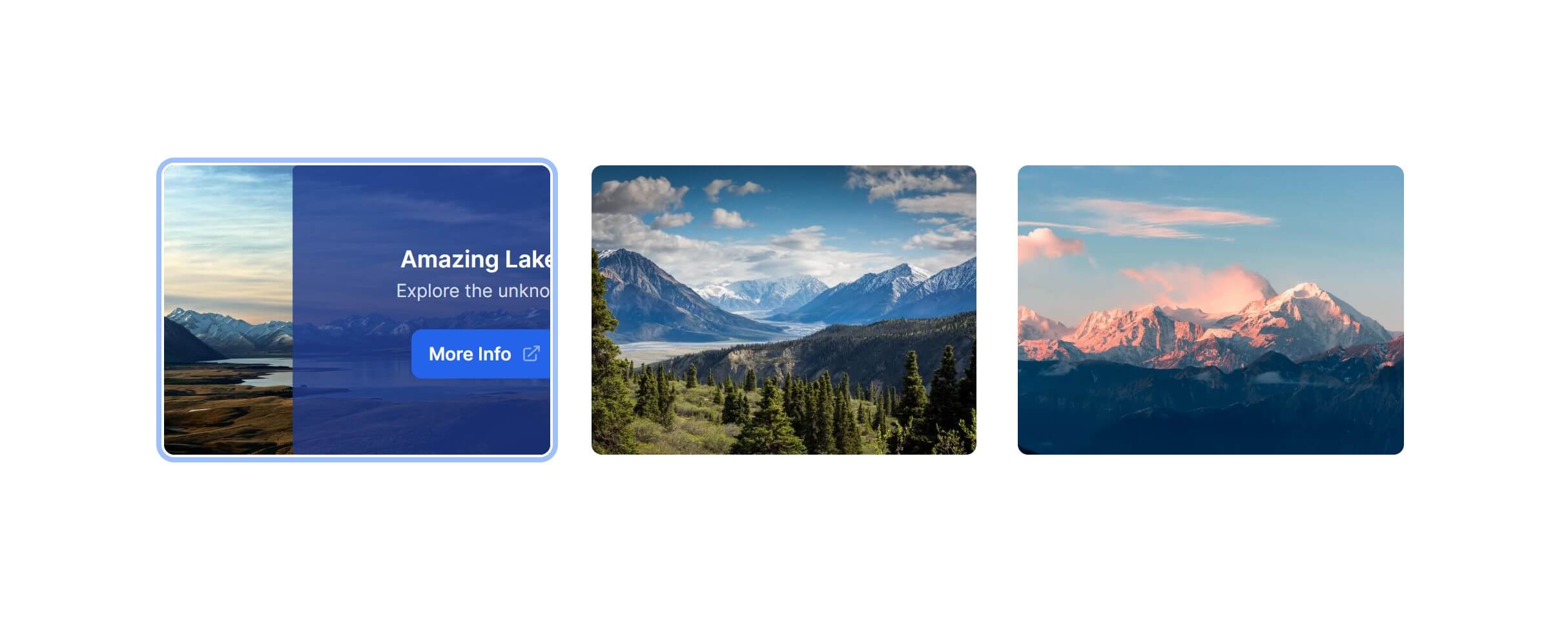
Image Zoom In
Fully responsive design
Supports dark mode
Supports color editor
HTML code snippet
React code snippet
Vue.js code snippet
Screenshot

Image Rotate Right
Fully responsive design
Supports dark mode
Supports color editor
HTML code snippet
React code snippet
Vue.js code snippet
Screenshot
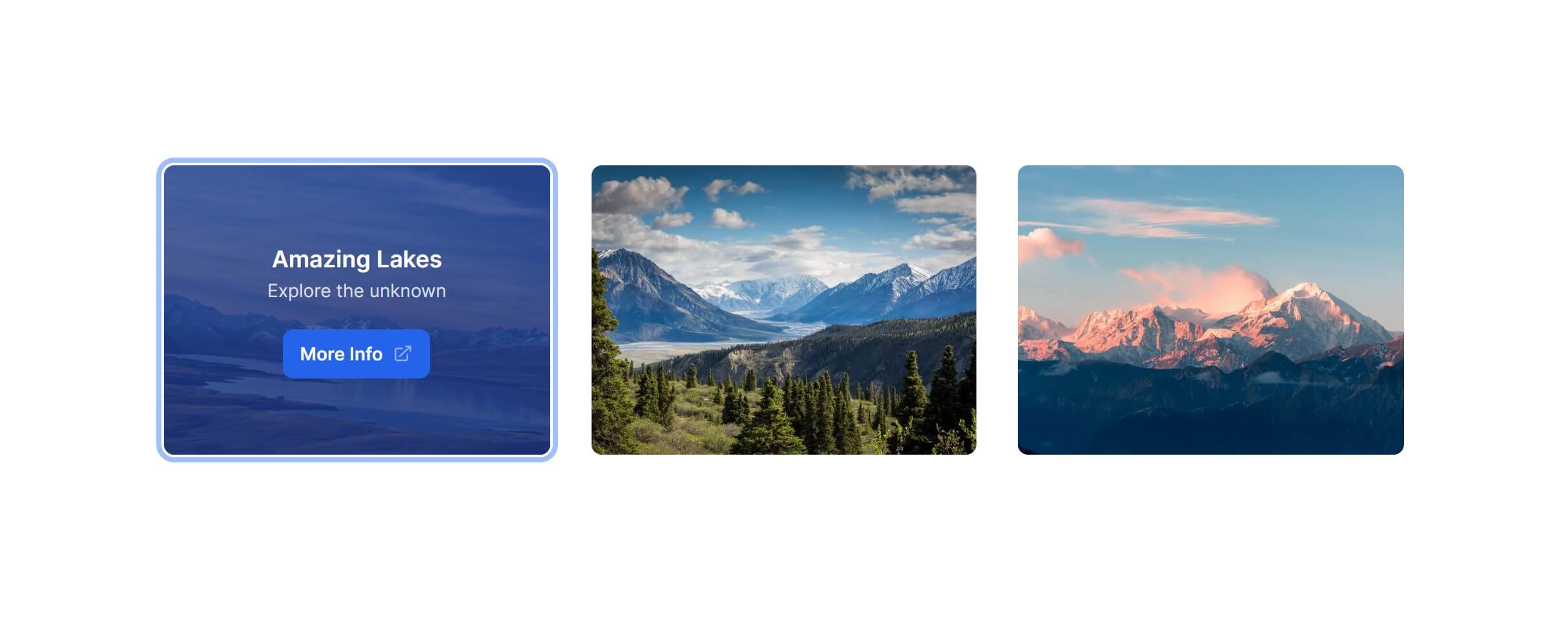
Image Rotate Left
Fully responsive design
Supports dark mode
Supports color editor
HTML code snippet
React code snippet
Vue.js code snippet
Screenshot

Need more information?
Frequently Asked Questions
Let’s have a better look into Tailwind CSS Image Overlays.
How do I ensure text is readable over a background image?
Add a semi-transparent overlay between the image and the text. A dark gradient (bg-linear-to-r from-black/70) or a solid overlay with opacity works well. Test with different images, since busy or bright photos need stronger overlays than simple or dark ones. White text on a dark overlay is the most reliable combination for readability.

Transform your ideas into reality
2,000+ handcrafted snippets.
Now in your AI editor.
Build modern web apps and websites with Tailkit's huge collection of Tailwind components, templates and tools. Now available through our MCP Server.