v5.0 launch sale - limited time offer!
Tailwind CSS Offcanvas
There are 12 available components in this category, preview them all!
Simple
Fully responsive design
Supports dark mode
HTML code snippet
React code snippet
Vue.js code snippet
Alpine.js code snippet
JS required
Screenshot
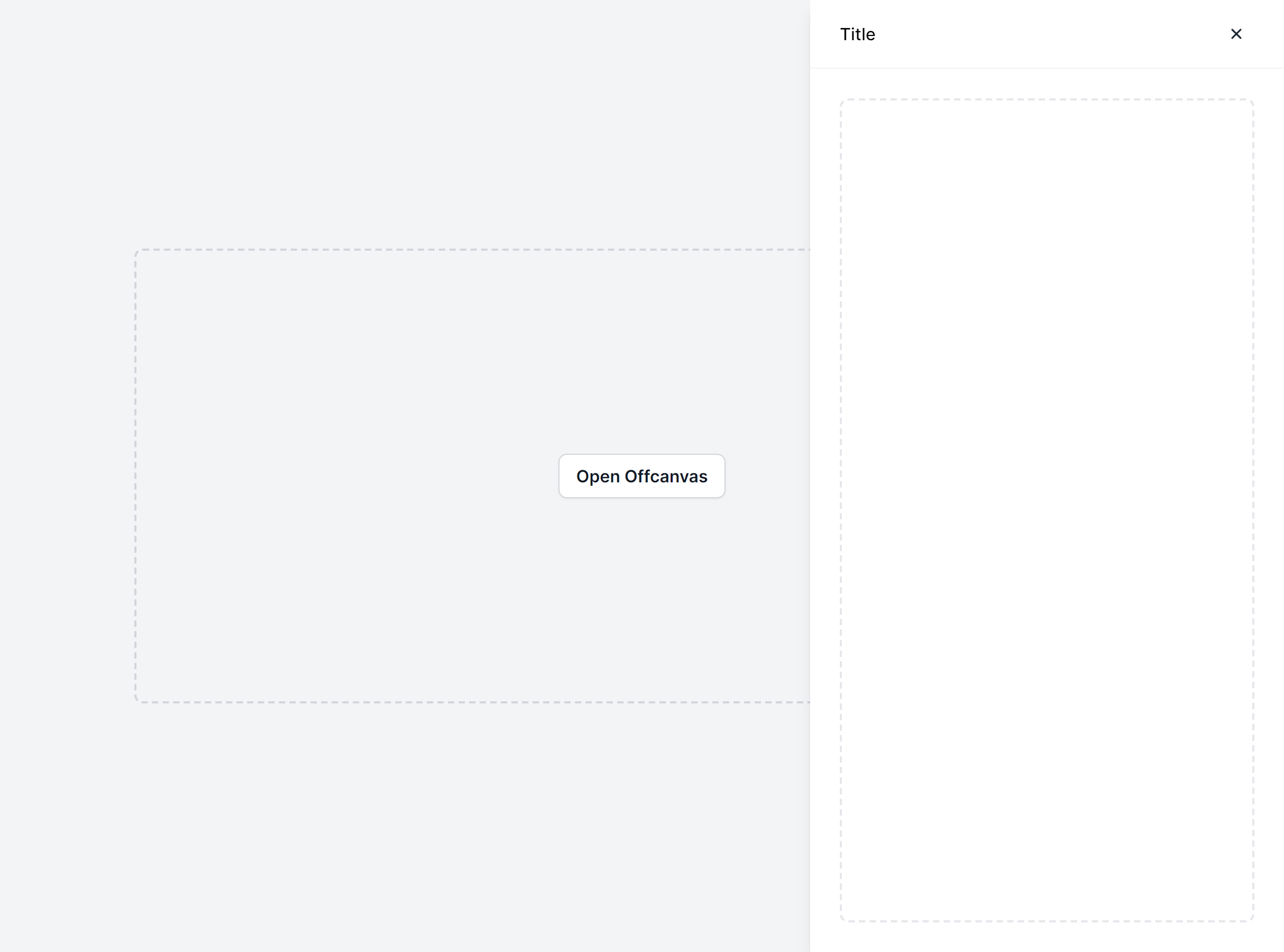
With Backdrop
Fully responsive design
Supports dark mode
HTML code snippet
React code snippet
Vue.js code snippet
Alpine.js code snippet
JS required
Screenshot
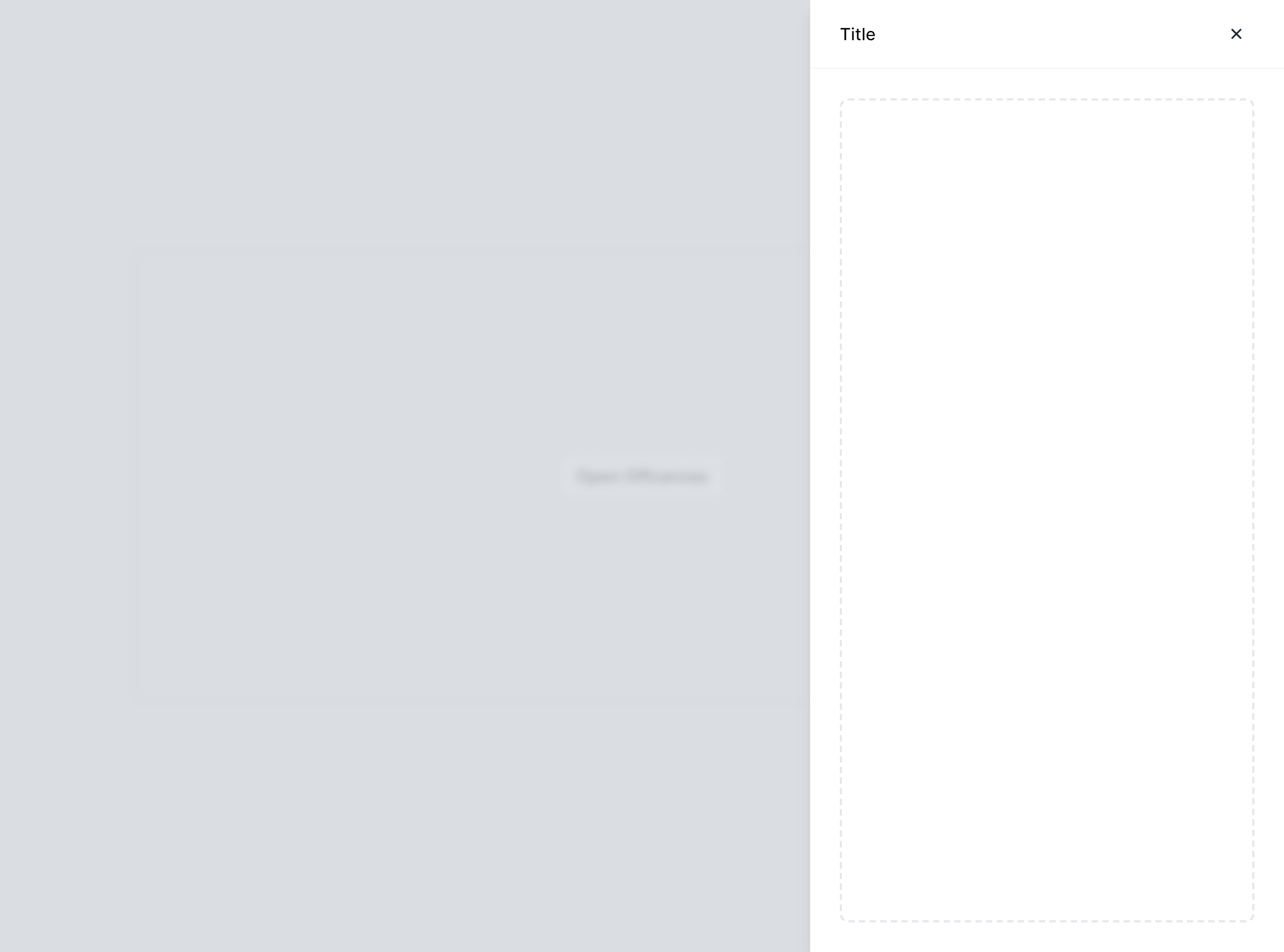
With Close Outside
Fully responsive design
Supports dark mode
HTML code snippet
React code snippet
Vue.js code snippet
Alpine.js code snippet
JS required
Screenshot
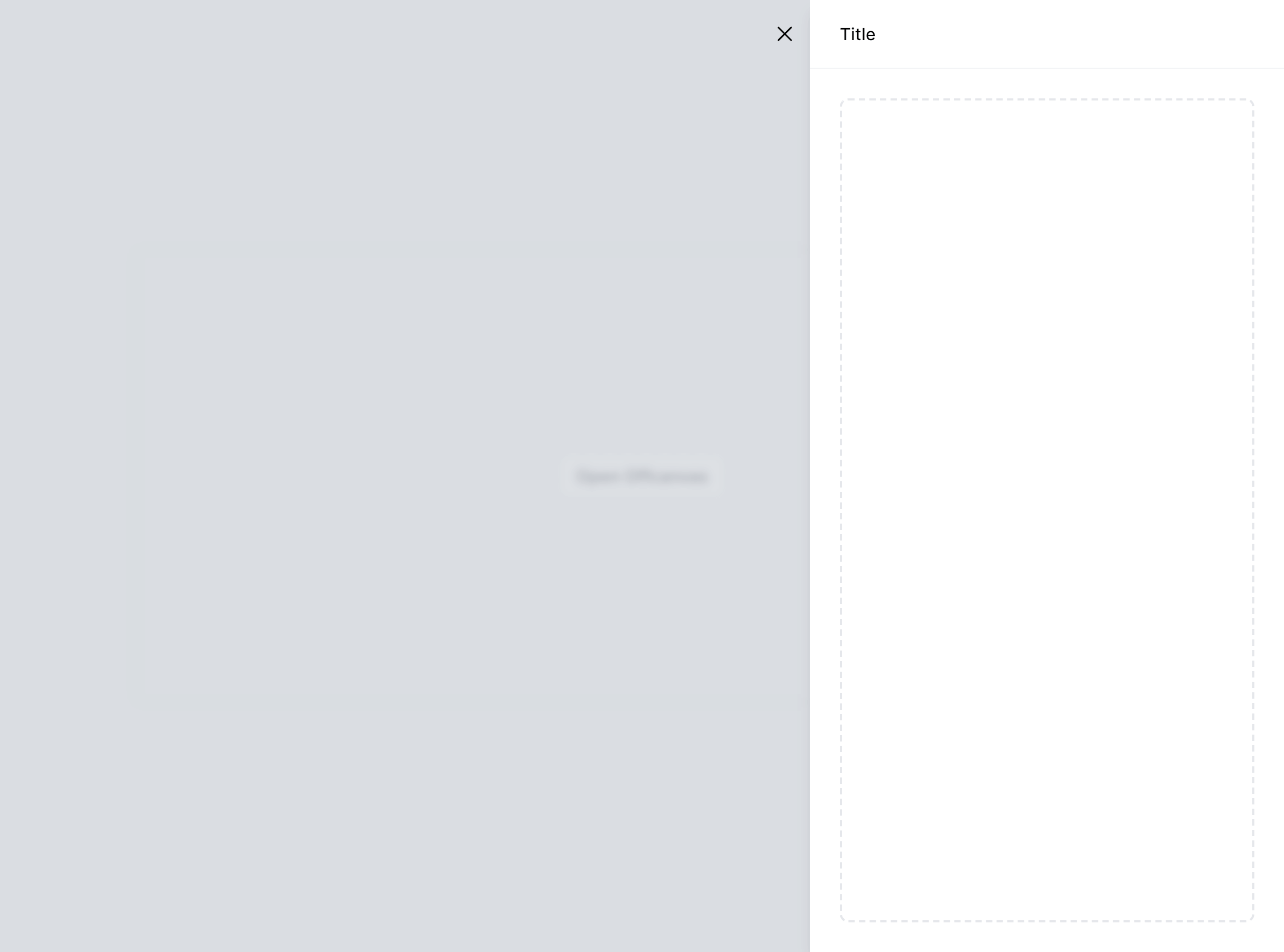
With Actions
Fully responsive design
Supports dark mode
Supports color editor
HTML code snippet
React code snippet
Vue.js code snippet
Alpine.js code snippet
JS required
Screenshot
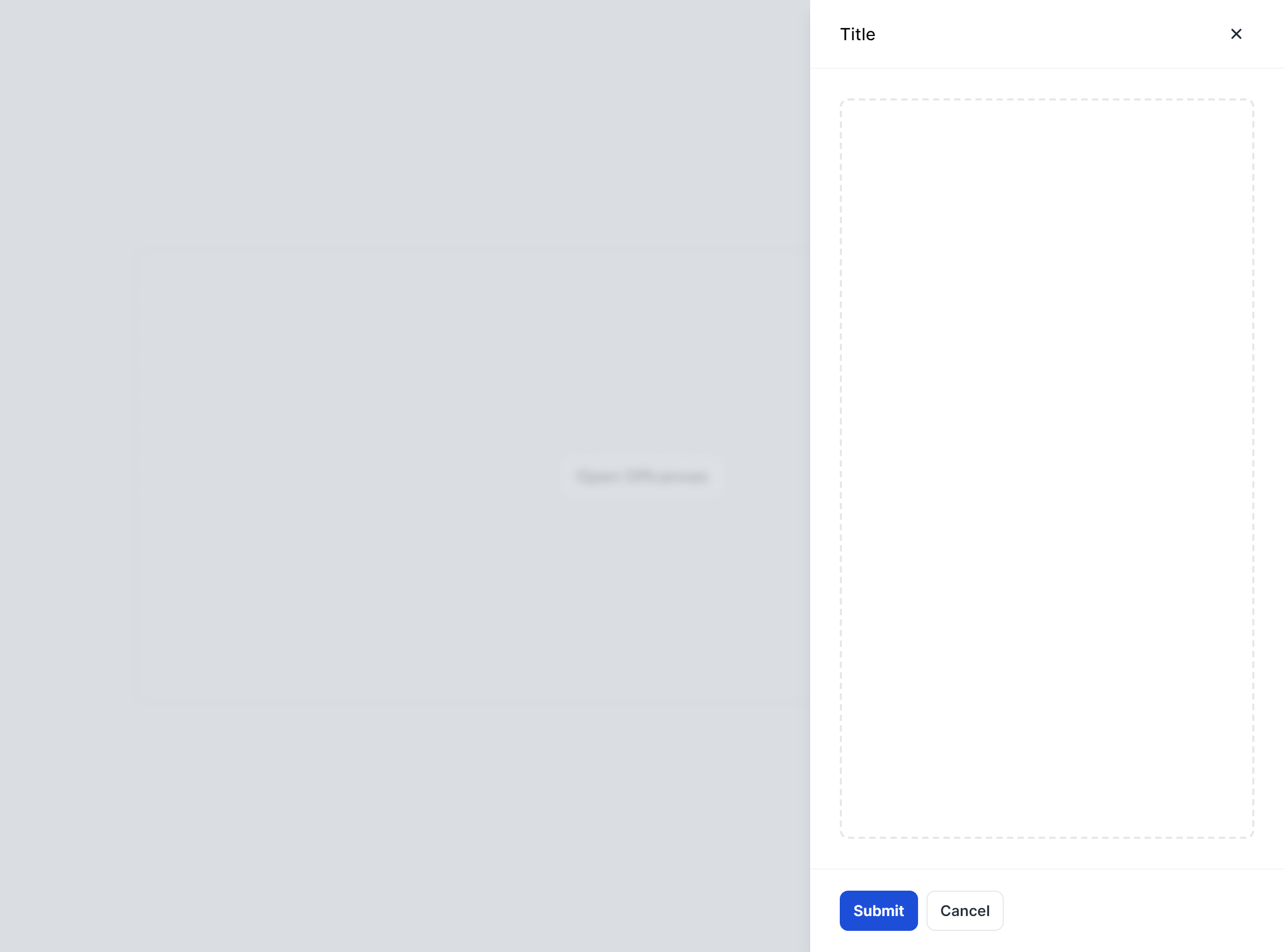
Wide
Fully responsive design
Supports dark mode
HTML code snippet
React code snippet
Vue.js code snippet
Alpine.js code snippet
JS required
Screenshot
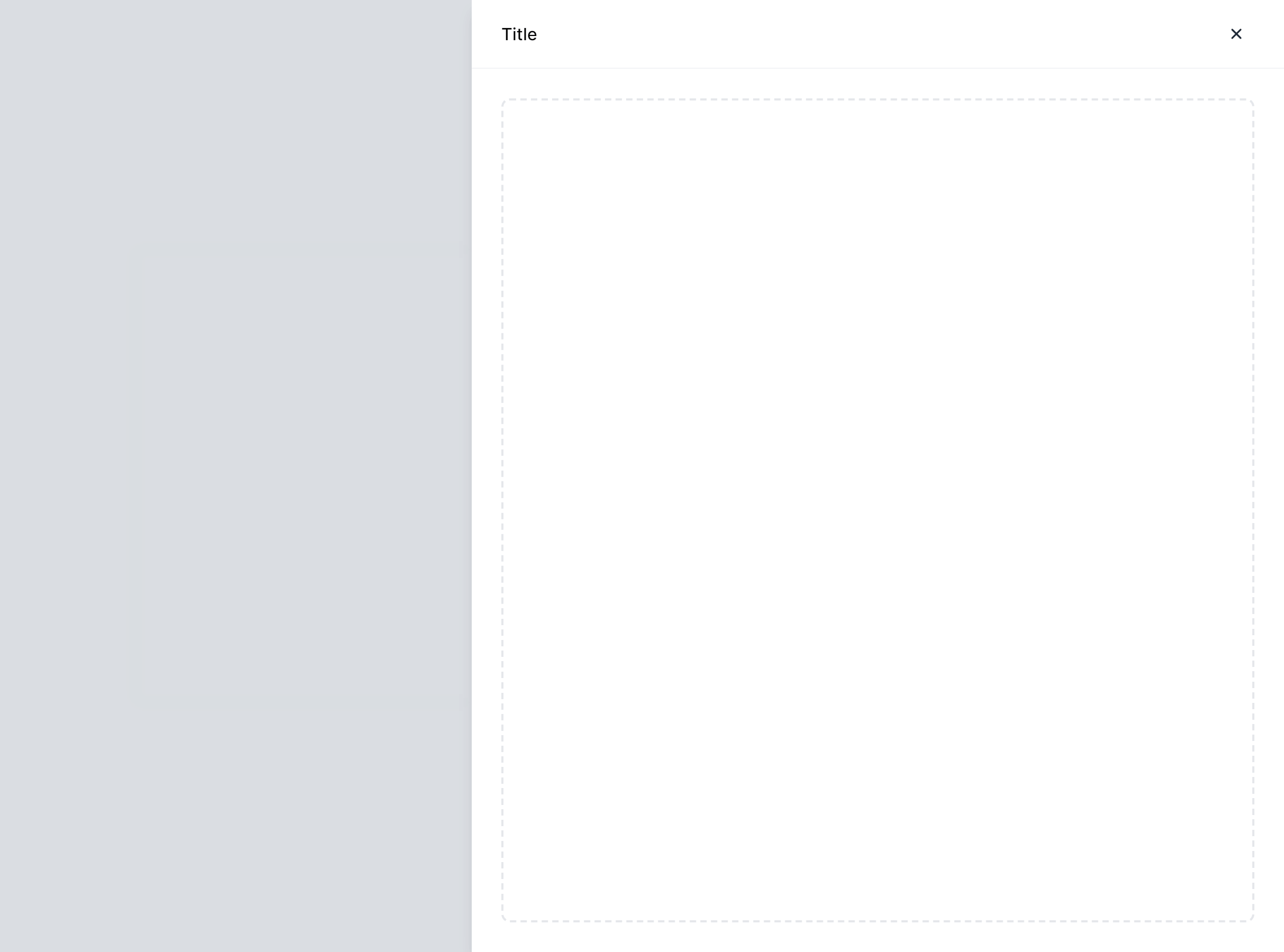
Left Placement
Fully responsive design
Supports dark mode
HTML code snippet
React code snippet
Vue.js code snippet
Alpine.js code snippet
JS required
Screenshot
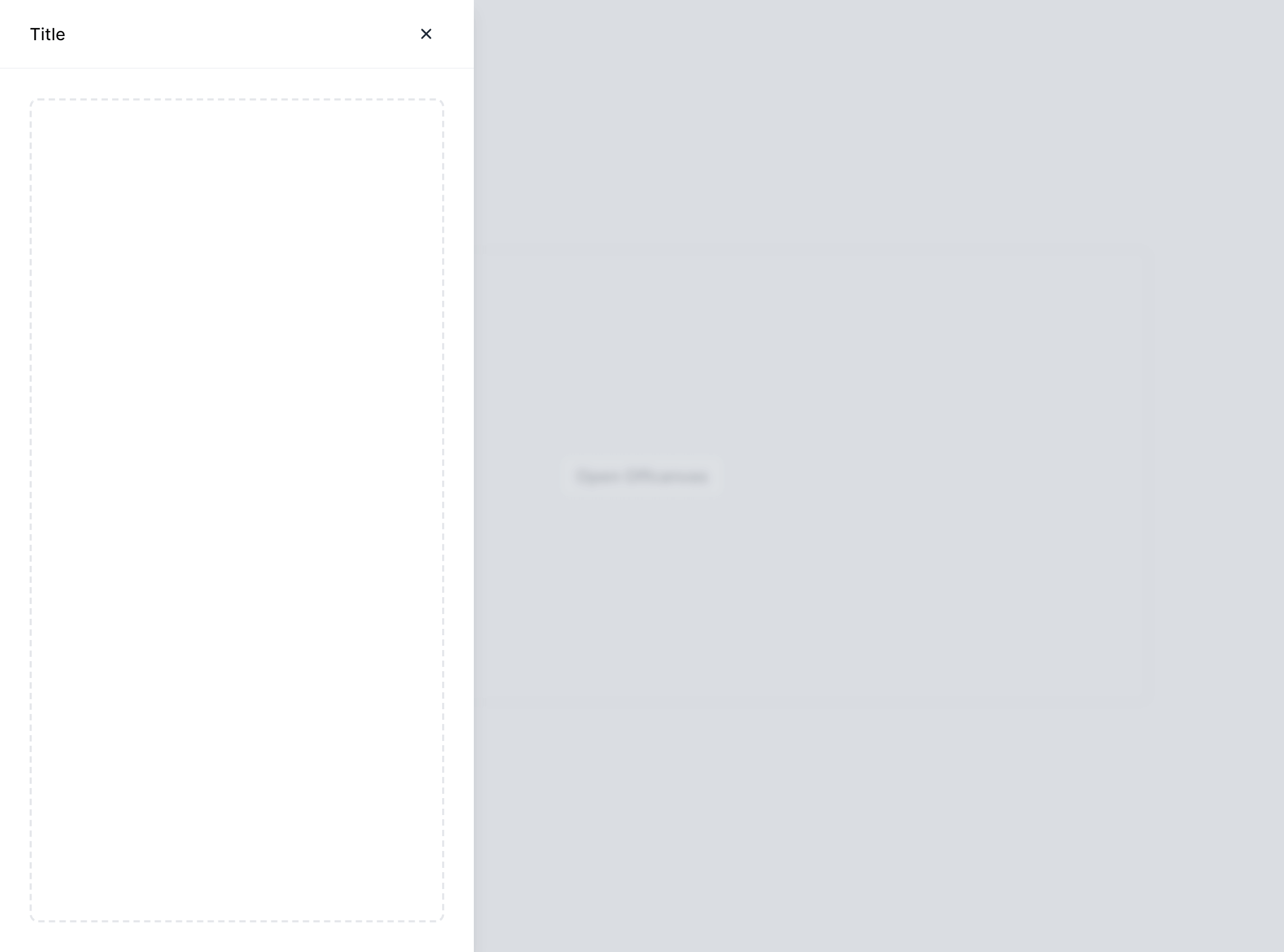
Top Placement
Fully responsive design
Supports dark mode
HTML code snippet
React code snippet
Vue.js code snippet
Alpine.js code snippet
JS required
Screenshot
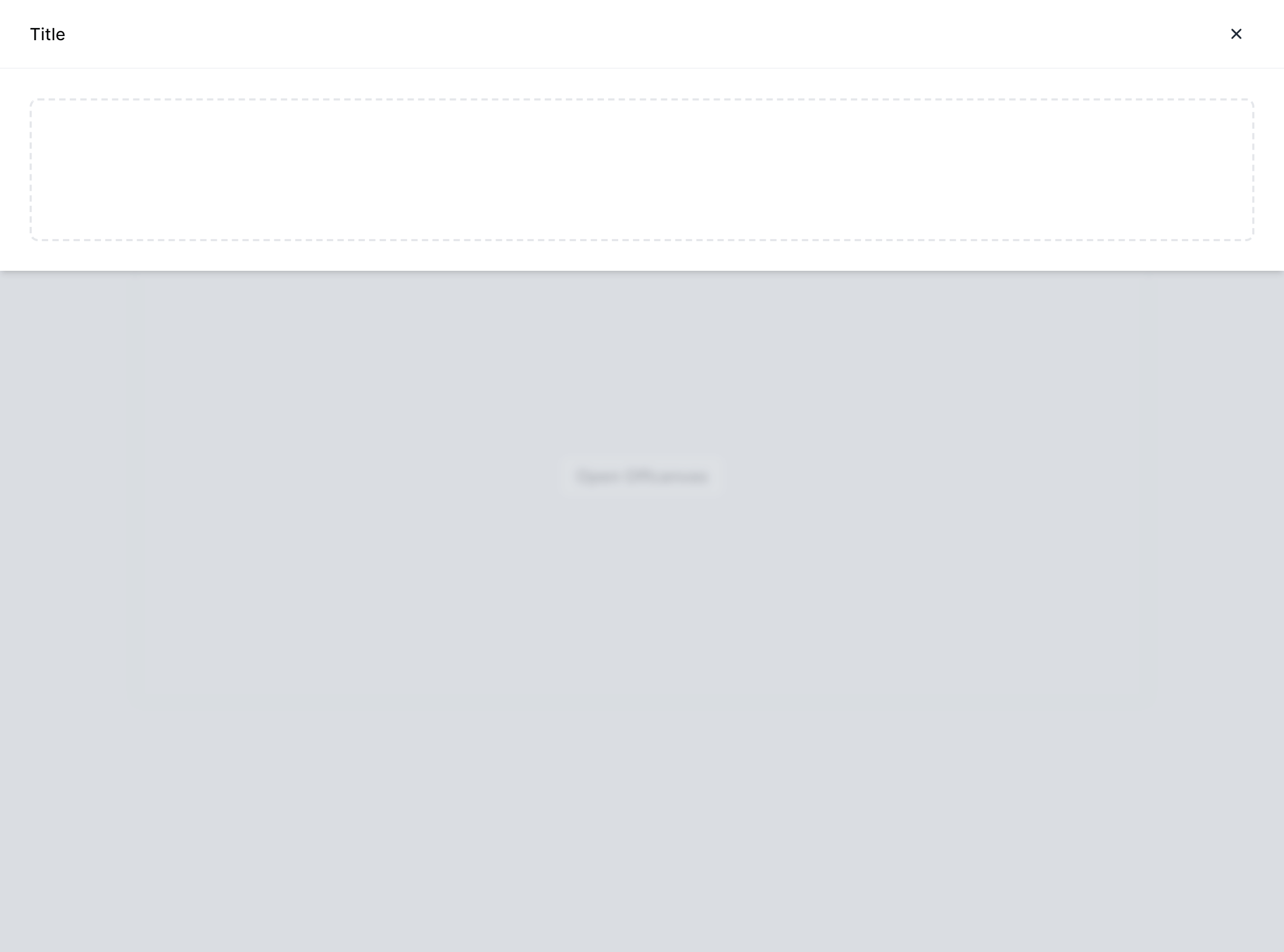
Bottom Placement
Fully responsive design
Supports dark mode
HTML code snippet
React code snippet
Vue.js code snippet
Alpine.js code snippet
JS required
Screenshot
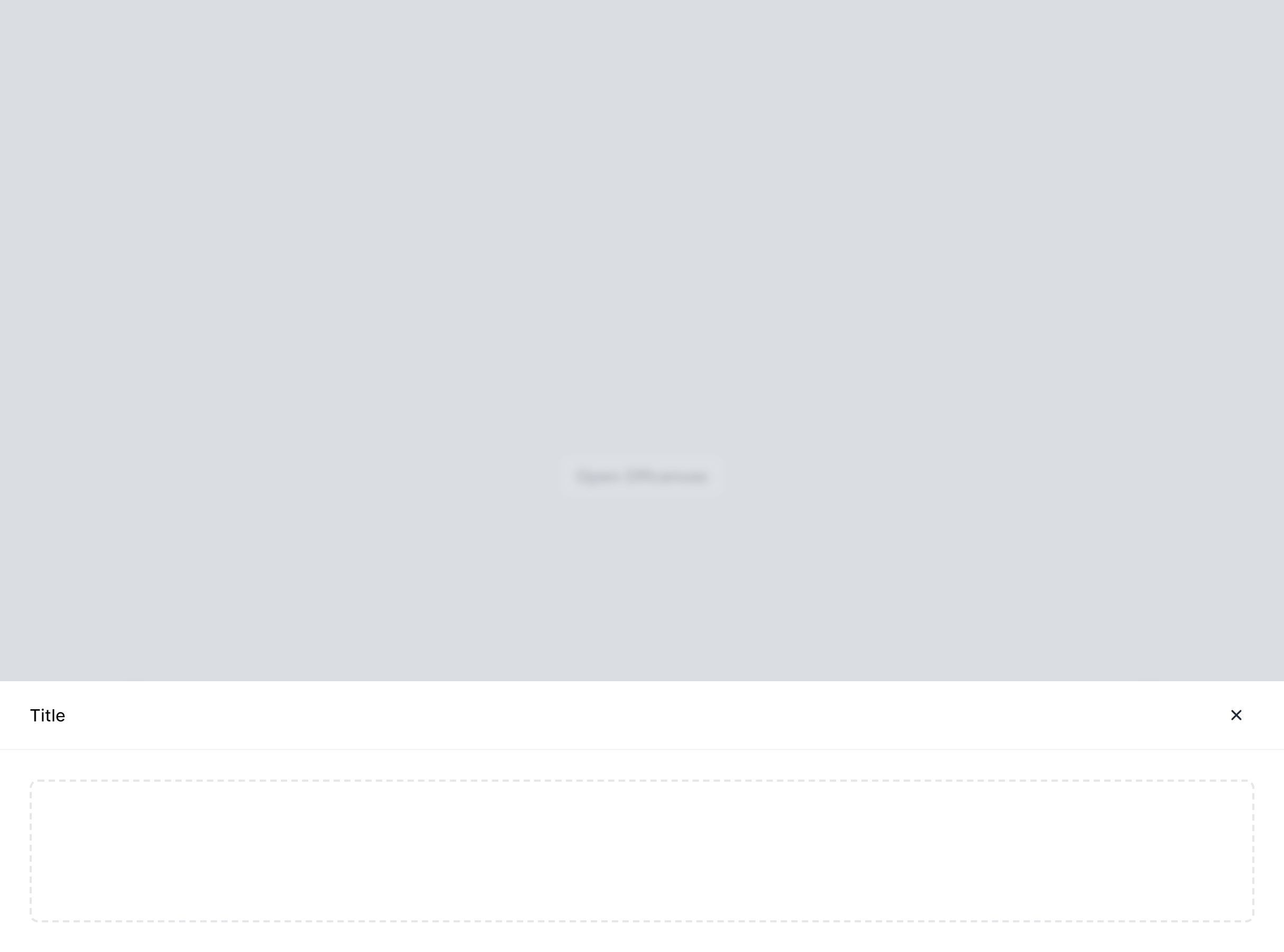
With Form
Fully responsive design
Supports dark mode
Supports color editor
HTML code snippet
React code snippet
Vue.js code snippet
Alpine.js code snippet
JS required
Screenshot
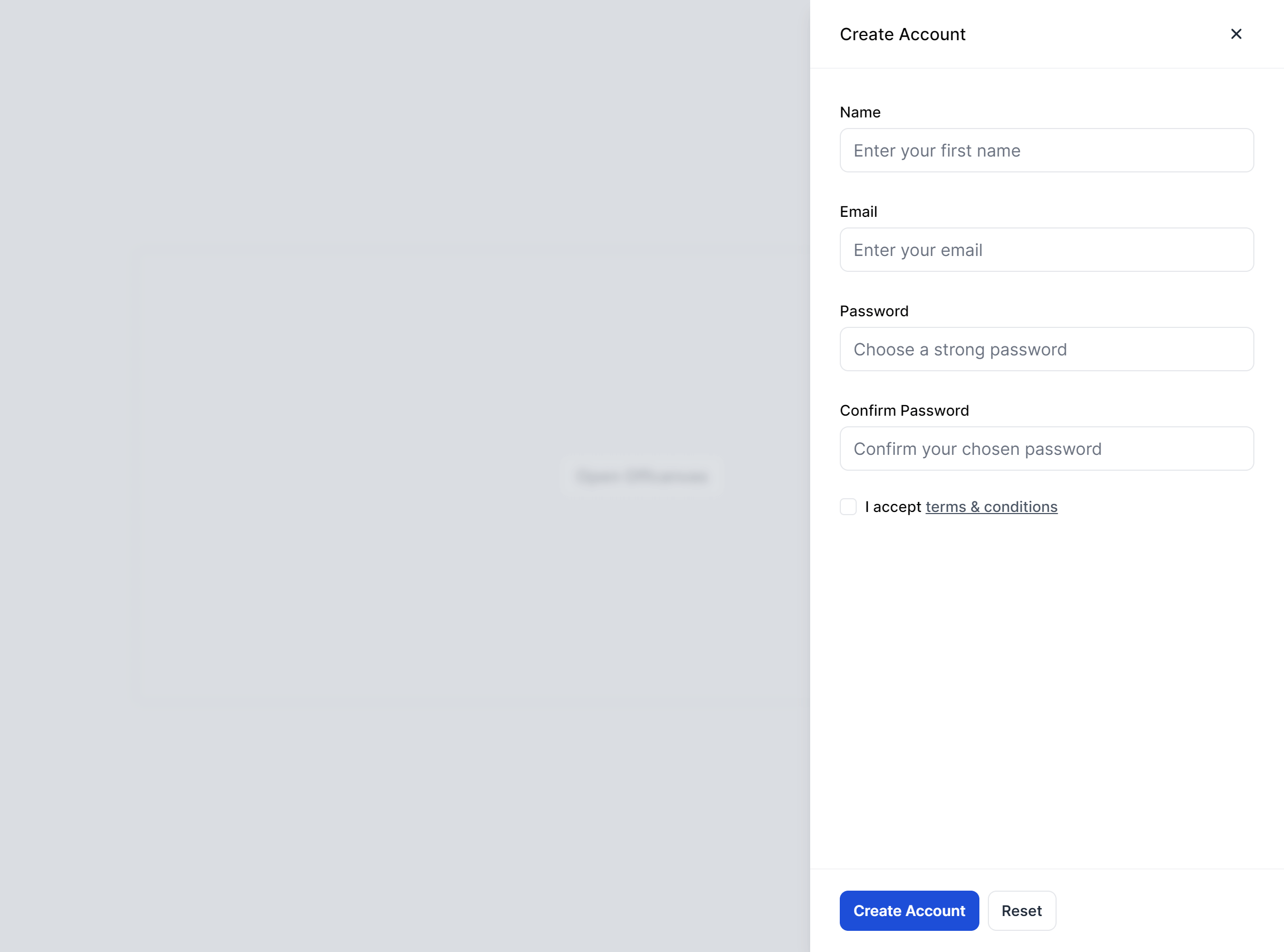
With Radio Group
Fully responsive design
Supports dark mode
Supports color editor
HTML code snippet
React code snippet
Vue.js code snippet
Alpine.js code snippet
JS required
Screenshot
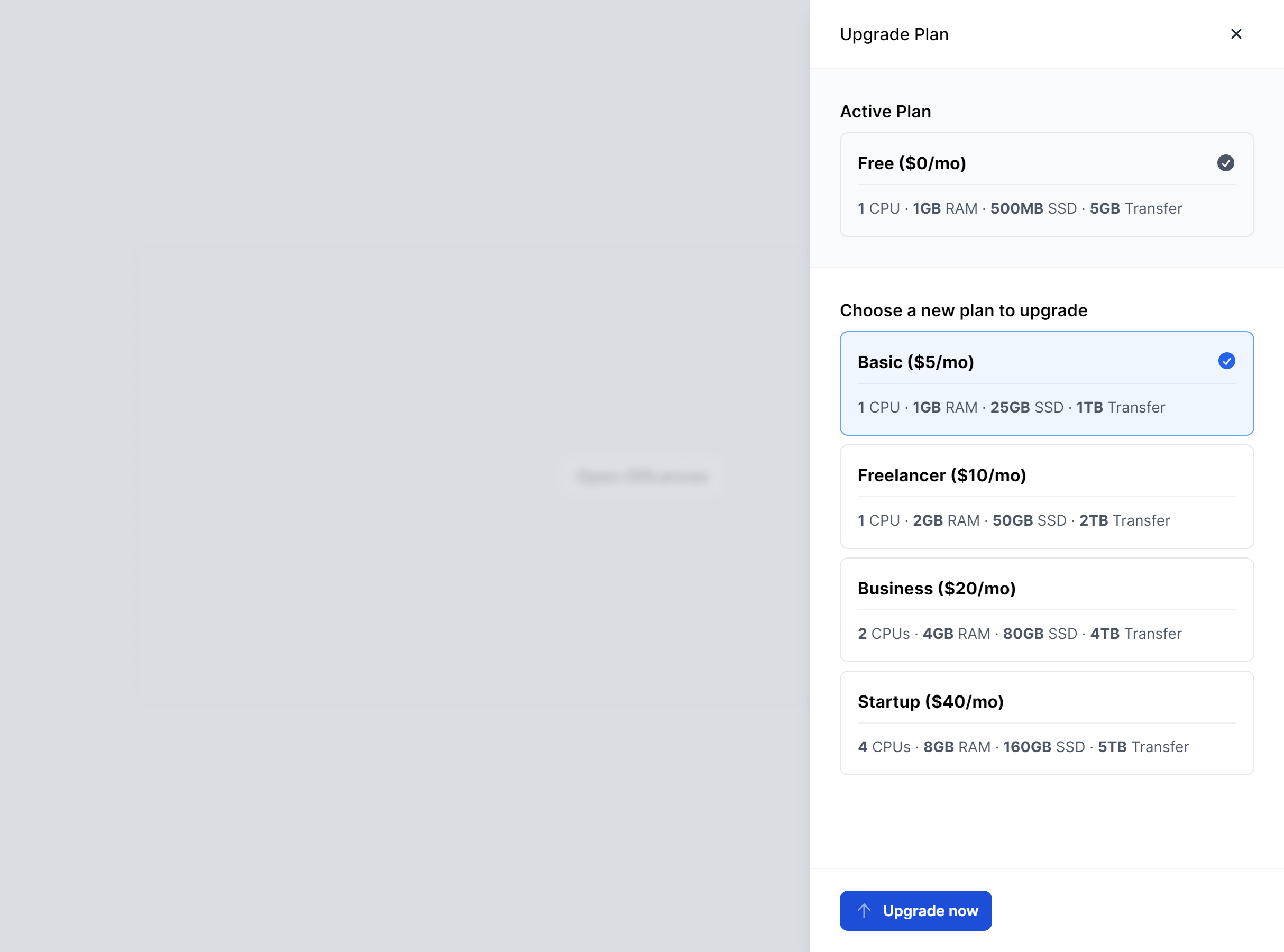
With Contact List
Fully responsive design
Supports dark mode
HTML code snippet
React code snippet
Vue.js code snippet
Alpine.js code snippet
JS required
Screenshot
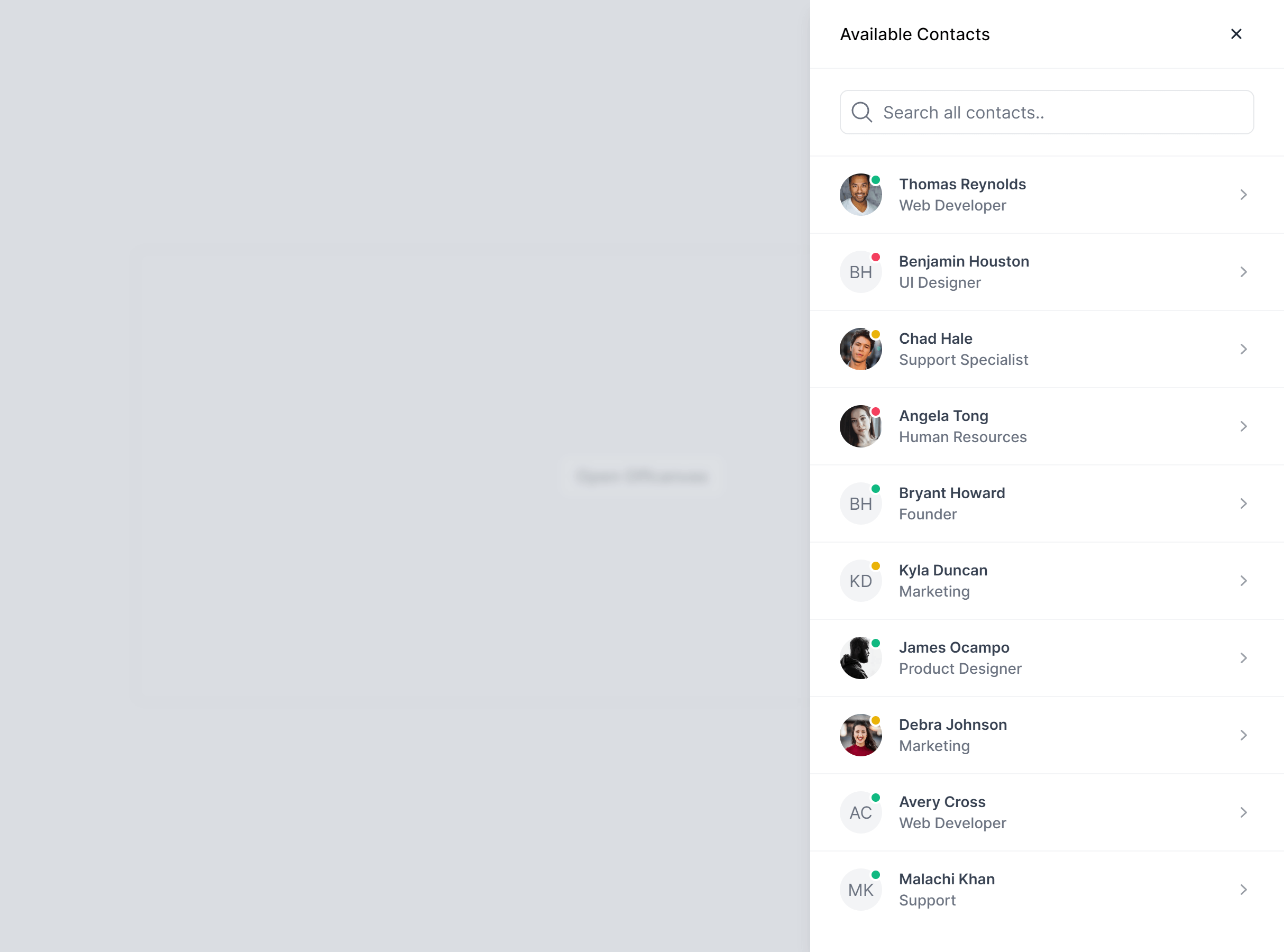
With Notifications
Fully responsive design
Supports dark mode
Supports color editor
HTML code snippet
React code snippet
Vue.js code snippet
Alpine.js code snippet
JS required
Screenshot
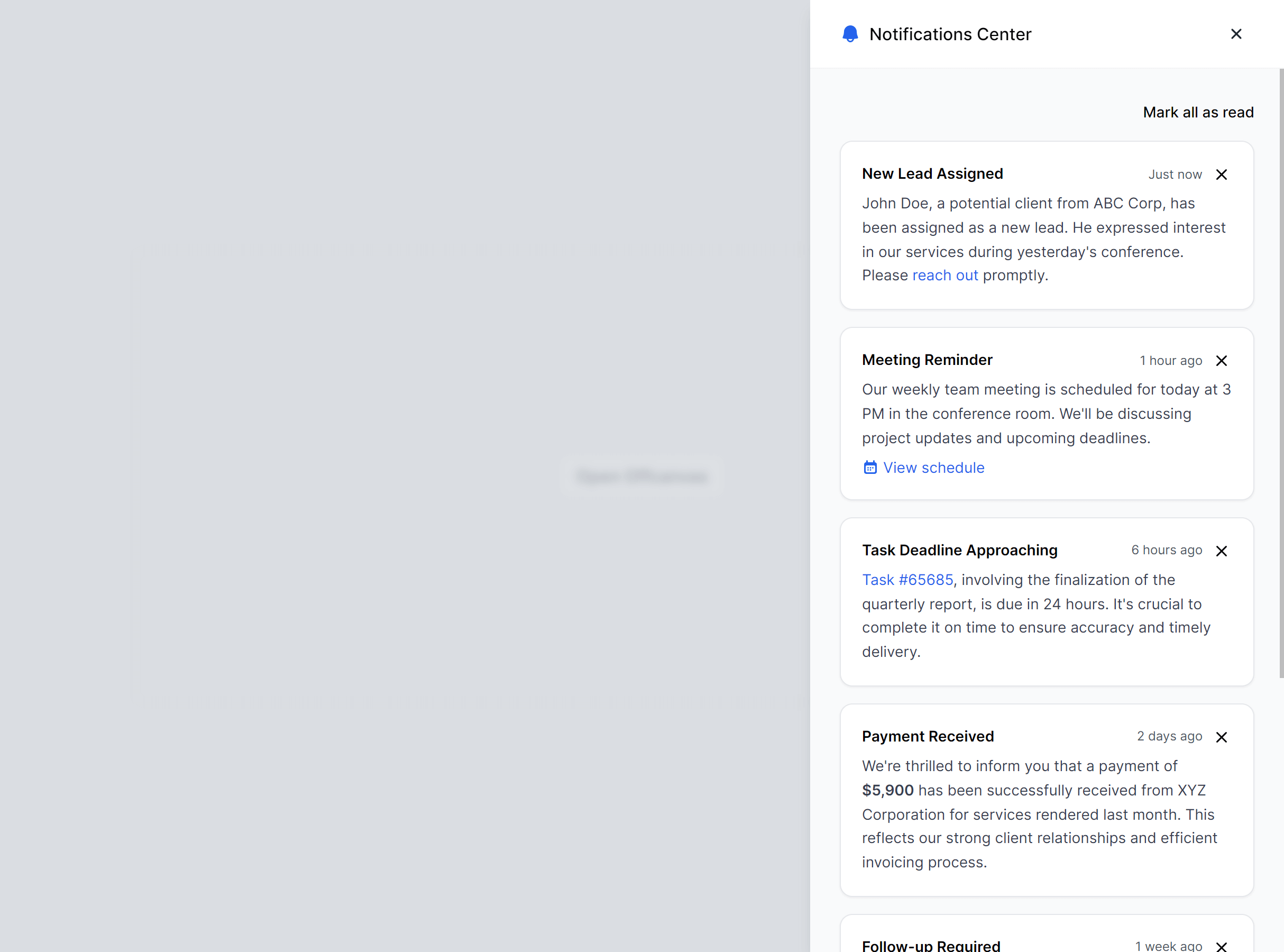
Need more information?
Frequently Asked Questions
Let’s have a better look into Tailwind CSS Offcanvas.
Should I use an offcanvas panel or a modal?
Use offcanvas for content that supplements the current view, like filters, navigation, or a preview pane. Use modals for focused tasks that need a decision before continuing, like confirmations or short forms. Offcanvas panels feel more browsable and less interruptive. Modals demand attention and block everything behind them.

Your AI editor meets Tailkit's MCP
2,000+ handcrafted snippets.
Now in your AI editor.
Build modern web apps and websites with Tailkit's huge collection of Tailwind components, templates and tools. Now available through our MCP Server.