v5.0 launch sale - limited time offer!
Tailwind CSS Empty States
There are 7 available components in this category, preview them all!
With Message
With Message Alternate
With Actions
With Actions Alternate
With Placeholders
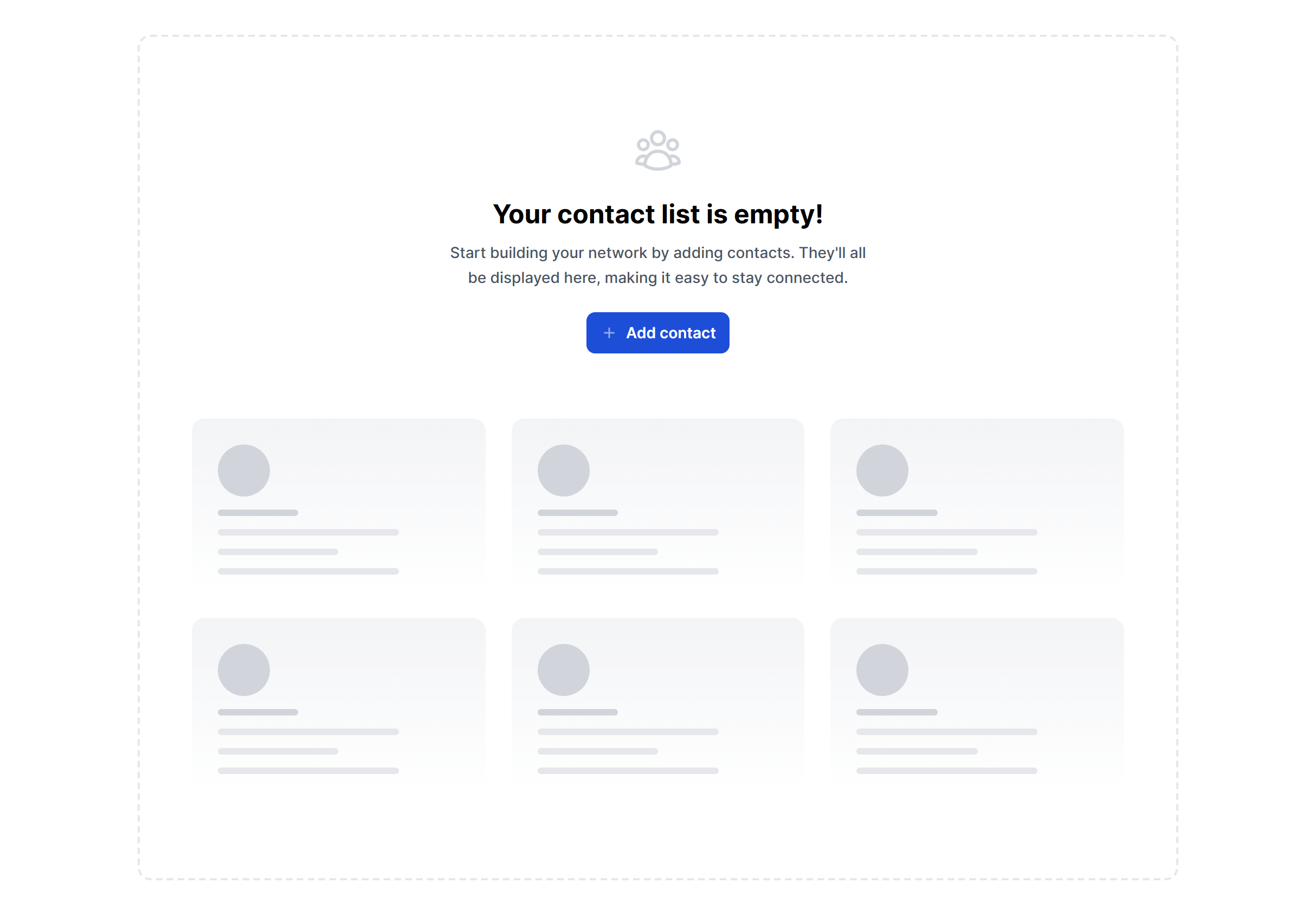
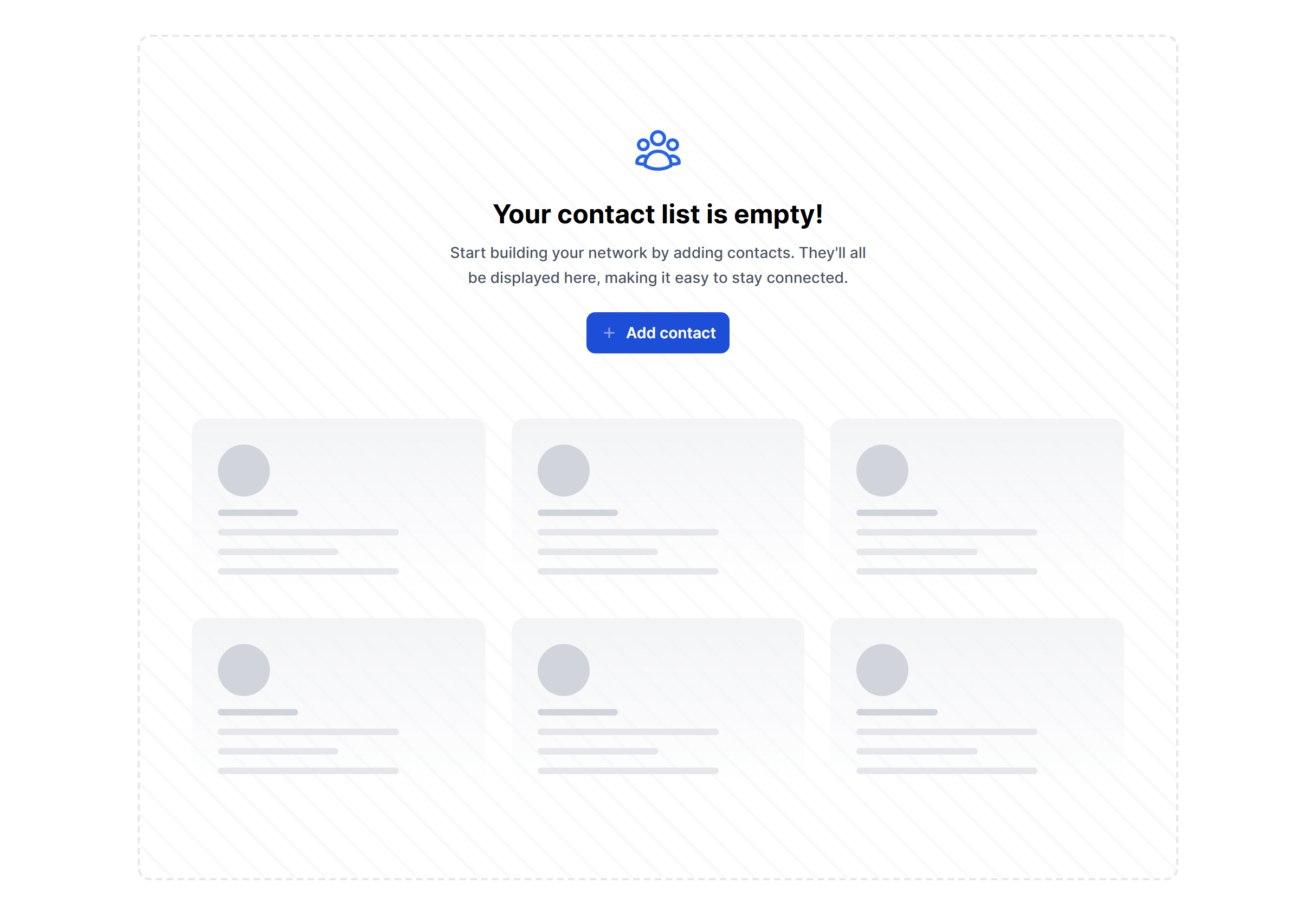
With Placeholders Alternate
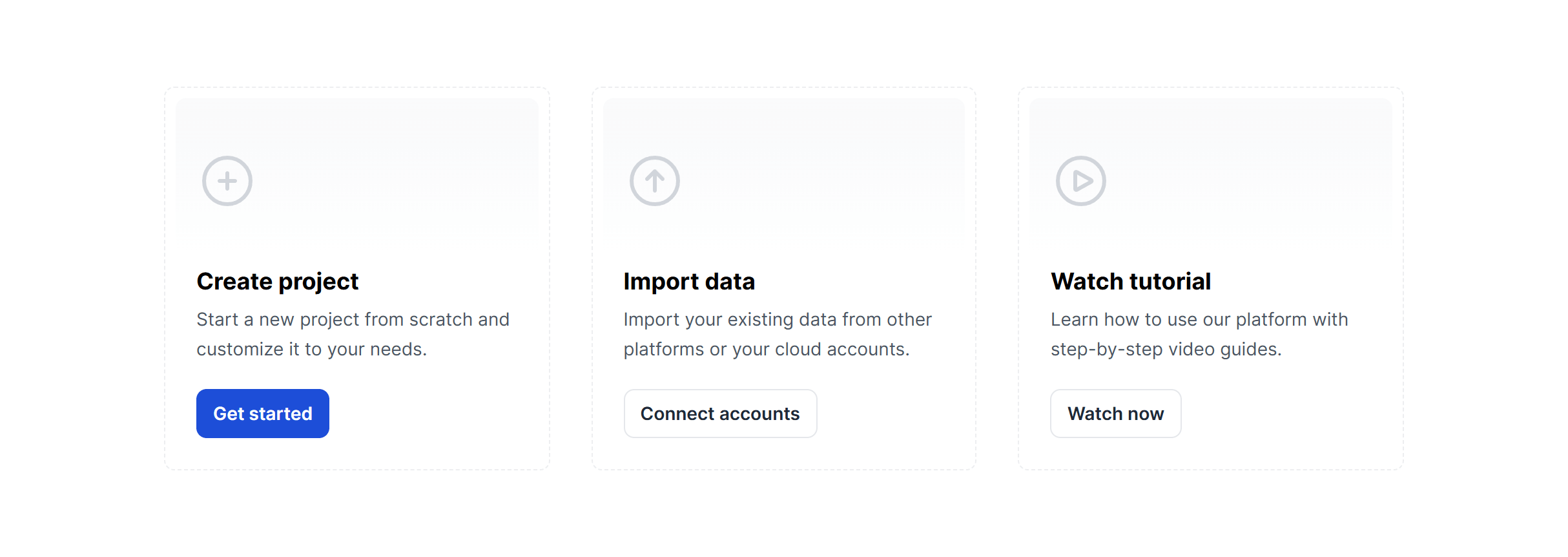
Cards With Actions
Frequently Asked Questions
Let’s have a better look into Tailwind CSS Empty States.
What is the difference between an empty state and a "no results" state?
An empty state means no data exists yet (the user hasn't created anything). A "no results" state means data exists but doesn't match the current filters or search. The messaging should differ accordingly. For empty states, encourage creation ("Create your first project"). For no results, suggest adjustments ("Try broadening your search or clearing some filters"). Mixing up these two contexts confuses users.
Should empty states include illustrations?
Illustrations help soften the experience and make blank sections feel intentional rather than broken. They work especially well for first-time onboarding moments. For "no results" states after a search or filter, a simpler icon-based treatment often feels more appropriate since the user is actively trying to find something and a large illustration can feel like it's in the way.

2,000+ handcrafted snippets.
Now in your AI editor.
Build modern web apps and websites with Tailkit's huge collection of Tailwind components, templates and tools. Now available through our MCP Server.