Tailwind CSS FAQ
There are 8 available components in this category, preview them all!
Simple
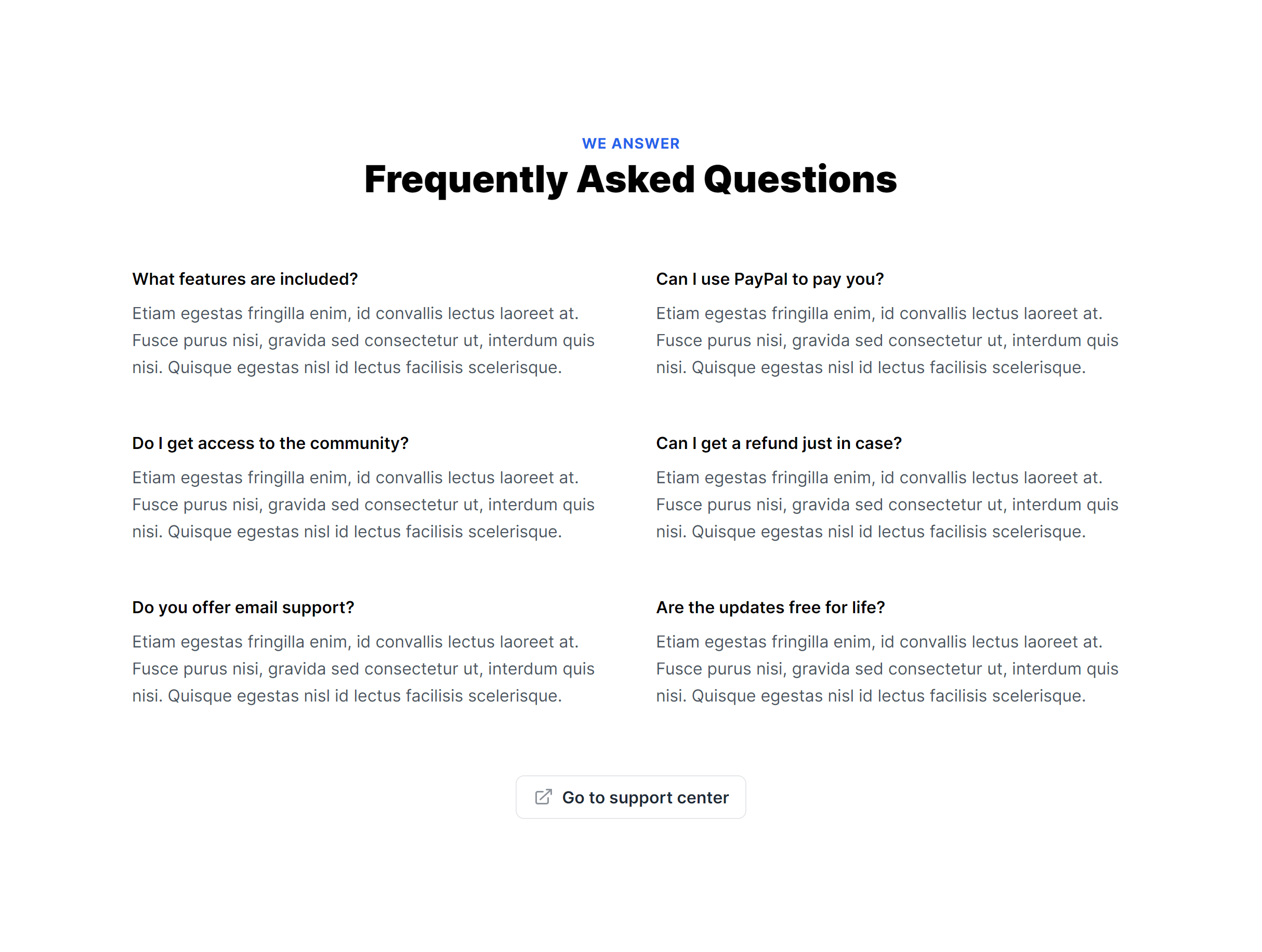
To The Side
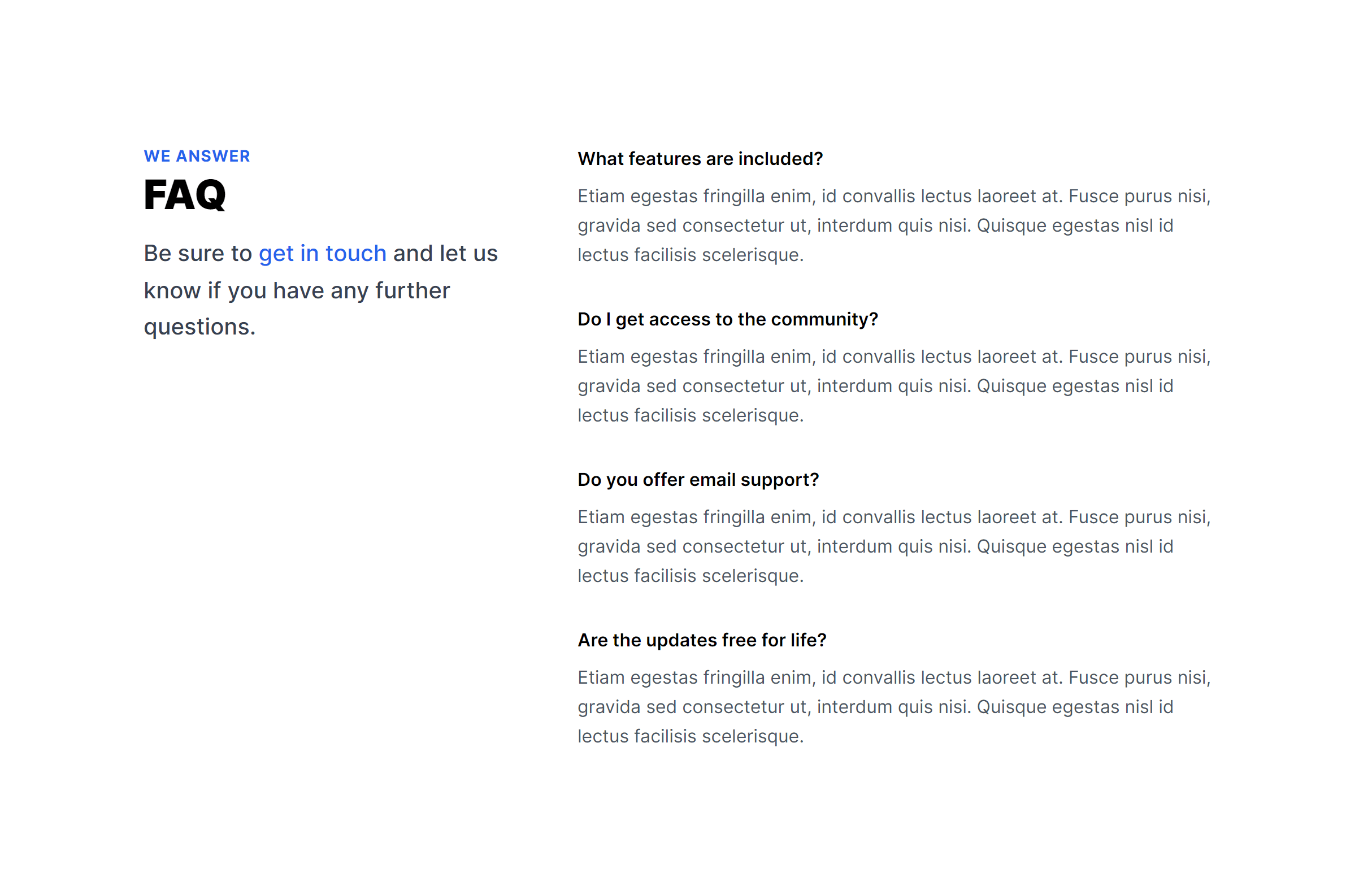
With Tabs
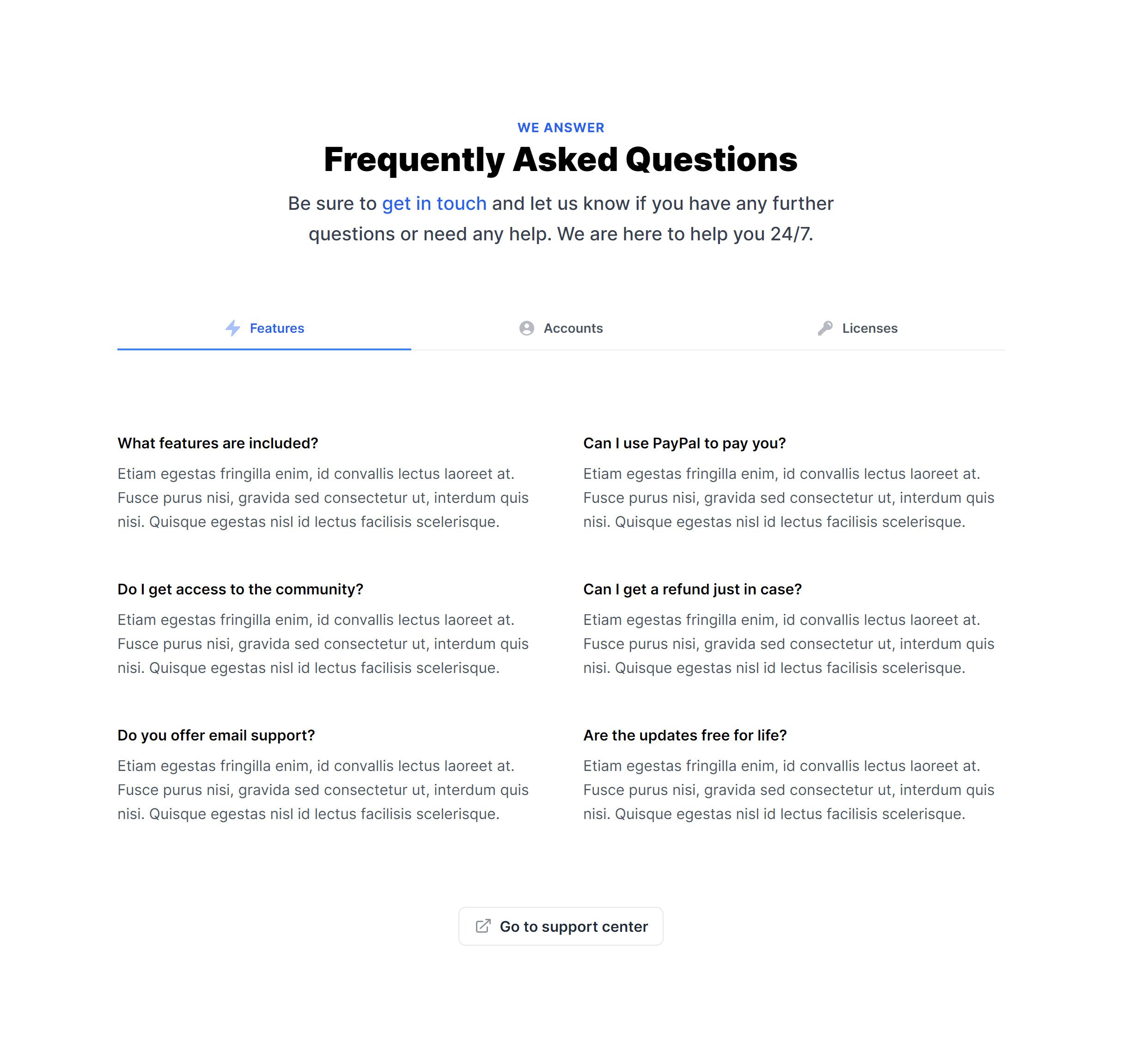
In Grid
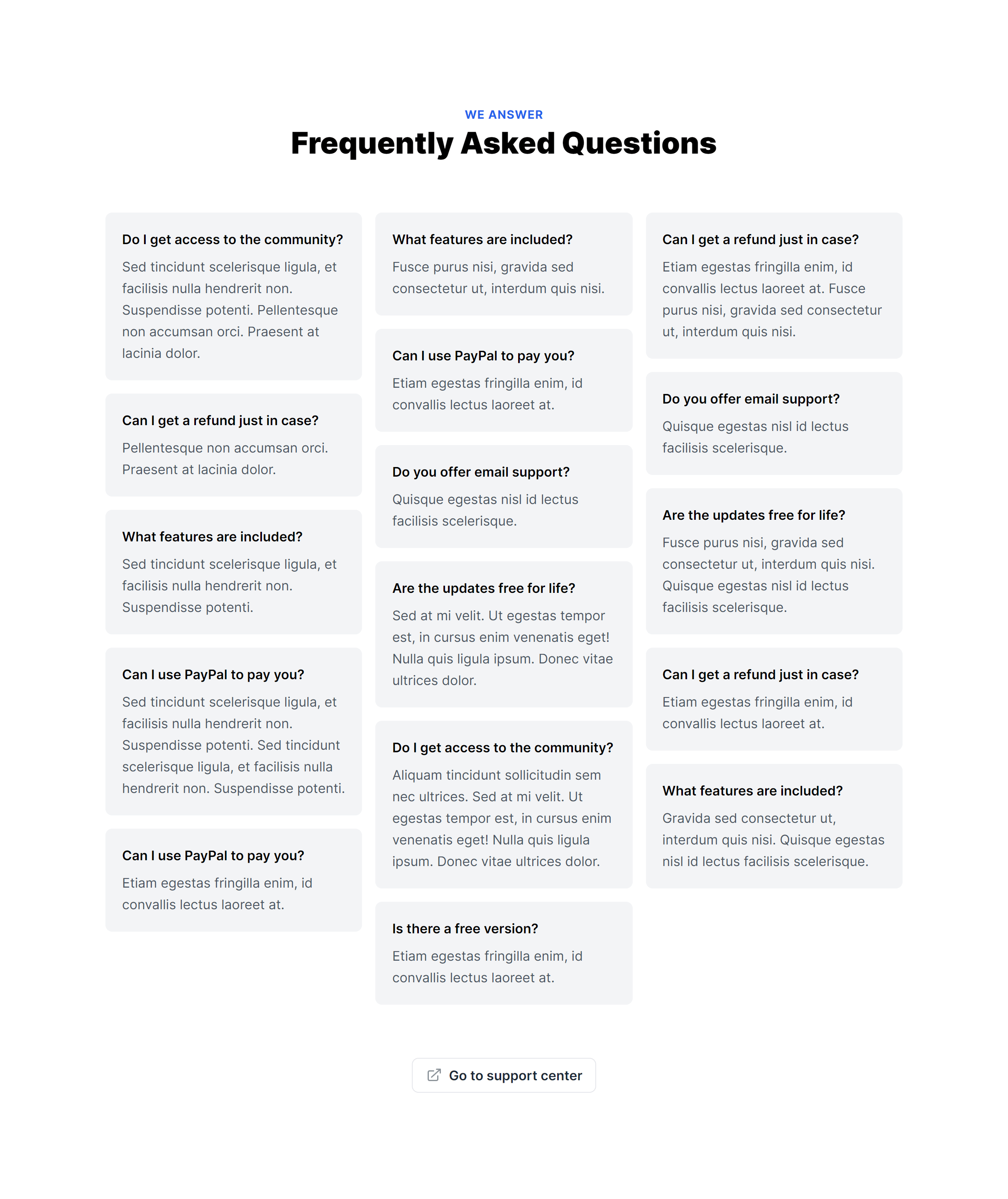
Toggleable
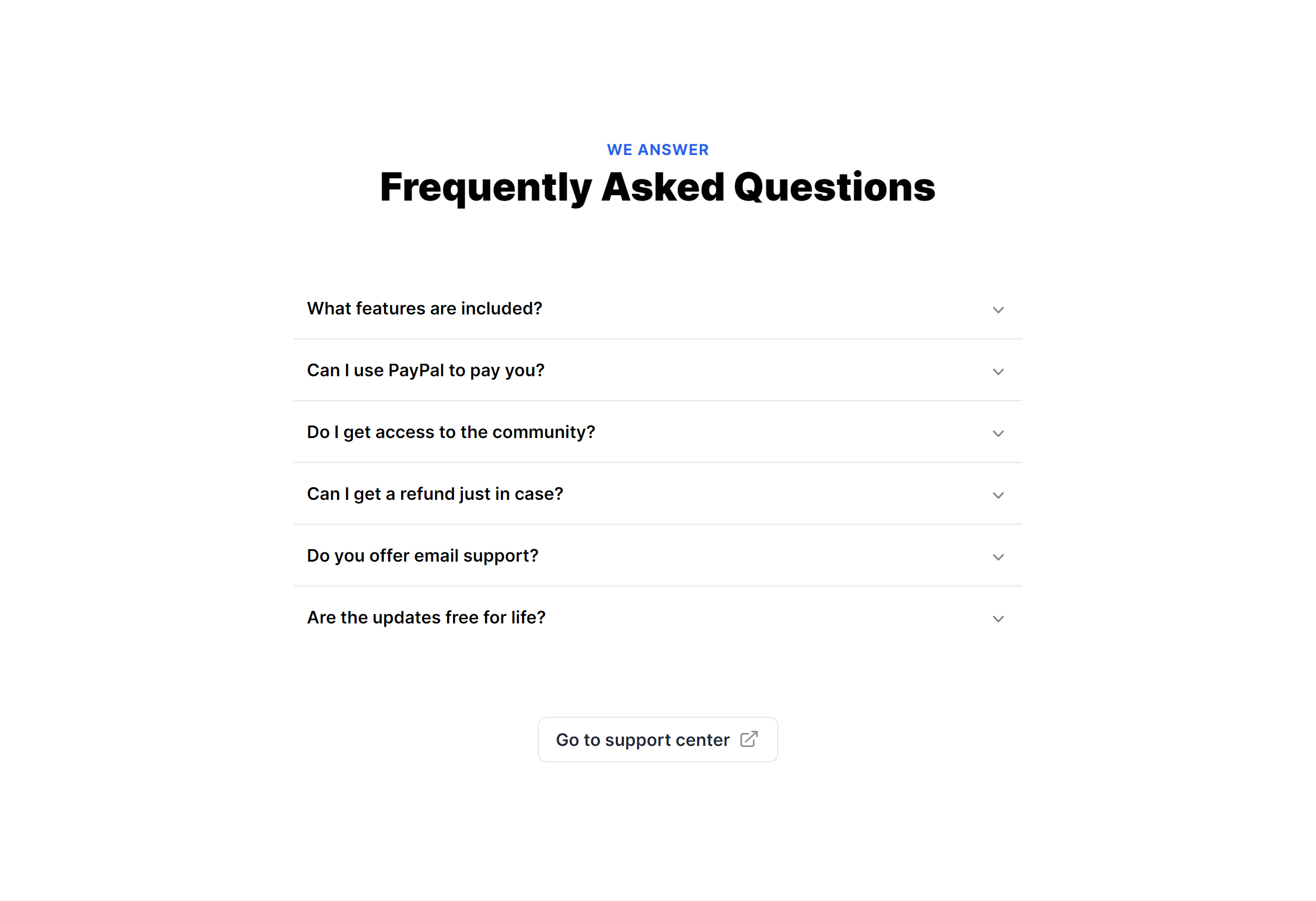
Toggleable Alternate
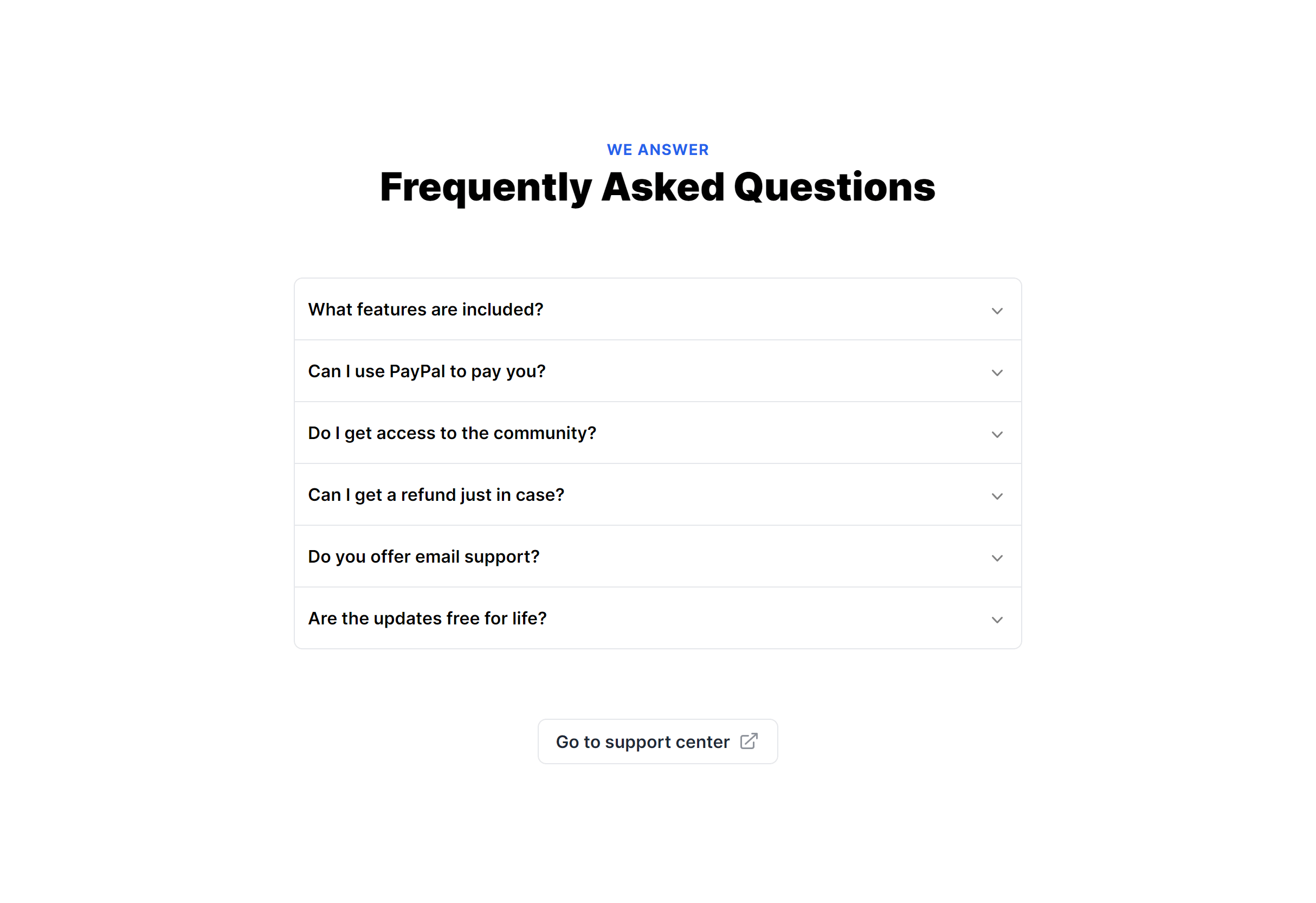
Exclusive Toggleable
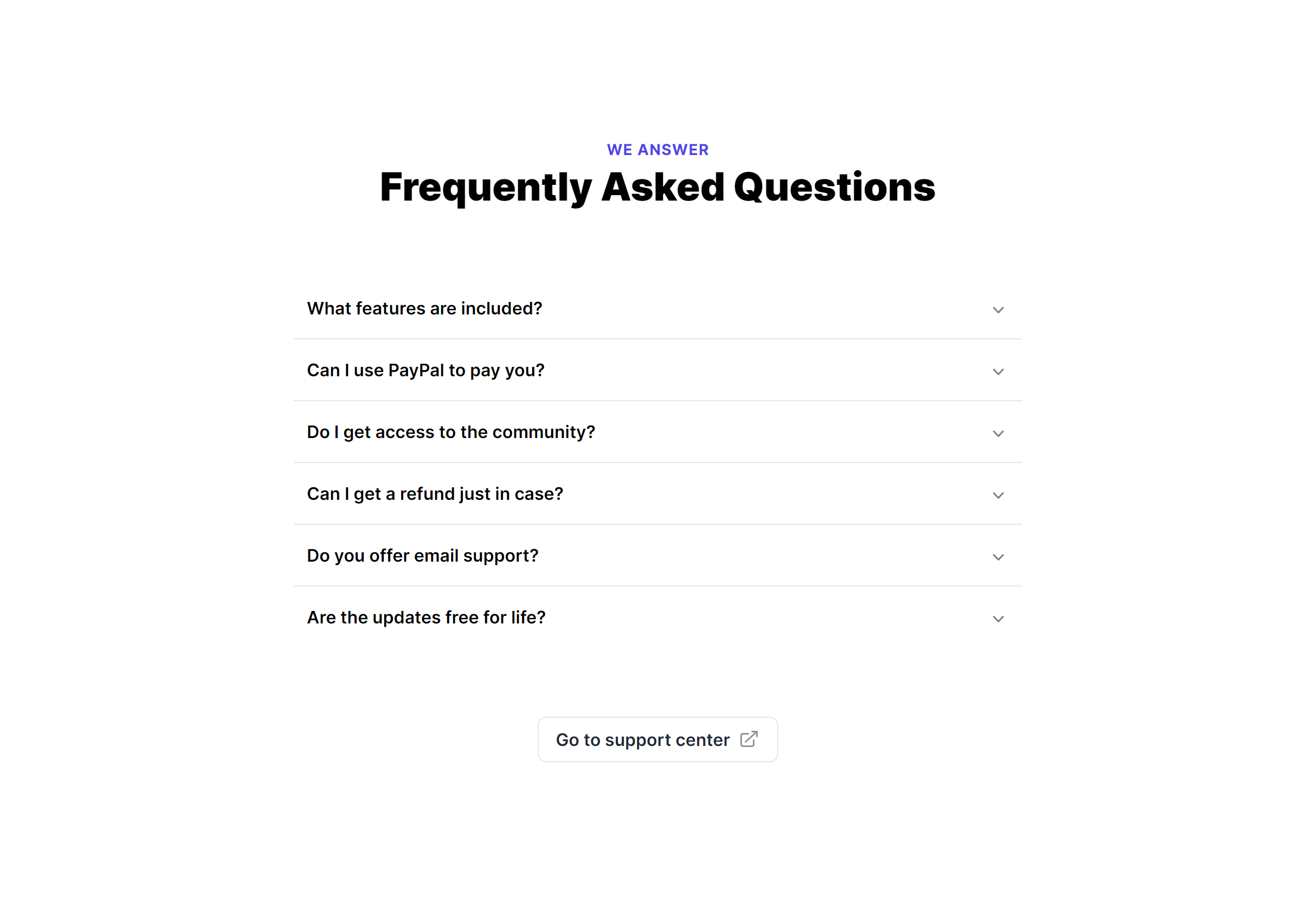
Exclusive Toggleable Alternate
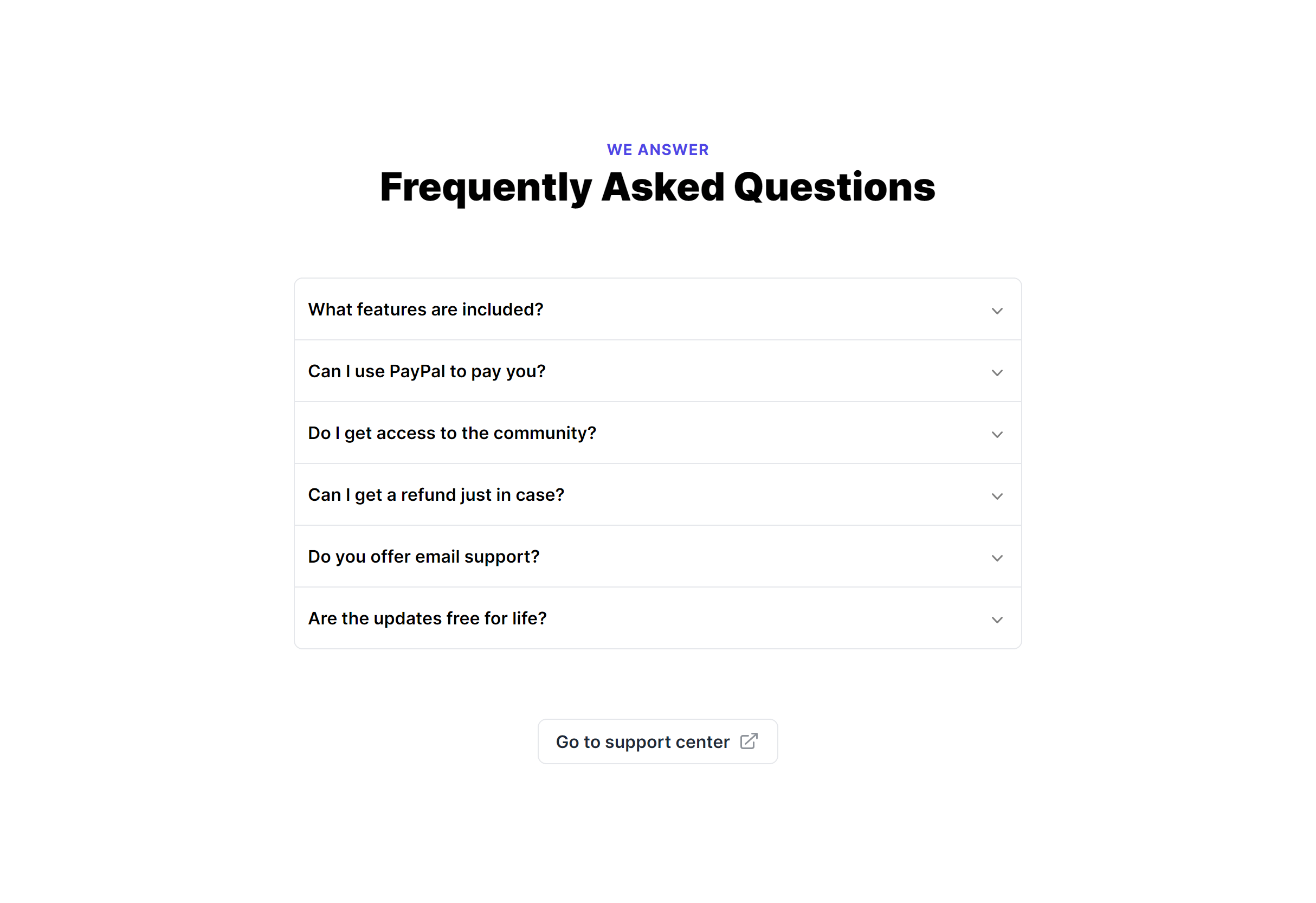
Frequently Asked Questions
Let’s have a better look into Tailwind CSS FAQ.
How do accordion-style FAQs work?
Each question acts as a toggle button. Clicking it expands the answer below and optionally collapses other open answers. In React and Vue, component state tracks the active question index. In Alpine.js, x-show handles visibility. For plain HTML, toggle the hidden class on the answer container with a click listener.
How many FAQ items should I include?
Five to ten questions is a good starting range for most products. Cover the common pre-sale questions: pricing, how it works, what's included, refund policies, and technical requirements. If you have more than fifteen, group them by category or link to a dedicated knowledge base to keep the section manageable.

2,000+ handcrafted snippets.
Now in your AI editor.
Build modern web apps and websites with Tailkit's huge collection of Tailwind components, templates and tools. Now available through our MCP Server.