v5.0 launch sale - limited time offer!
Tailwind CSS Modals
There are 4 available components in this category, preview them all!
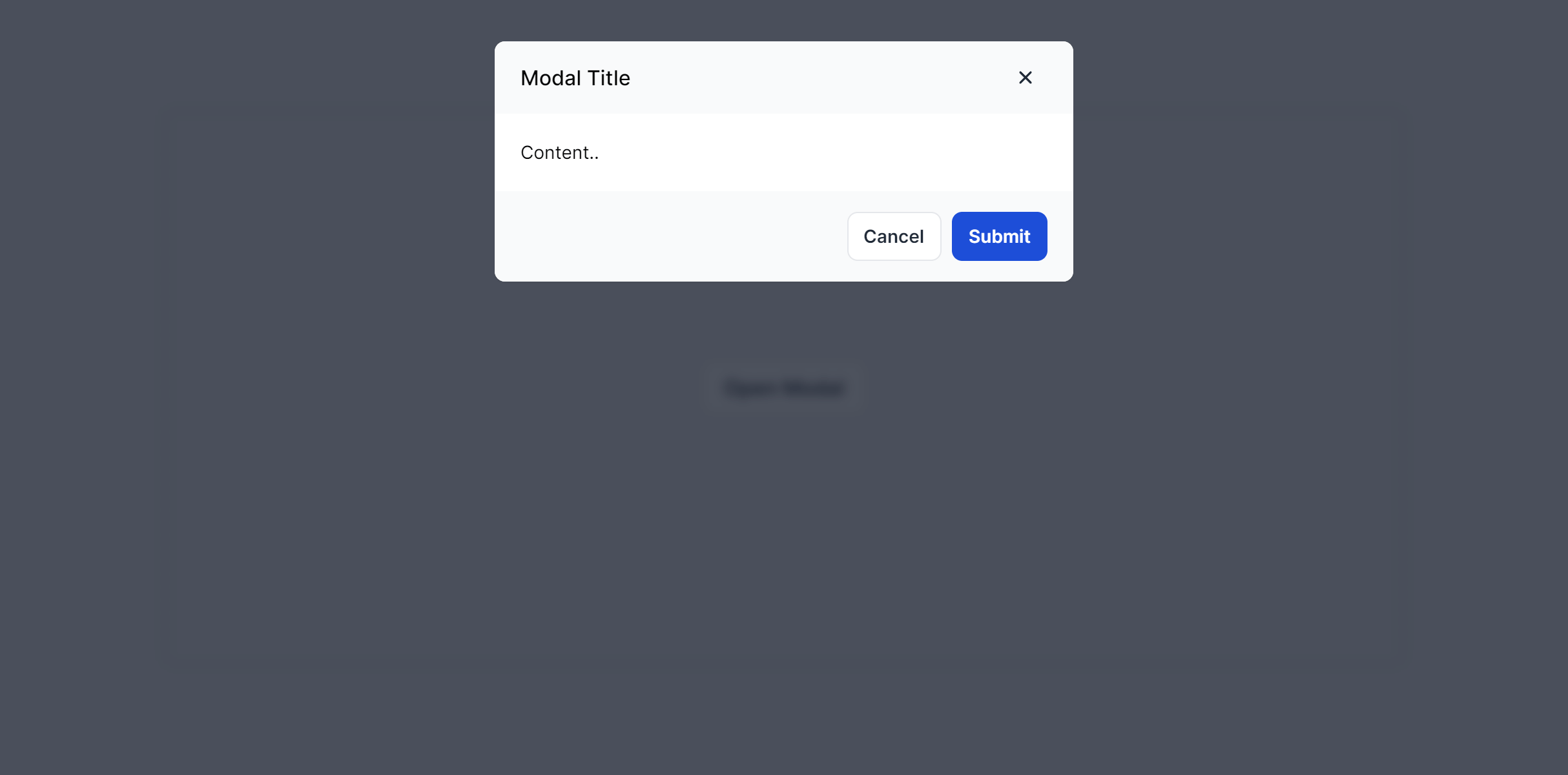
Default
Fully responsive design
Supports dark mode
Supports color editor
HTML code snippet
React code snippet
Vue.js code snippet
Alpine.js code snippet
JS required
Screenshot
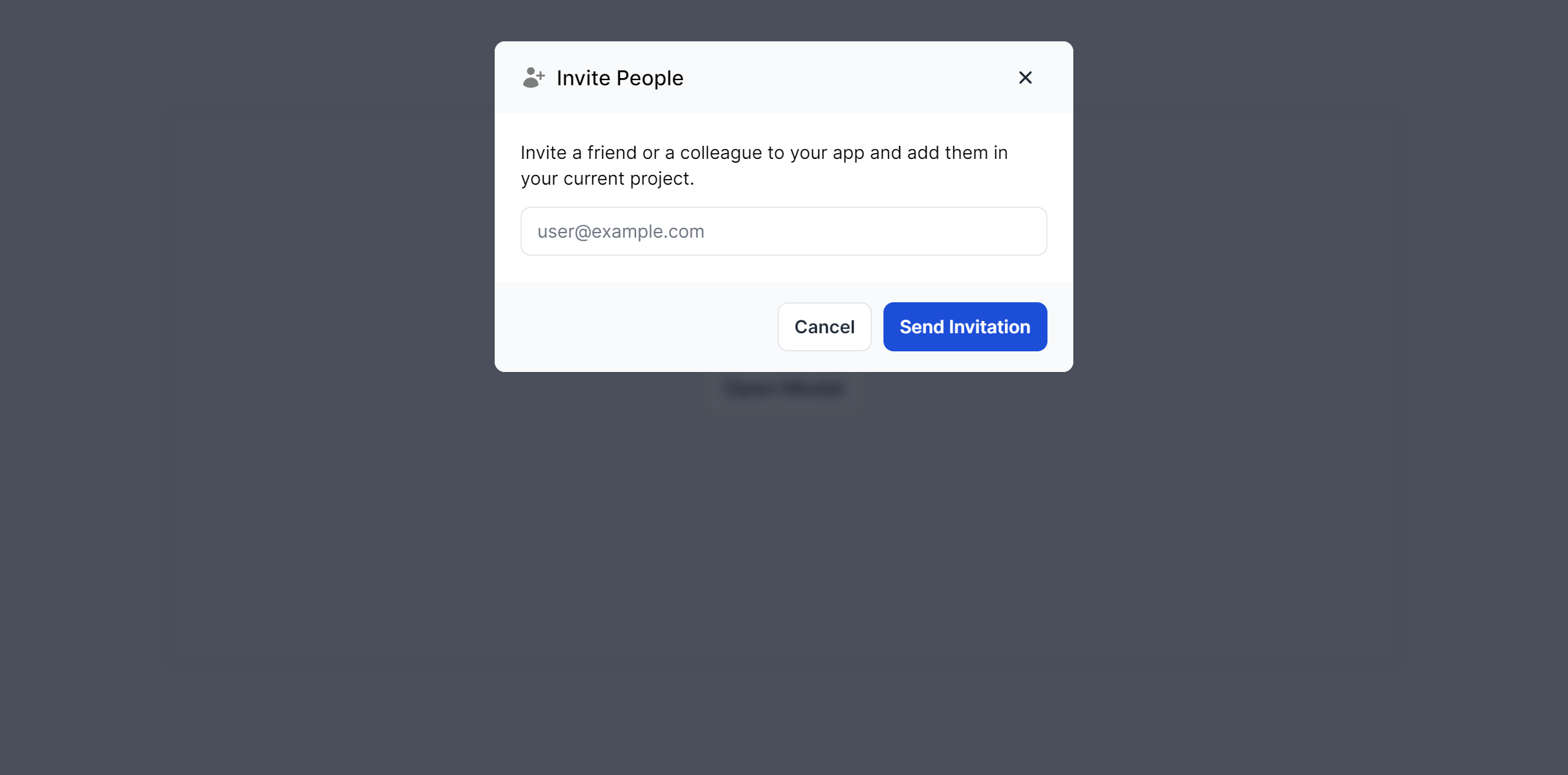
With Form
Fully responsive design
Supports dark mode
Supports color editor
HTML code snippet
React code snippet
Vue.js code snippet
Alpine.js code snippet
JS required
Screenshot
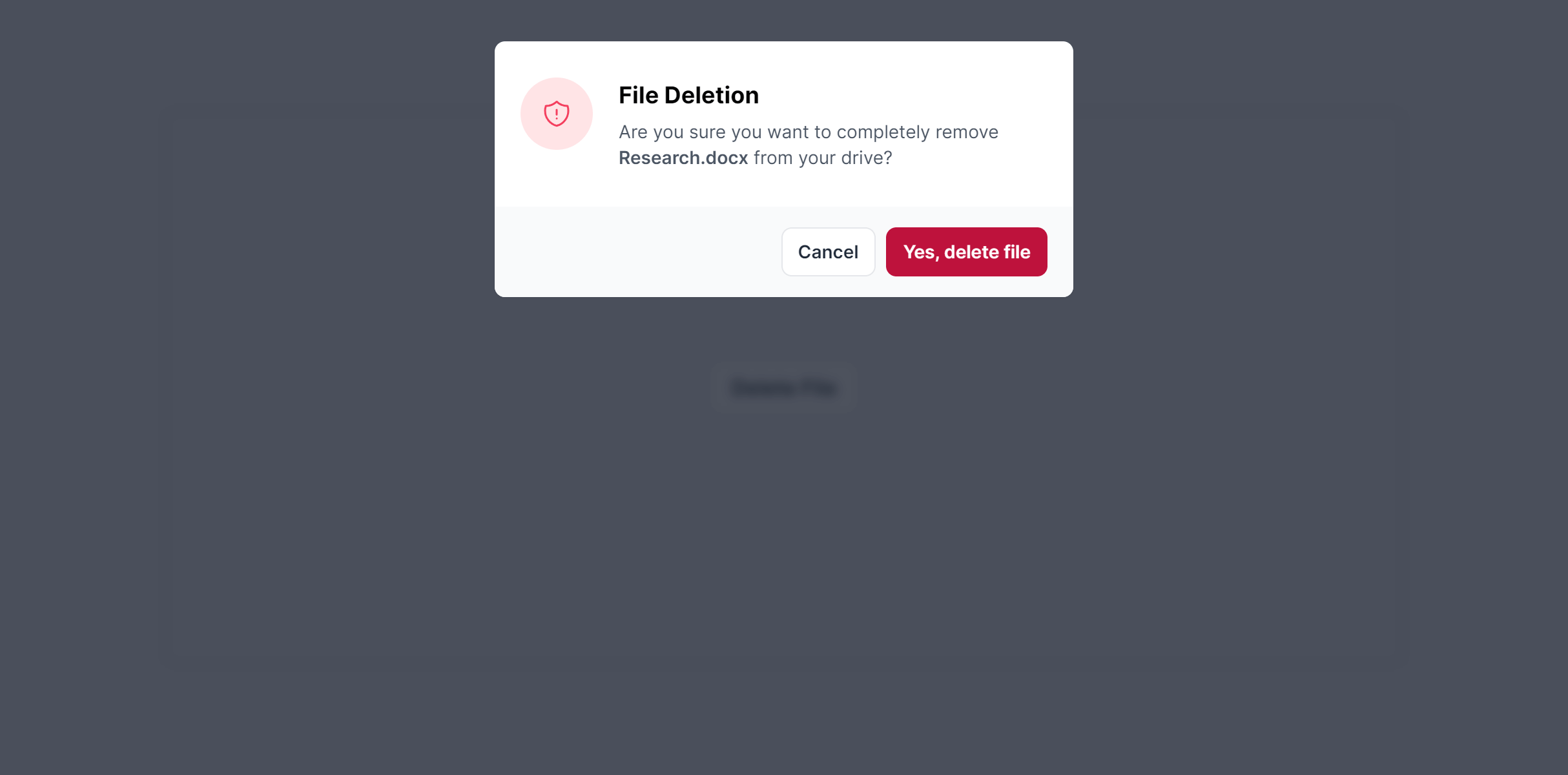
Confirmation
Fully responsive design
Supports dark mode
HTML code snippet
React code snippet
Vue.js code snippet
Alpine.js code snippet
JS required
Screenshot
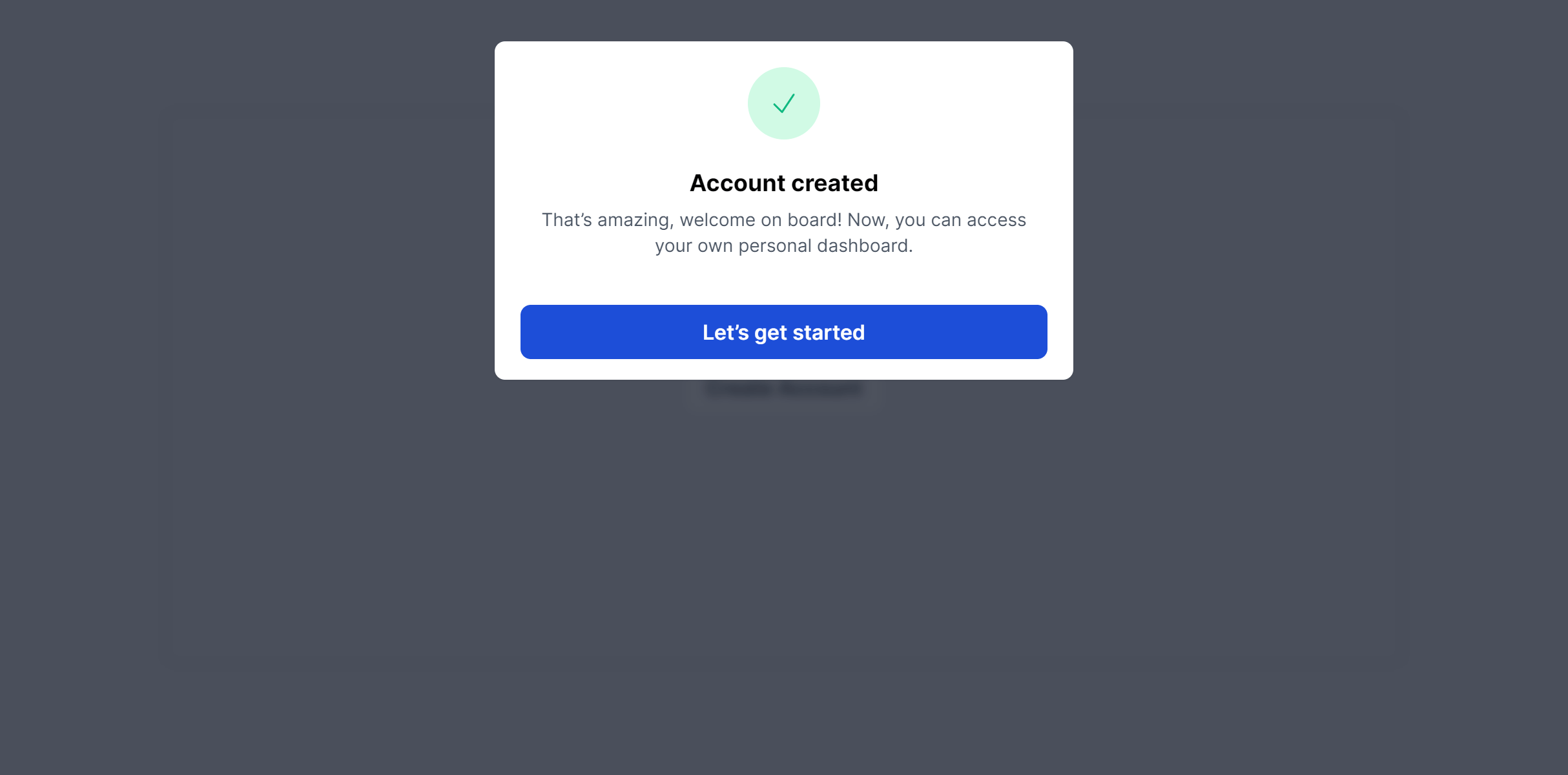
Notification
Fully responsive design
Supports dark mode
Supports color editor
HTML code snippet
React code snippet
Vue.js code snippet
Alpine.js code snippet
JS required
Screenshot
Need more information?
Frequently Asked Questions
Let’s have a better look into Tailwind CSS Modals.
How do I prevent accidental dismissal when a modal contains a form?
Remove the click handler from the backdrop element so clicking outside the modal has no effect. This is common for modals where losing form input would frustrate users. Always pair this with a visible close button or cancel action so people aren't stuck.

Start your project today
2,000+ handcrafted snippets.
Now in your AI editor.
Build modern web apps and websites with Tailkit's huge collection of Tailwind components, templates and tools. Now available through our MCP Server.