v5.0 launch sale - limited time offer!
Tailwind CSS Sign In
There are 6 available components in this category, preview them all!
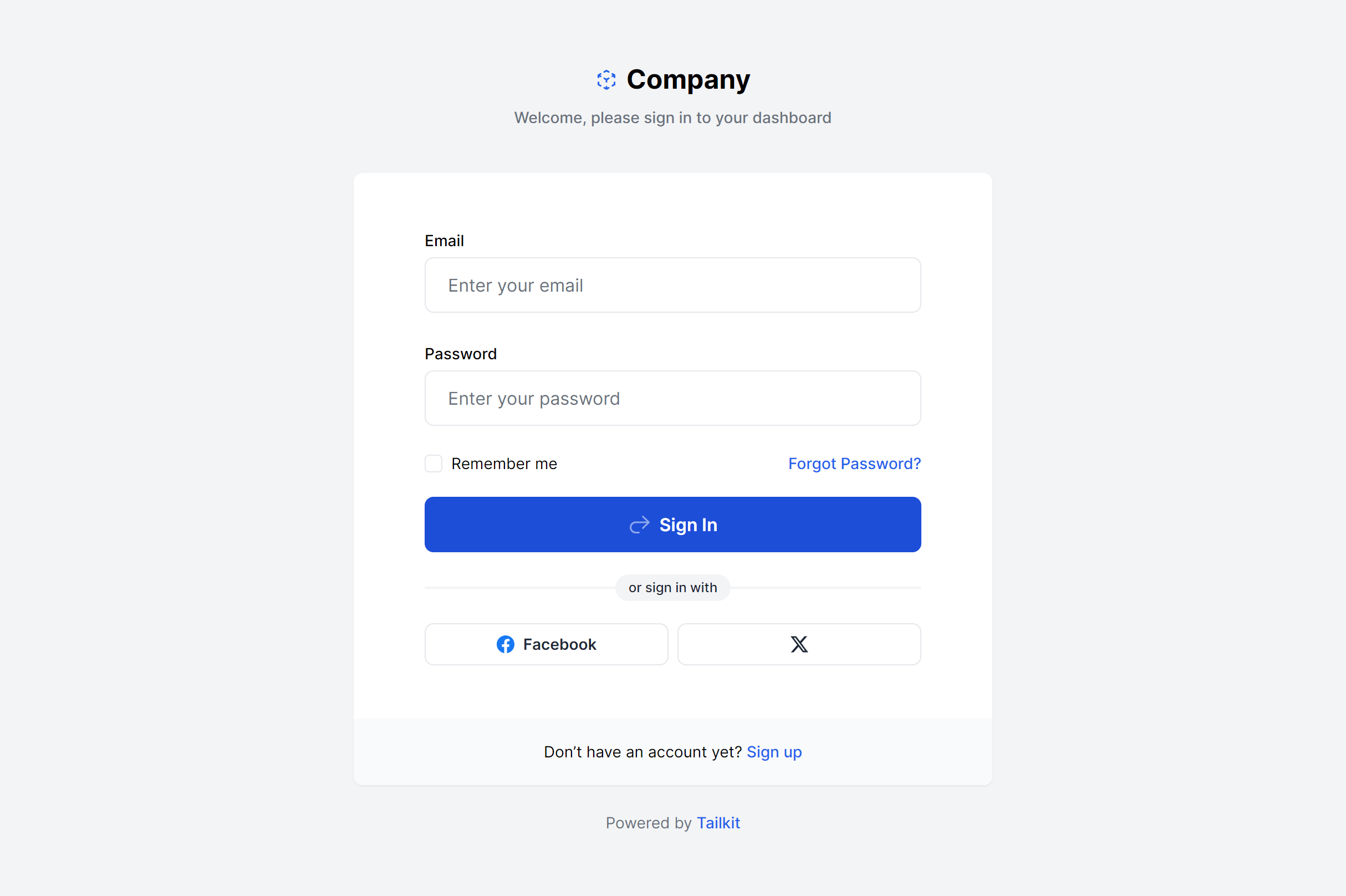
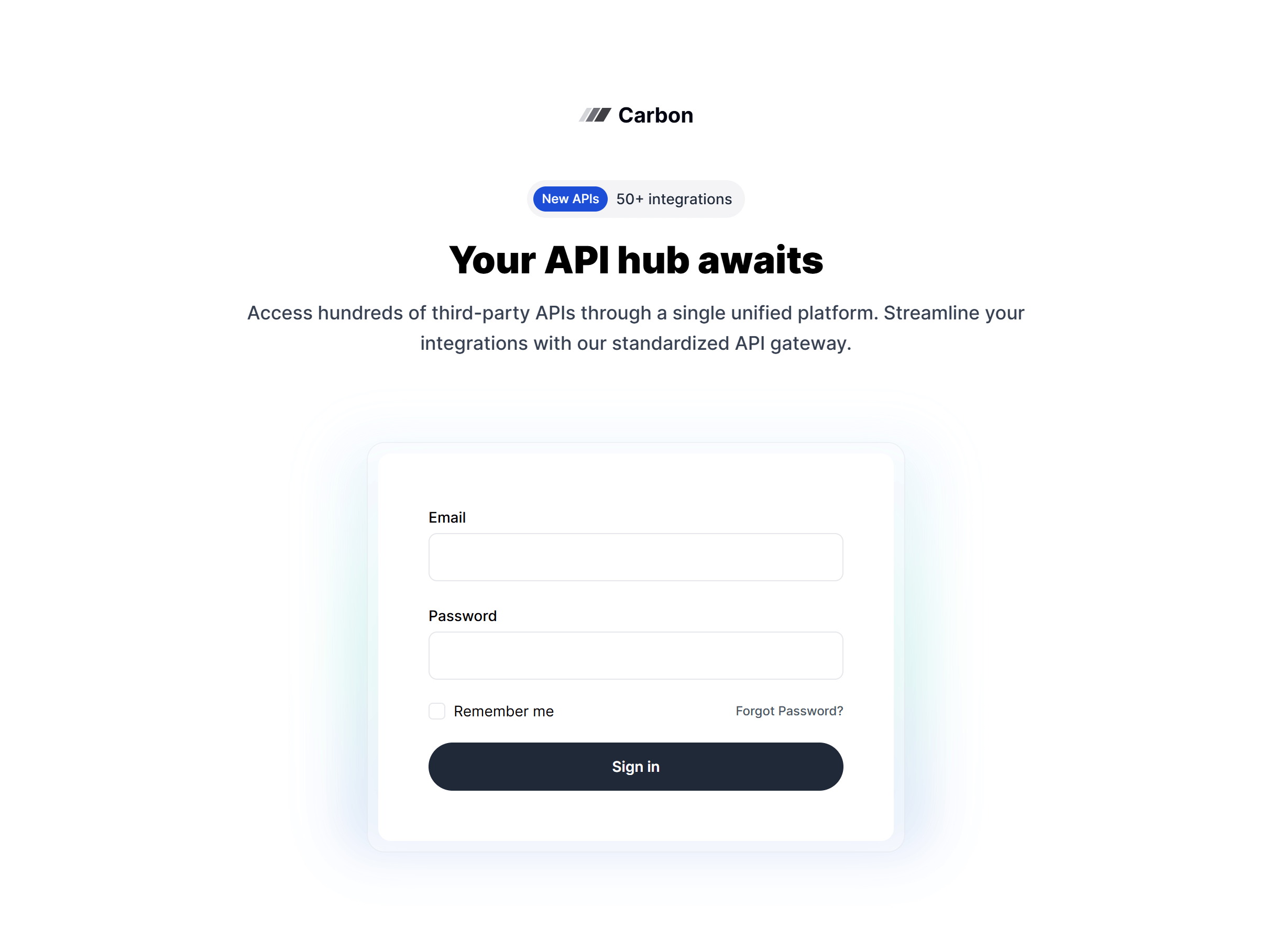
Boxed
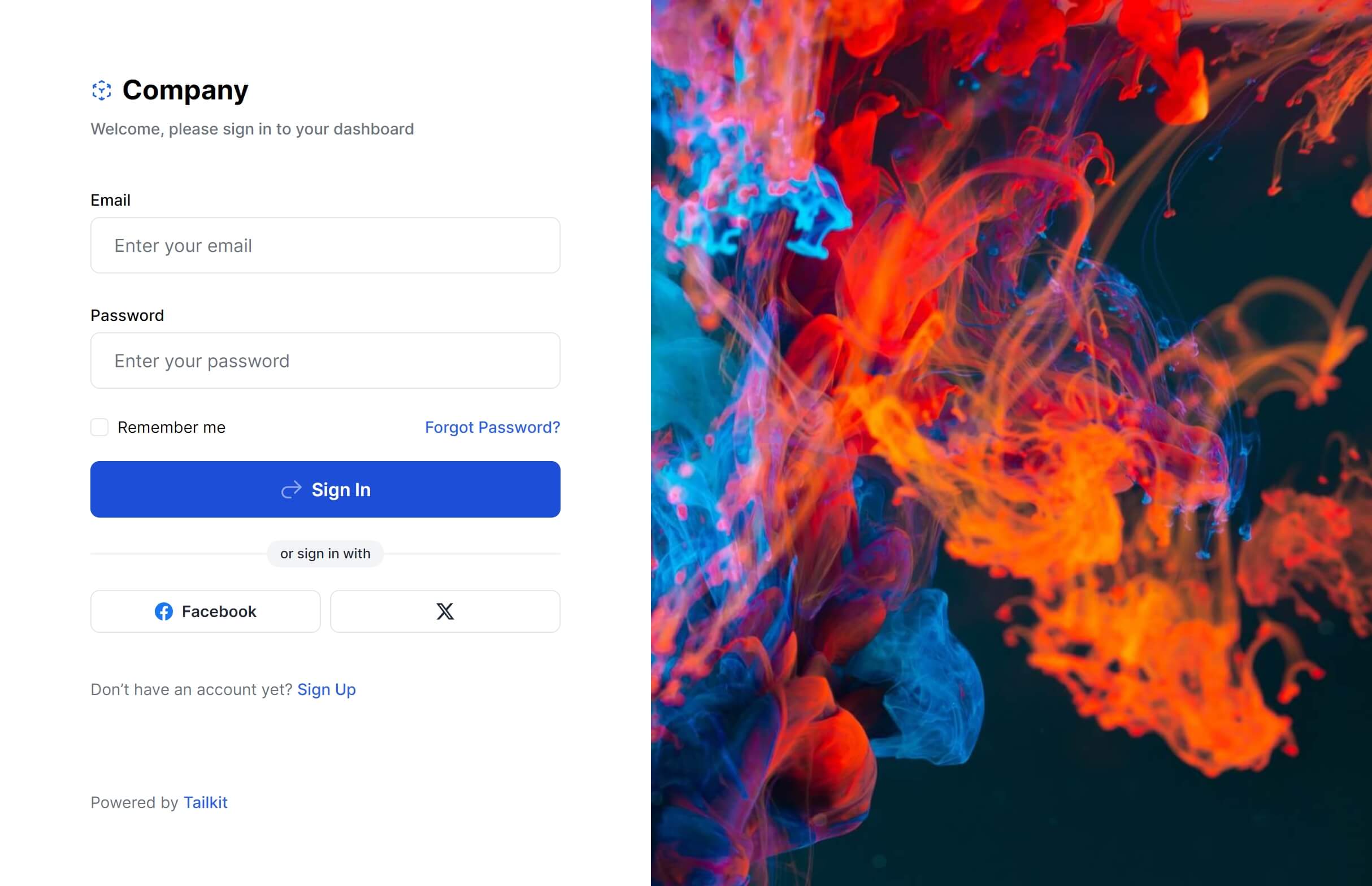
With Image
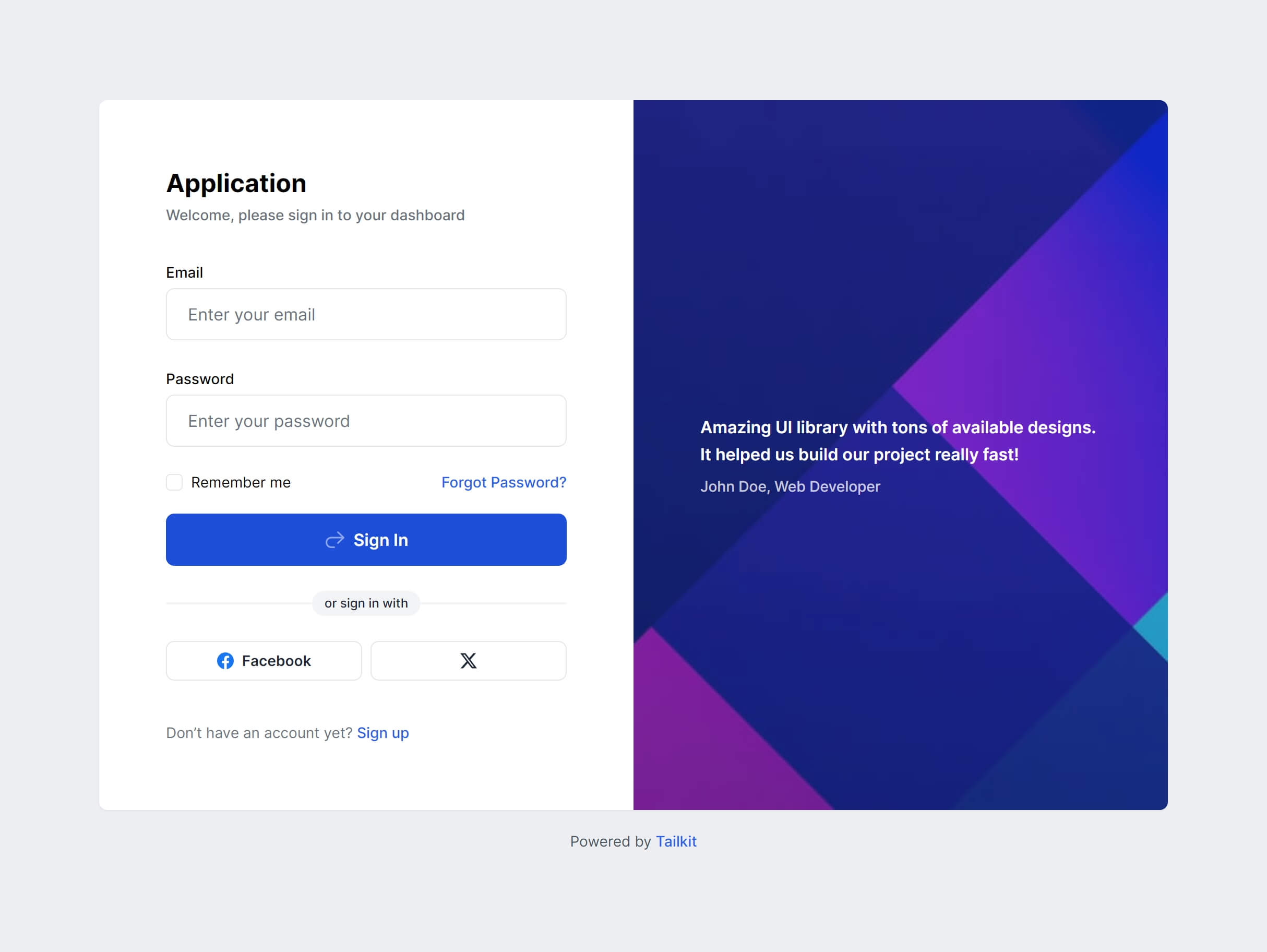
Boxed Alternate
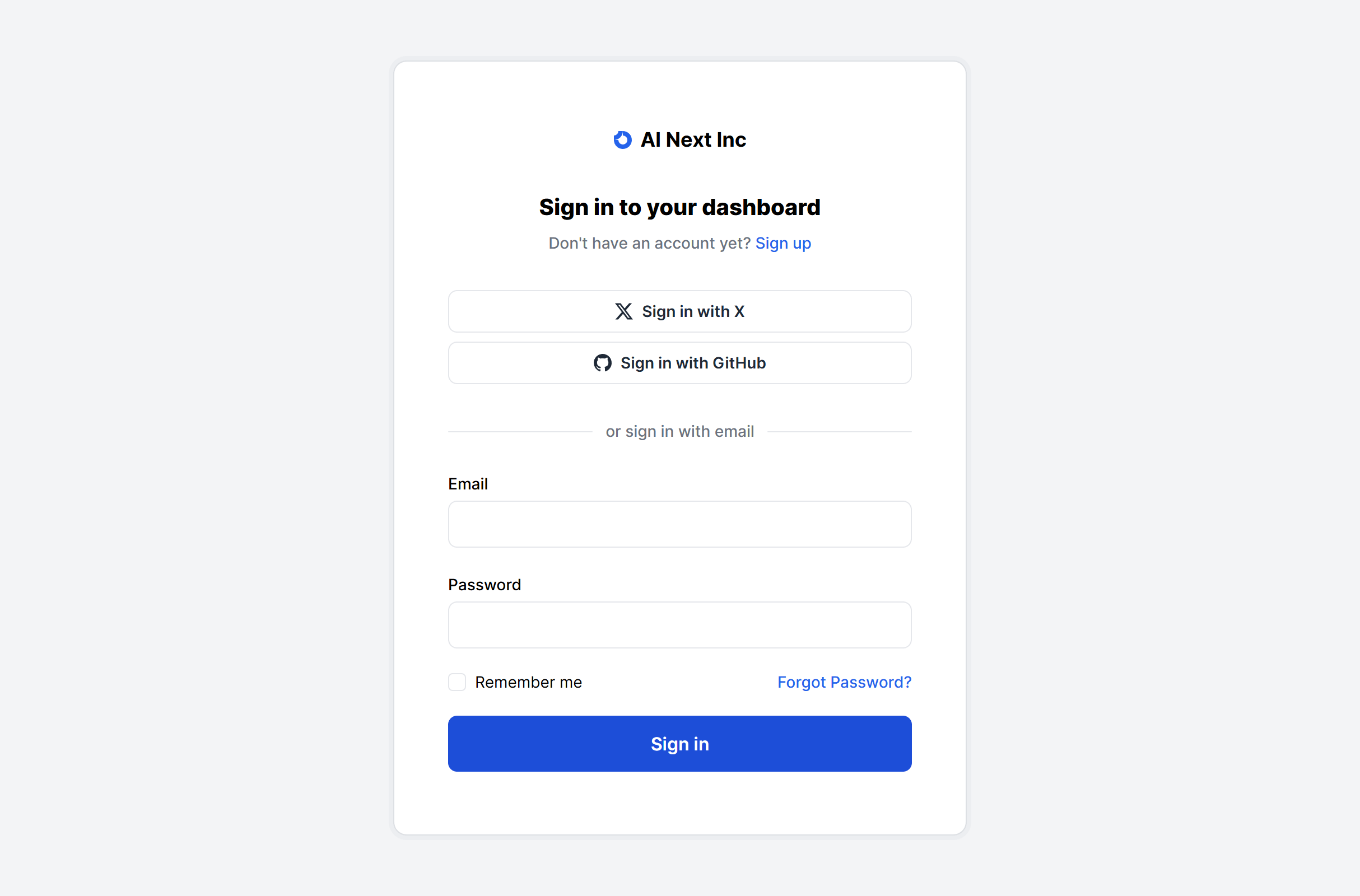
Boxed Simple
With Image Alternate

Boxed Glass
Frequently Asked Questions
Let’s have a better look into Tailwind CSS Sign In.
How do I add social login providers like Google or GitHub?
Most layouts already include a social login section with provider buttons. To add another provider, duplicate an existing button, update the icon and label, and implement the OAuth flow on your backend. The layout handles spacing and alignment automatically regardless of how many providers you include.
How do I display form validation errors?
Apply a red border to the invalid input (like border-red-500), add a small error message element below it, and toggle visibility based on your validation state. The spacing between form fields already accounts for inline error text, so messages appear without shifting the layout.
Should I offer passwordless login?
If your user base skews less technical or security-conscious, passwordless options like magic links or passkeys can reduce friction and improve conversion. These layouts accommodate both traditional credential forms and passwordless flows. Swap the password field for a "Send magic link" button, and the layout adapts naturally.

2,000+ handcrafted snippets.
Now in your AI editor.
Build modern web apps and websites with Tailkit's huge collection of Tailwind components, templates and tools. Now available through our MCP Server.