v5.0 launch sale - limited time offer!
Tailwind CSS Command Palettes
There are 8 available components in this category, preview them all!
Simple
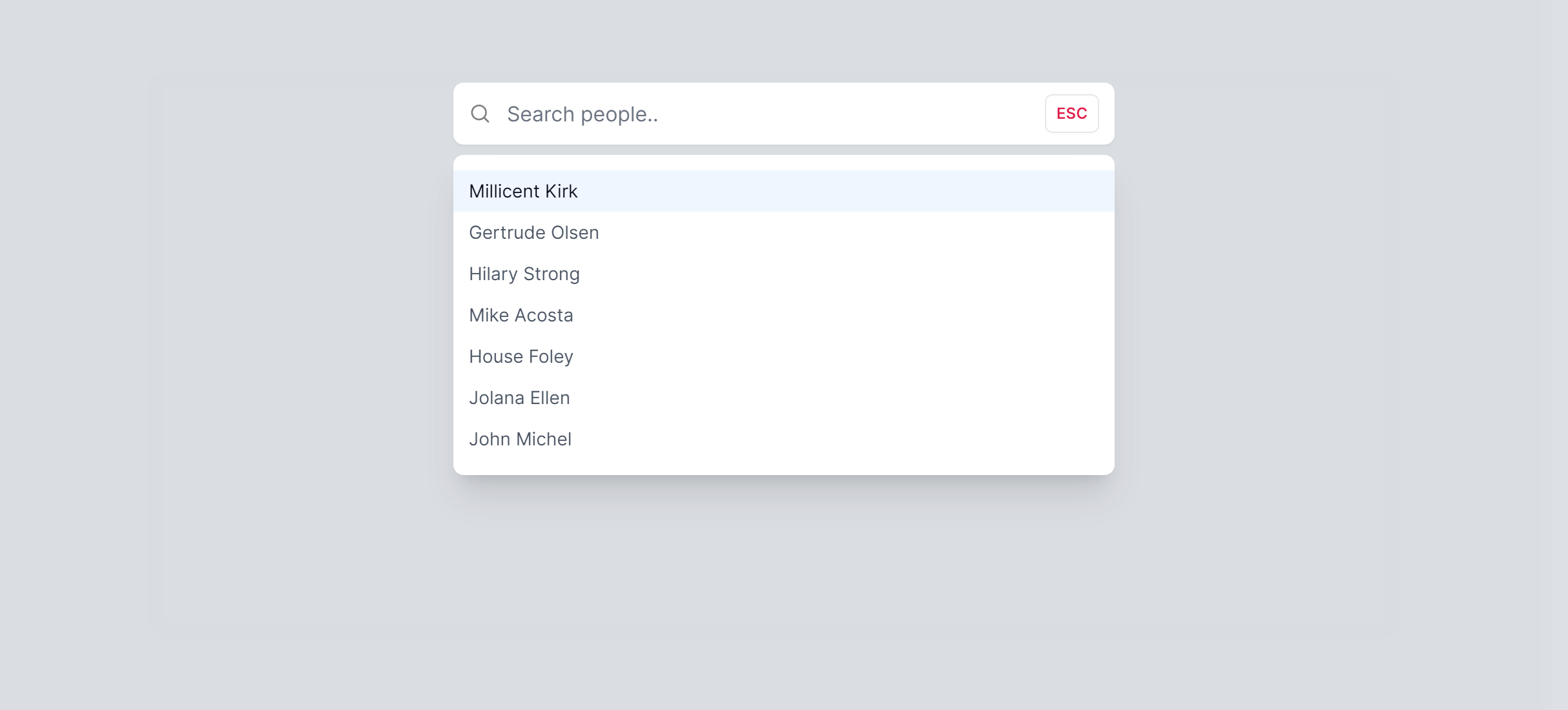
Simple with Images
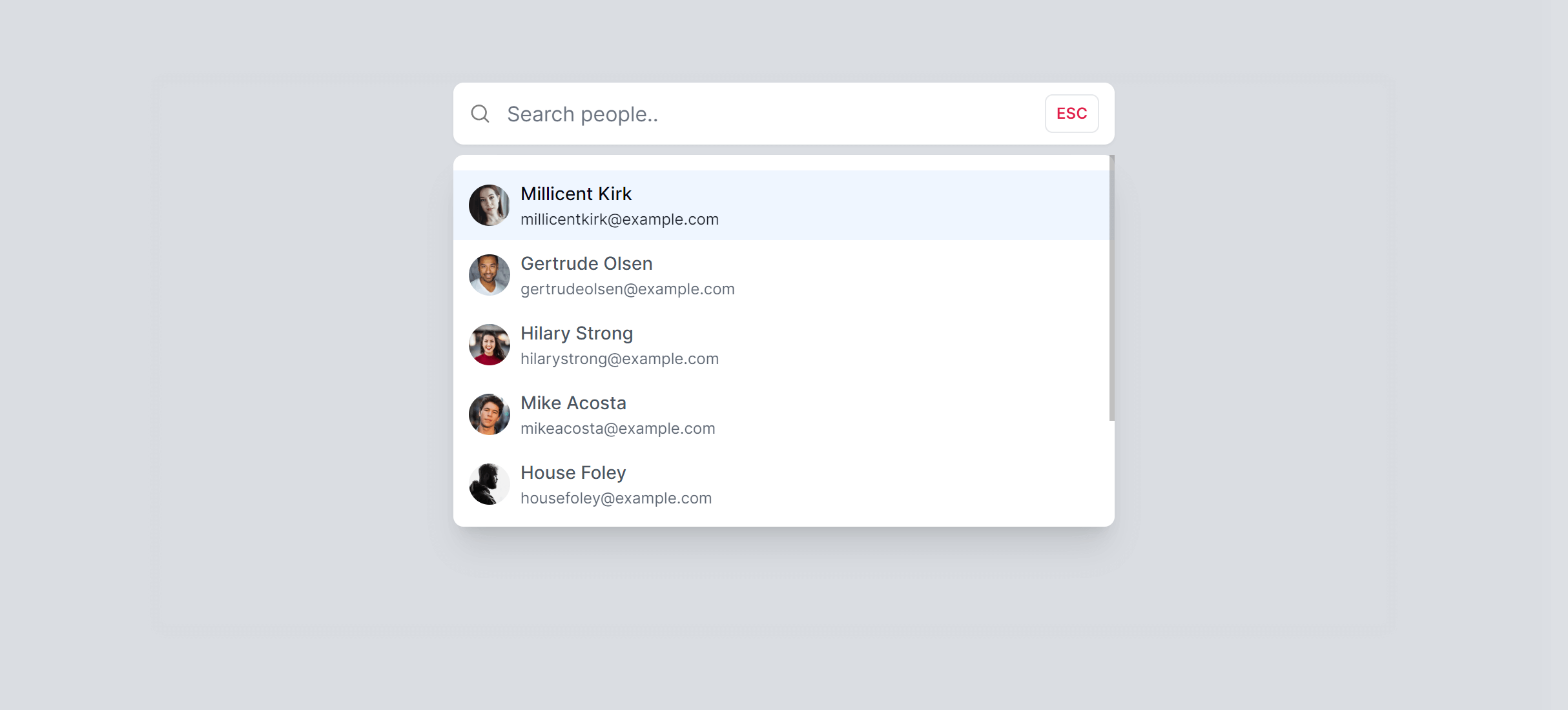
Boxed with Icons
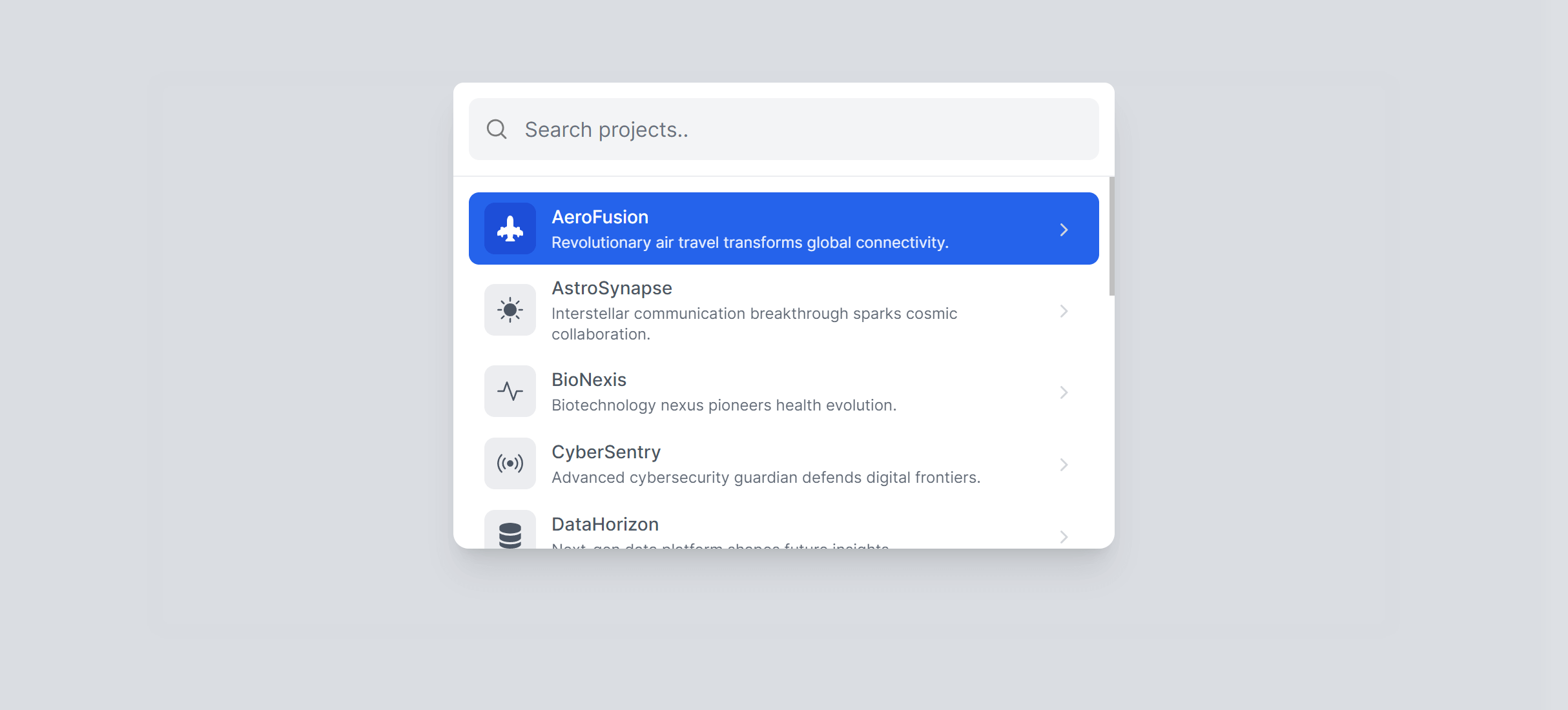
Boxed with Footer
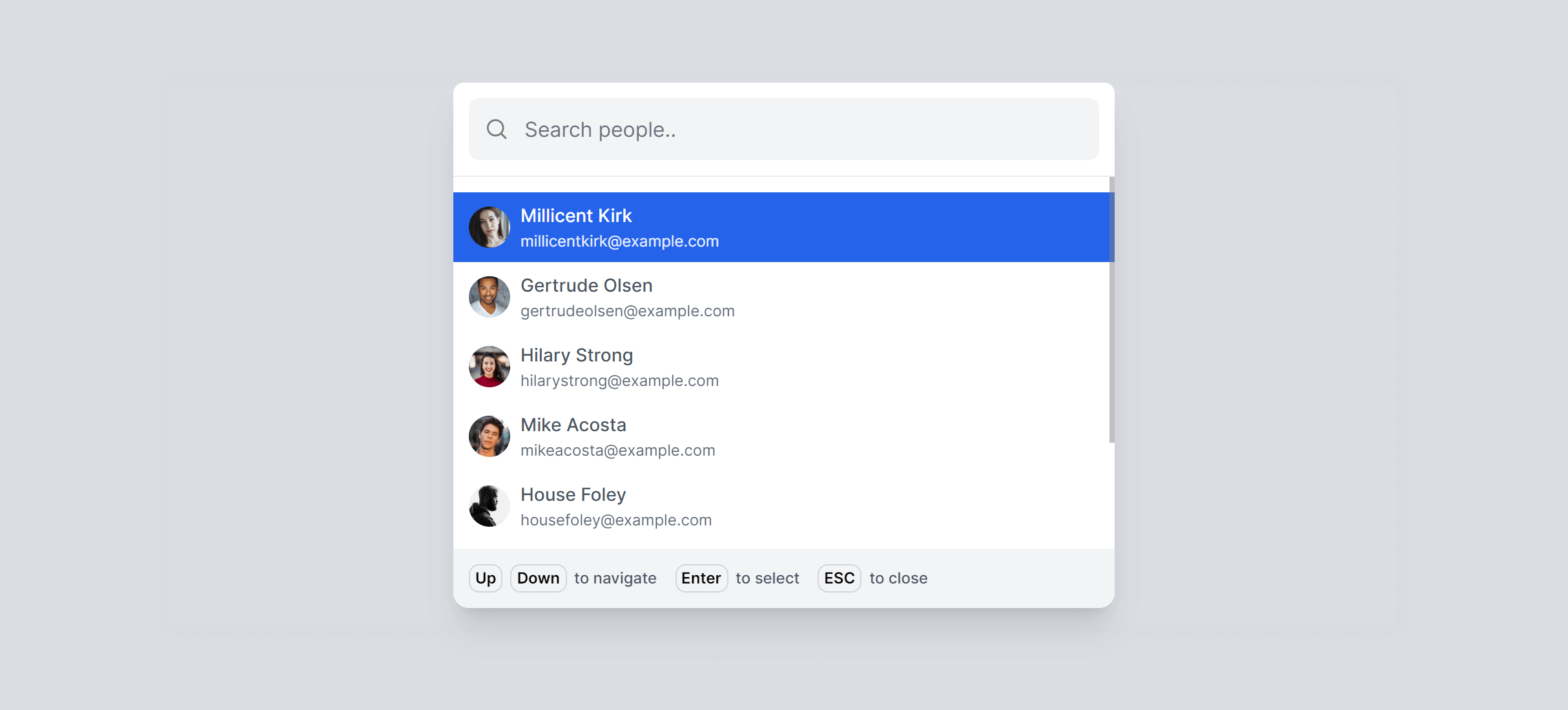
Boxed with Footer Alternate
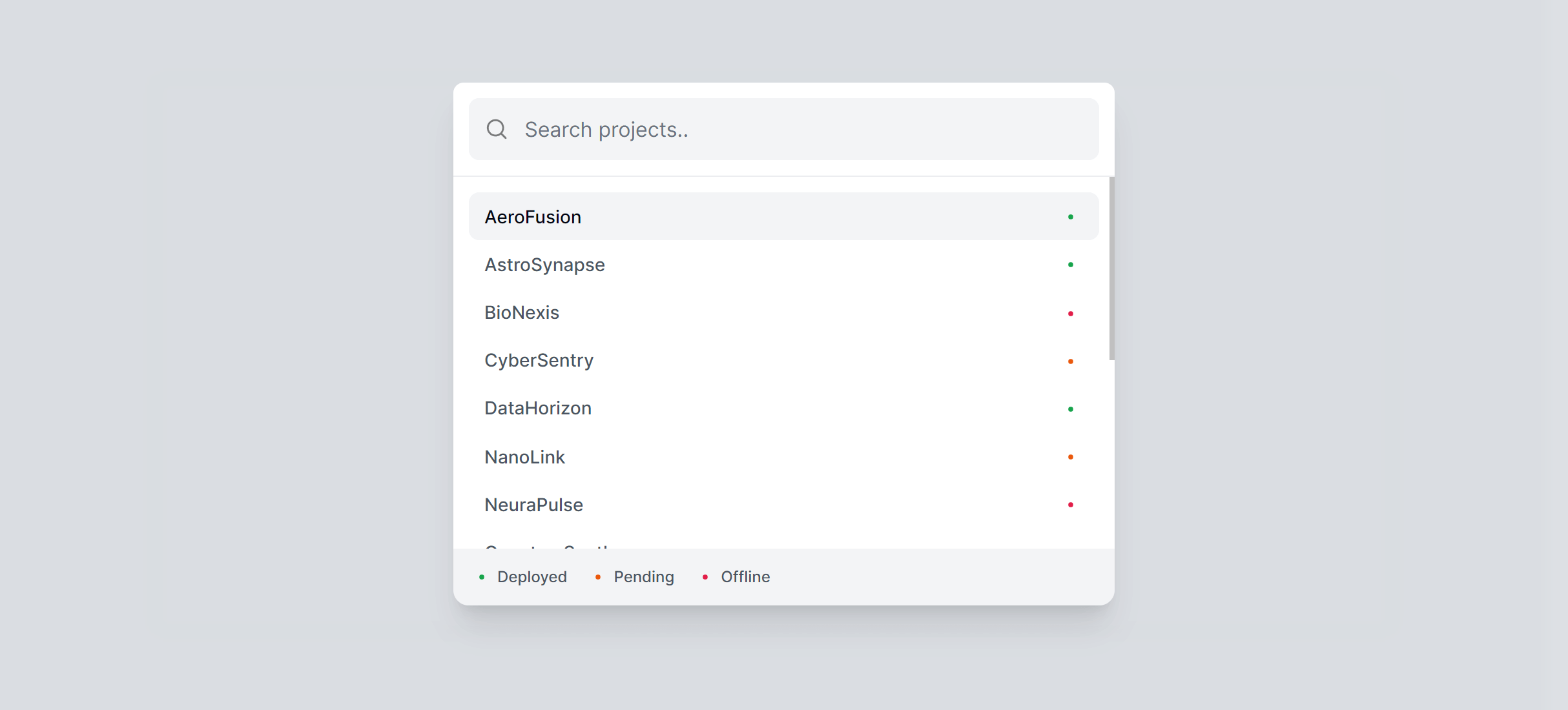
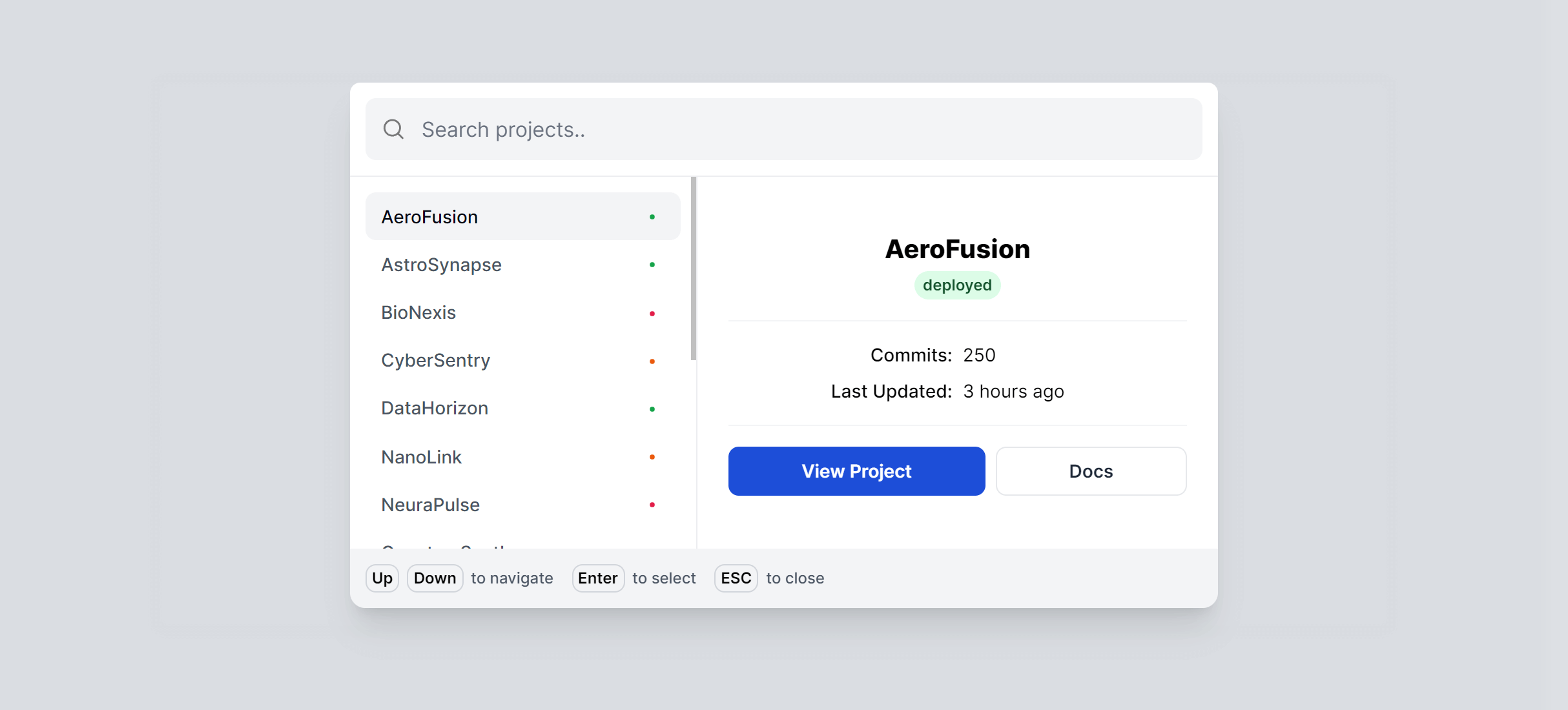
Boxed with Info
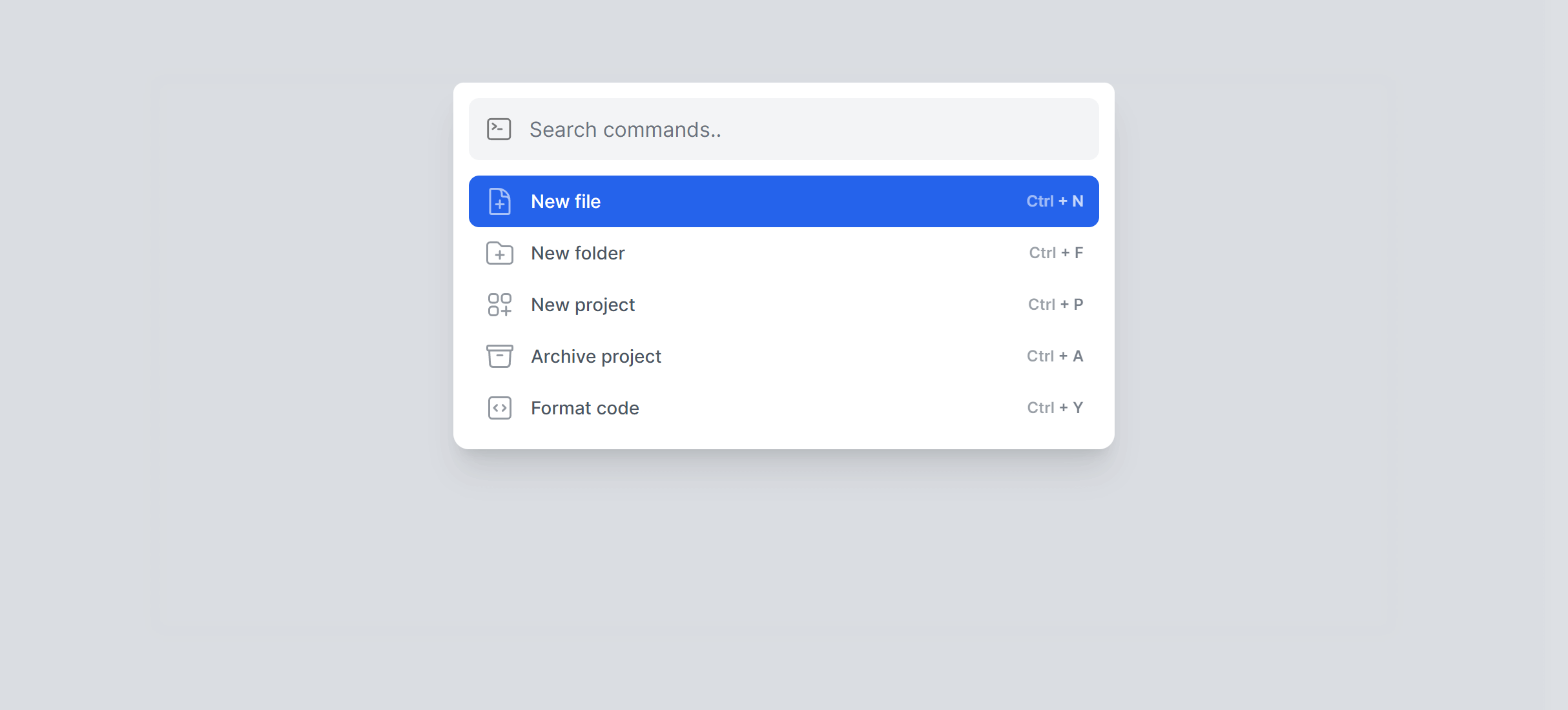
Boxed with Commands
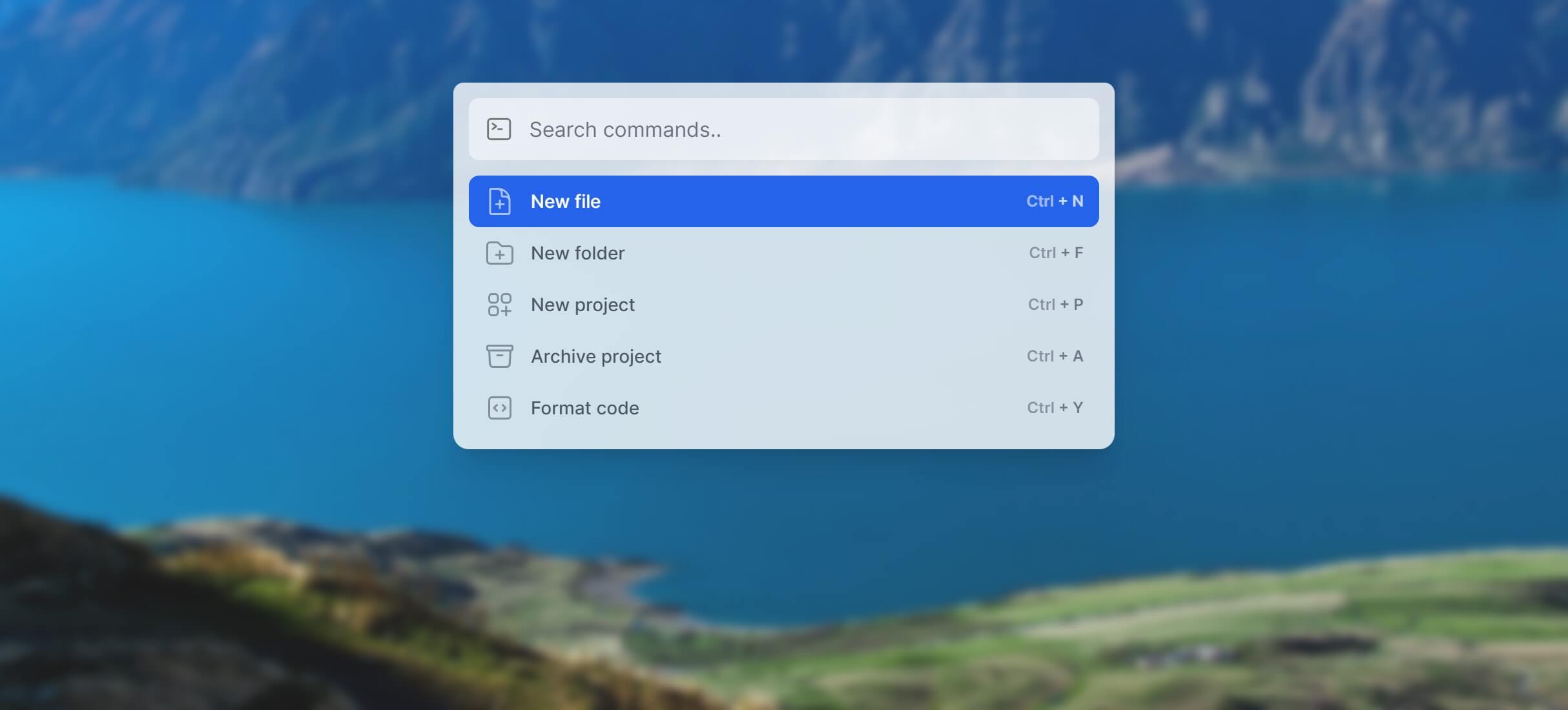
Boxed with Commands Transparent
Frequently Asked Questions
Let’s have a better look into Tailwind CSS Command Palettes.
What actions should I include in a command palette?
Start with page navigation (every route in your app), then add common actions: create new items, toggle dark mode, open settings, switch workspaces. If your app has search, integrate that too. Group results by type (pages, actions, recent) so users can scan quickly. When the input field is empty, show recently used items and suggested actions to speed up repeat workflows.
How do I open and close a command palette?
The included components handle opening and closing automatically. Press CMD + K on Mac or CTRL + K on Windows/Linux to toggle the palette. It closes when you press Escape, click the backdrop overlay, or select a result.
Can I use these command palettes in React, Vue, or Alpine?
Yes. The components work in all three frameworks. They manage their own open/closed state and keyboard listeners internally. Just drop the component into your app layout and it's ready to use.

2,000+ handcrafted snippets.
Now in your AI editor.
Build modern web apps and websites with Tailkit's huge collection of Tailwind components, templates and tools. Now available through our MCP Server.