v5.0 launch sale - limited time offer!
Tailwind CSS Password Reset
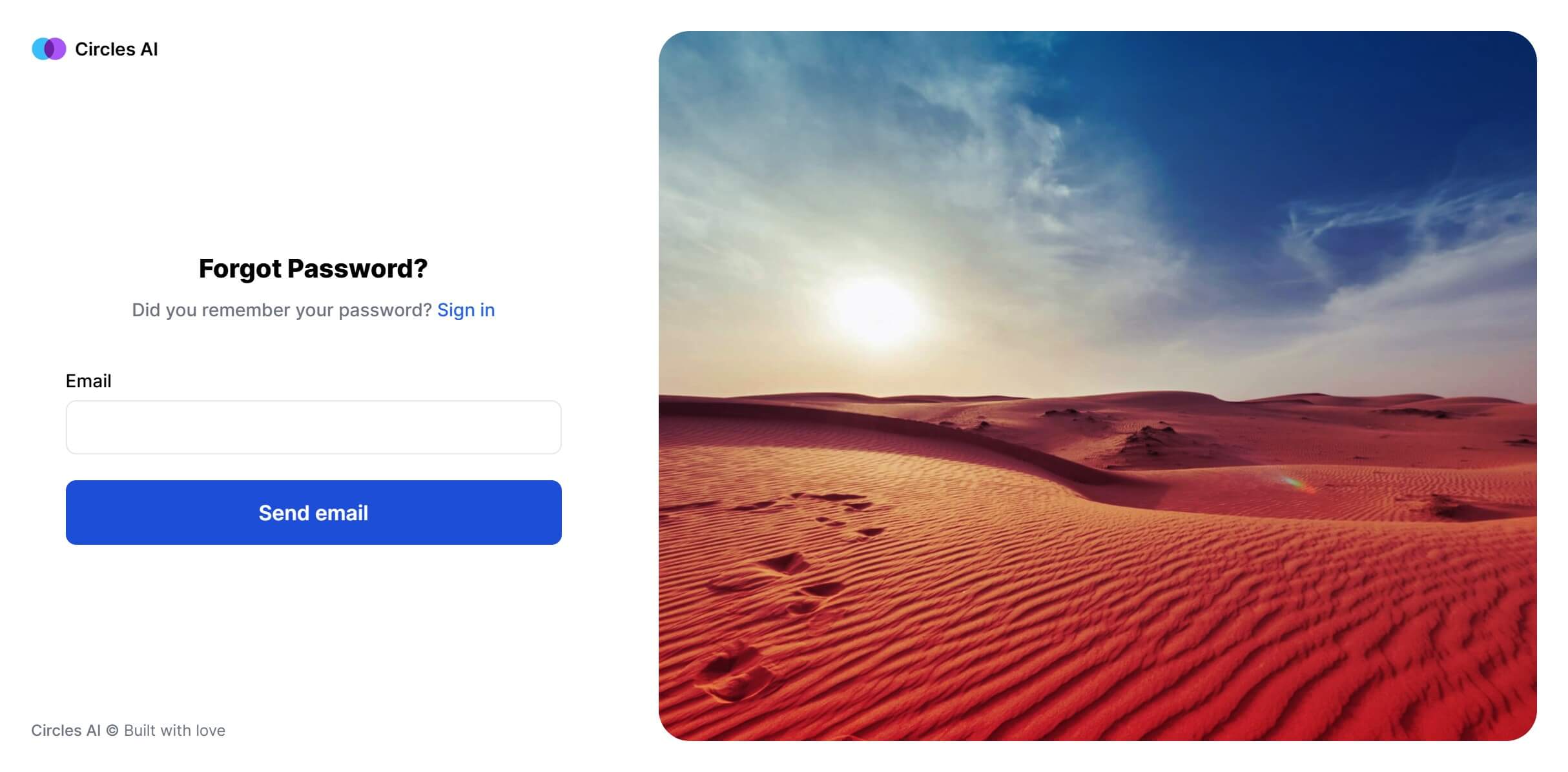
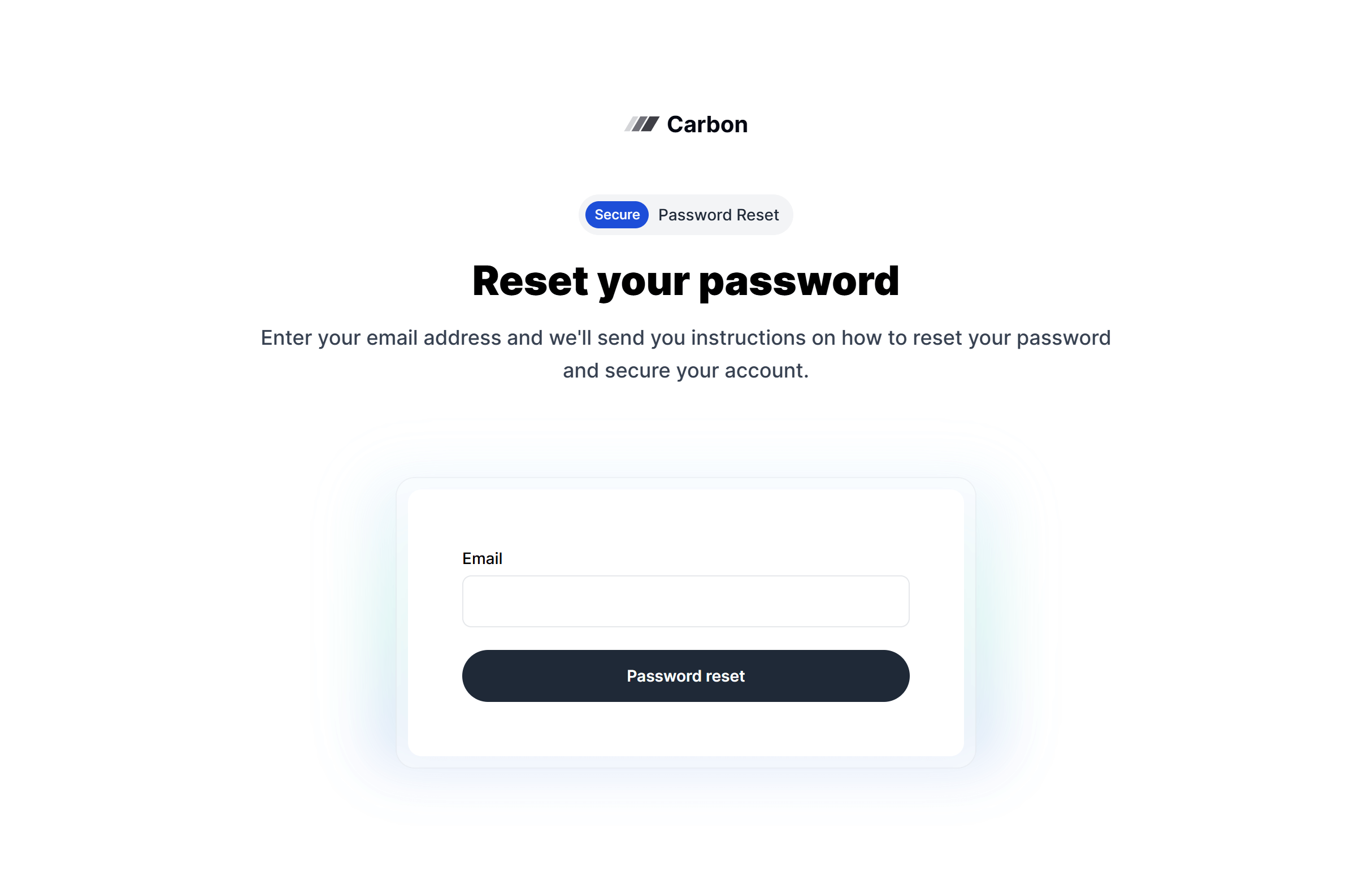
There are 6 available components in this category, preview them all!
Boxed
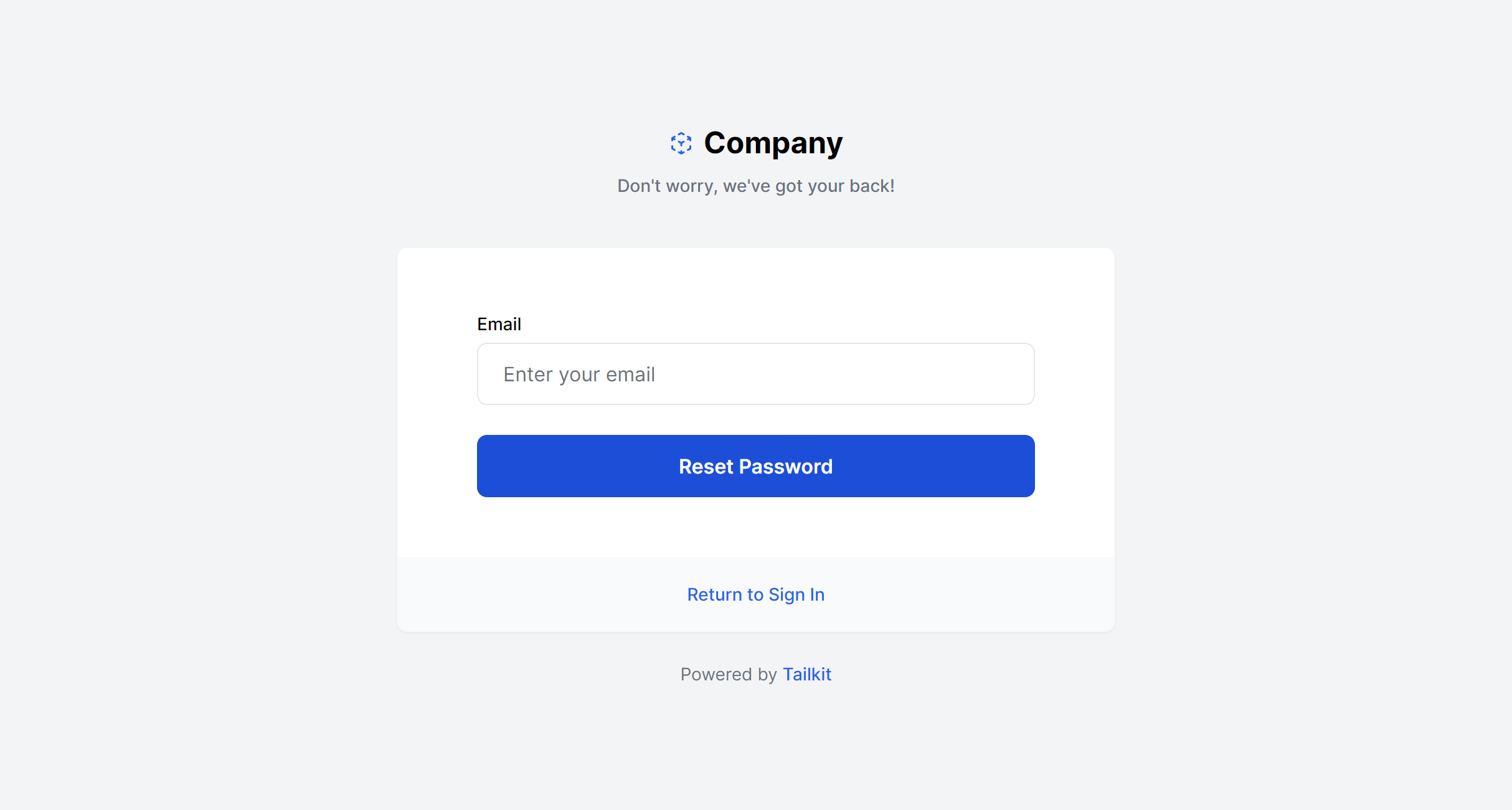
With Image
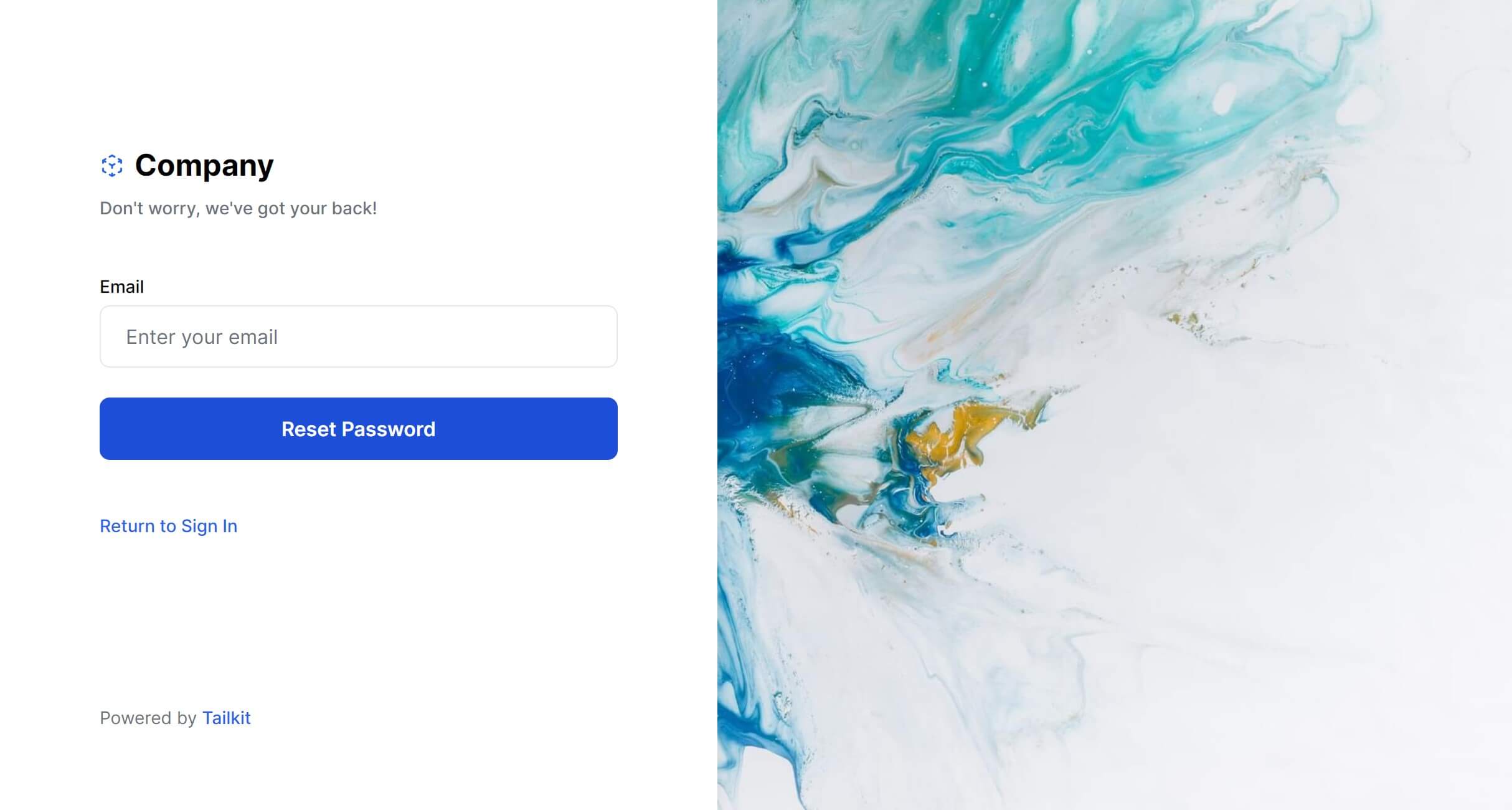
Boxed Alternate
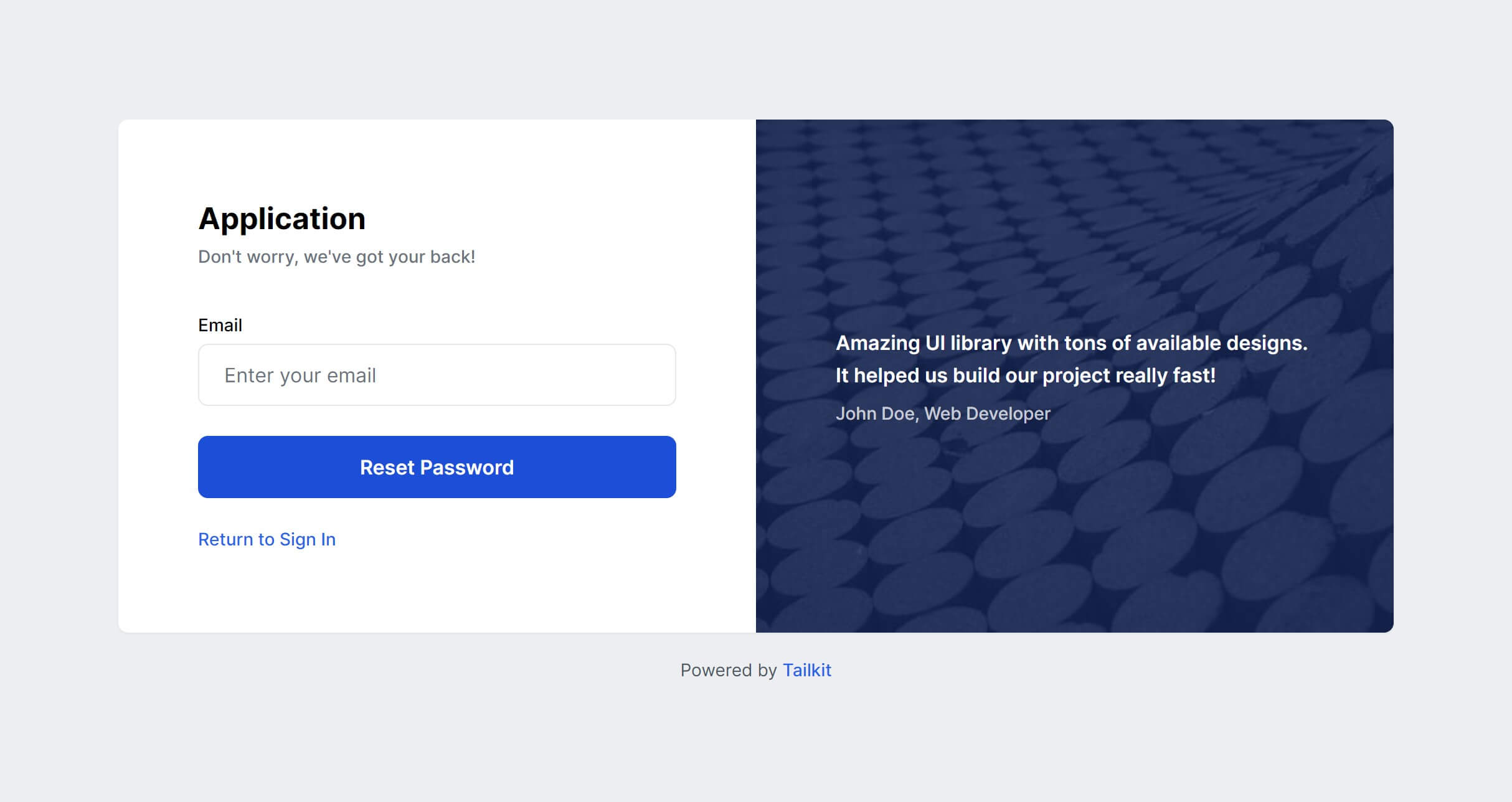
Boxed Simple
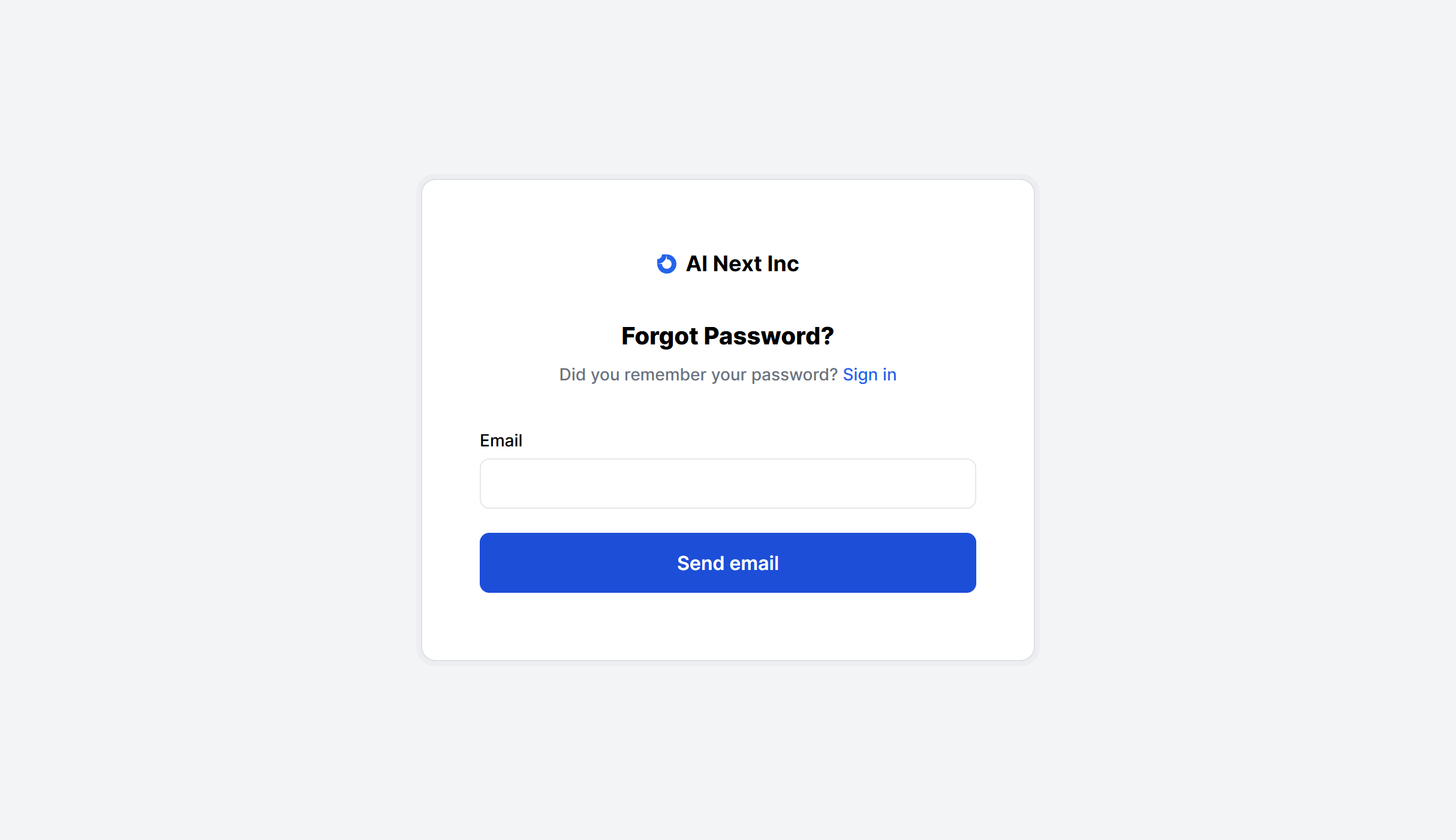
With Image Alternate
Boxed Glass
Frequently Asked Questions
Let’s have a better look into Tailwind CSS Password Reset.
How many screens does a password reset flow need?
A standard flow has three screens: a form to submit your email address, a confirmation page directing you to check your inbox, and a form to set a new password (reached via the emailed link). You can simplify by replacing the confirmation screen with a toast notification on the same page.
Should I include a "back to sign in" link?
Yes. Most layouts already include one. Users who suddenly remember their password or realize they typed the wrong email need an obvious way back to the login screen without reaching for the browser's back button.

2,000+ handcrafted snippets.
Now in your AI editor.
Build modern web apps and websites with Tailkit's huge collection of Tailwind components, templates and tools. Now available through our MCP Server.