Tailwind CSS Page Headings
There are 6 available components in this category, preview them all!
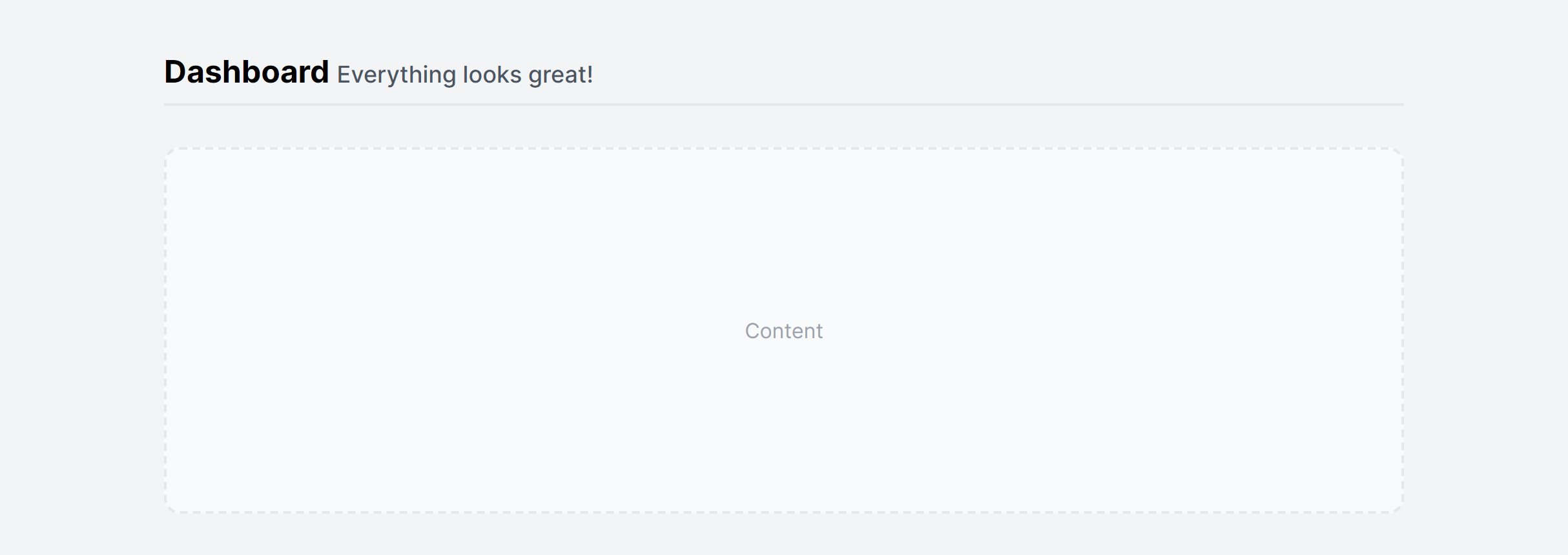
Simple
Fully responsive design
Supports dark mode
HTML code snippet
React code snippet
Vue.js code snippet
Screenshot
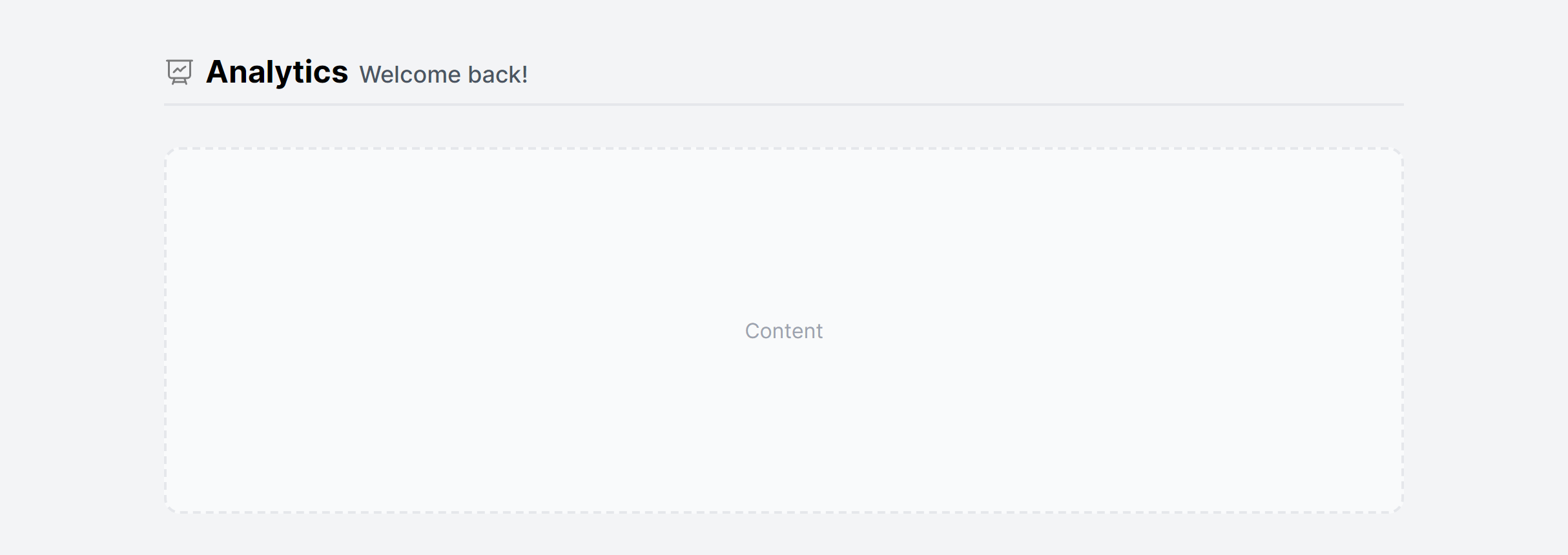
With Icon
Fully responsive design
Supports dark mode
HTML code snippet
React code snippet
Vue.js code snippet
Screenshot
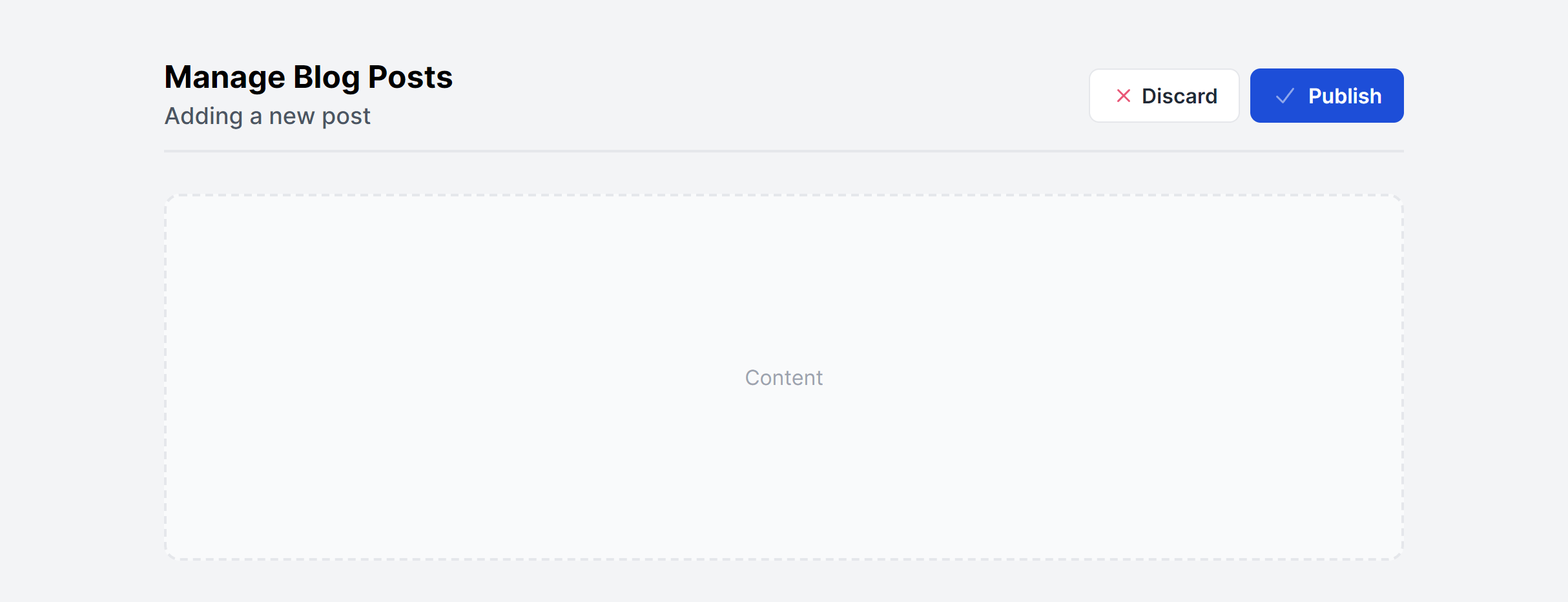
With Actions
Fully responsive design
Supports dark mode
Supports color editor
HTML code snippet
React code snippet
Vue.js code snippet
Screenshot
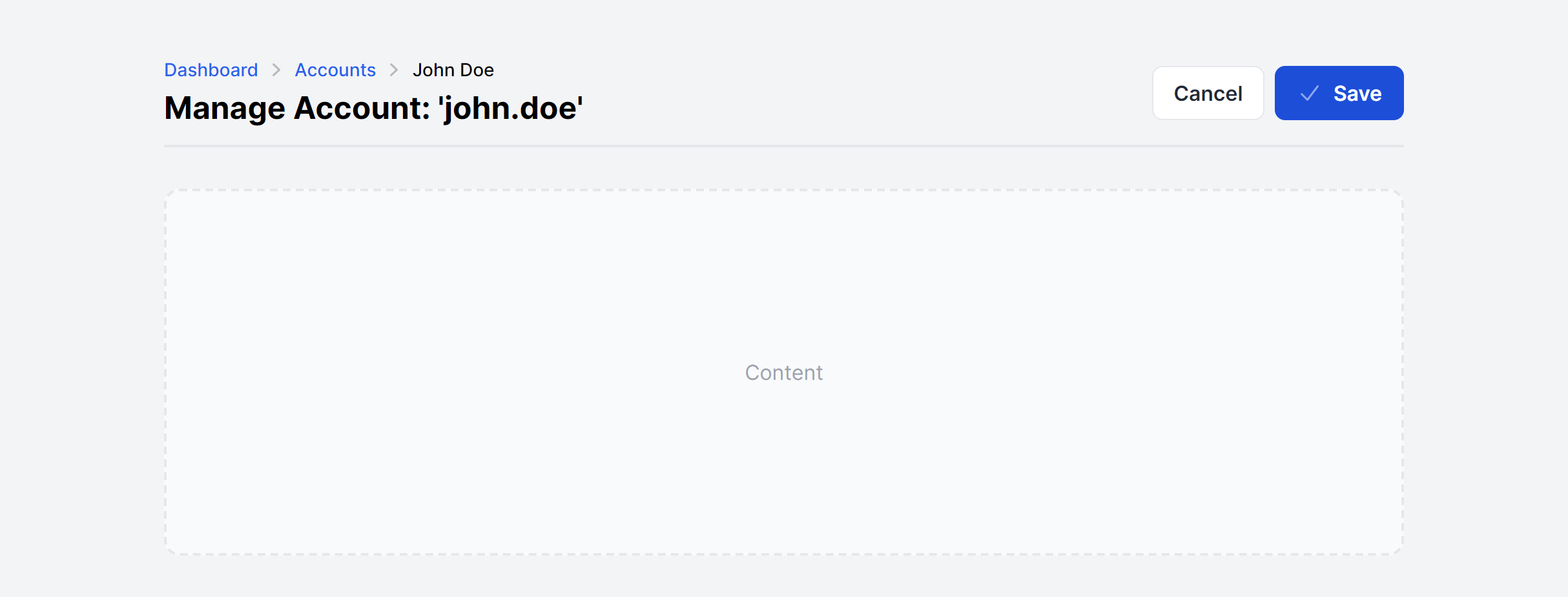
With Actions and Breadcrumb
Fully responsive design
Supports dark mode
Supports color editor
HTML code snippet
React code snippet
Vue.js code snippet
Screenshot
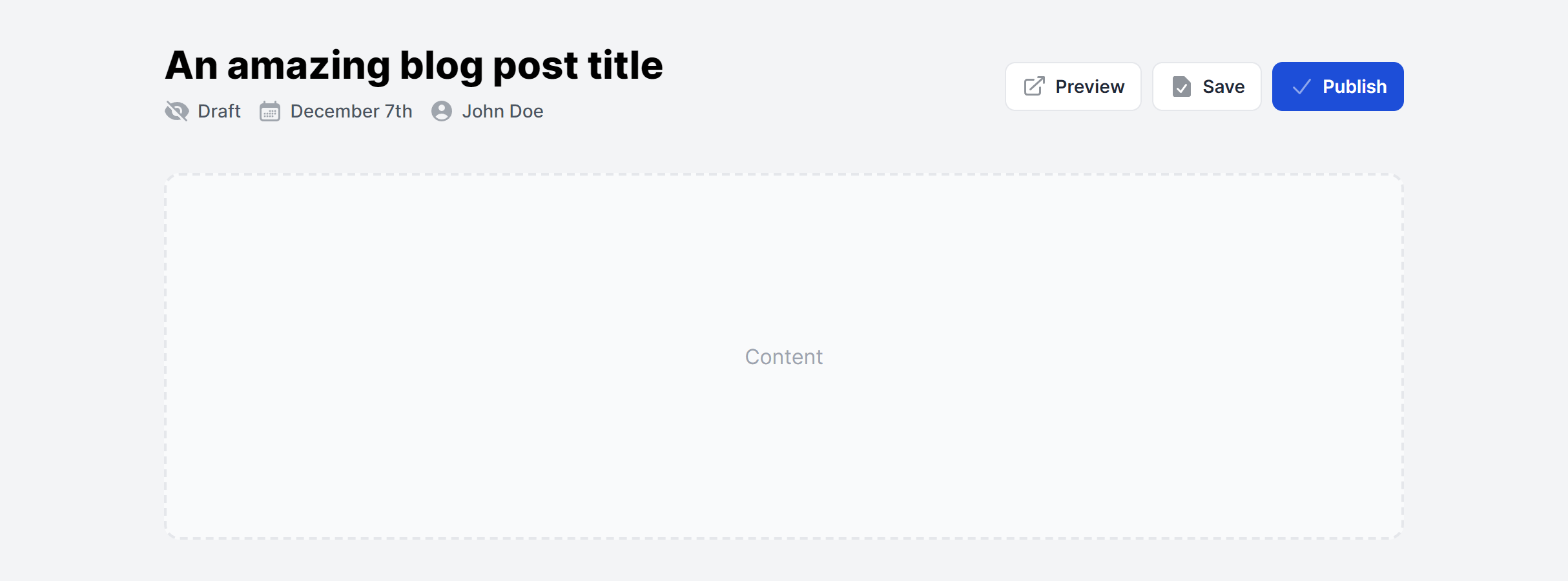
With Details and Actions
Fully responsive design
Supports dark mode
Supports color editor
HTML code snippet
React code snippet
Vue.js code snippet
Screenshot
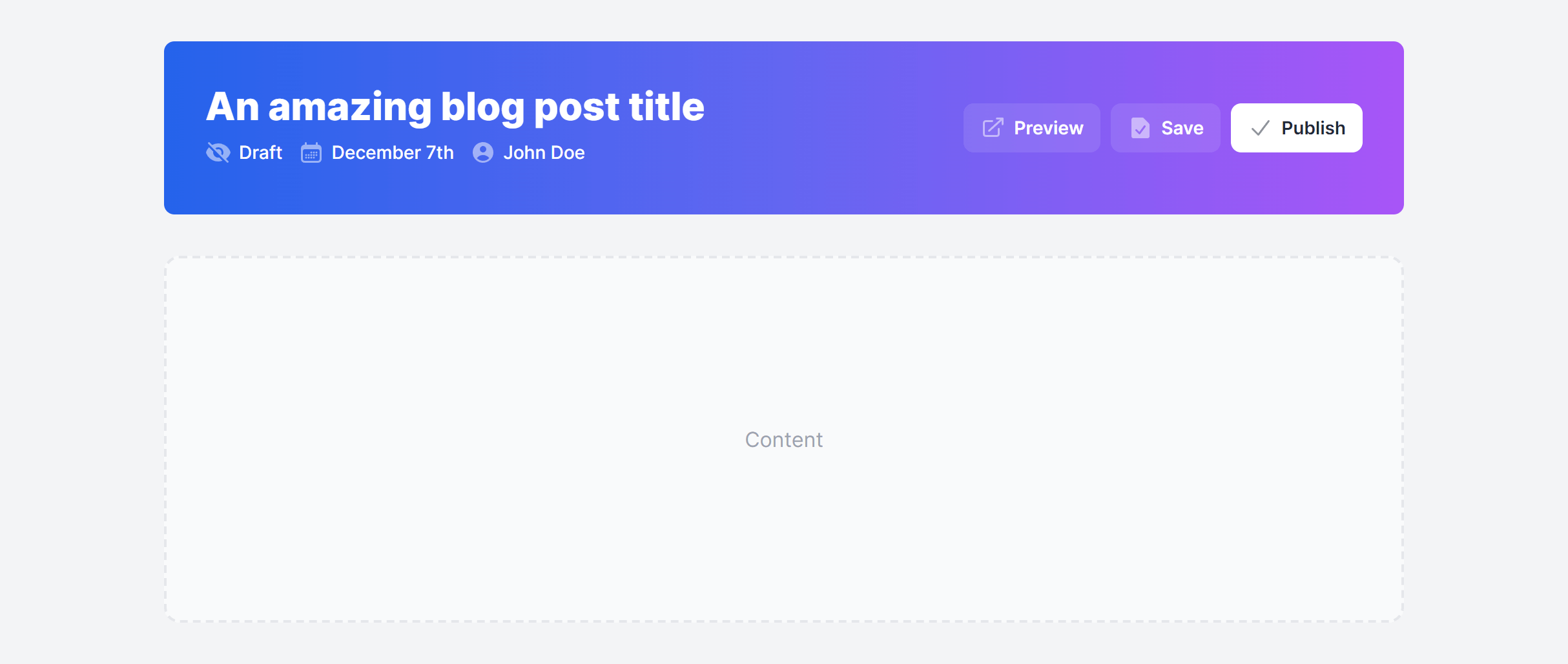
With Banner
Fully responsive design
Supports dark mode
Supports color editor
HTML code snippet
React code snippet
Vue.js code snippet
Screenshot
Need more information?
Frequently Asked Questions
Let’s have a better look into Tailwind CSS Page Headings.
Should every page heading use an h1 element?
Each page should have exactly one h1 that describes its primary purpose. The page heading component is the natural place for it. Sub-sections within the page should use h2 and lower. The components default to h1, but you can adjust the heading level to fit your document outline if the page heading sits inside a section that already has an h1.

Build better websites faster
2,000+ handcrafted snippets.
Now in your AI editor.
Build modern web apps and websites with Tailkit's huge collection of Tailwind components, templates and tools. Now available through our MCP Server.