v5.0 launch sale - limited time offer!
Tailwind CSS Navigation
There are 9 available components in this category, preview them all!
Simple
Fully responsive design
Supports dark mode
Supports color editor
HTML code snippet
React code snippet
Vue.js code snippet
Screenshot

Simple Gray
Fully responsive design
Supports dark mode
Supports color editor
HTML code snippet
React code snippet
Vue.js code snippet
Screenshot

Simple Dark
Fully responsive design
HTML code snippet
React code snippet
Vue.js code snippet
Screenshot
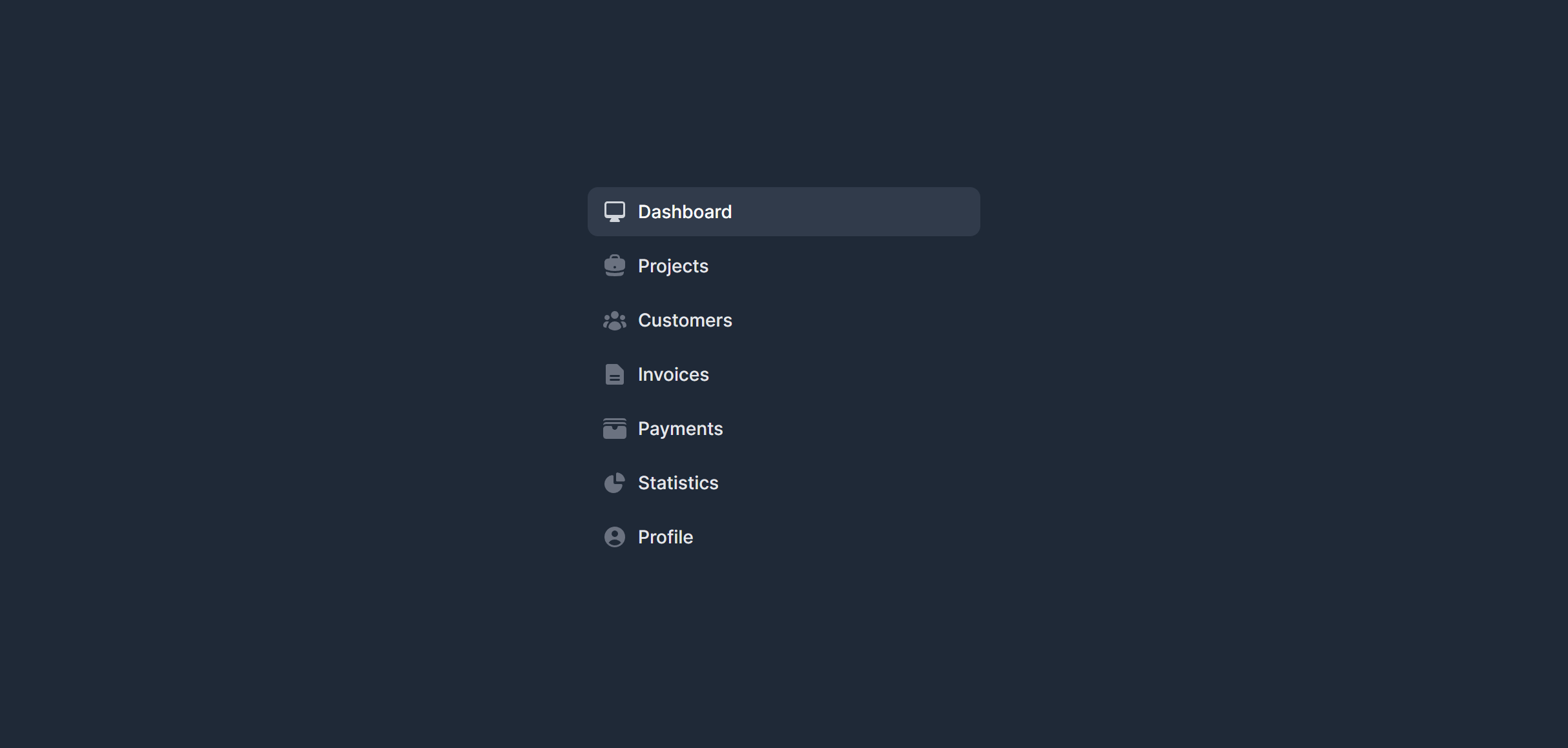
With Extras
Fully responsive design
Supports dark mode
Supports color editor
HTML code snippet
React code snippet
Vue.js code snippet
Screenshot
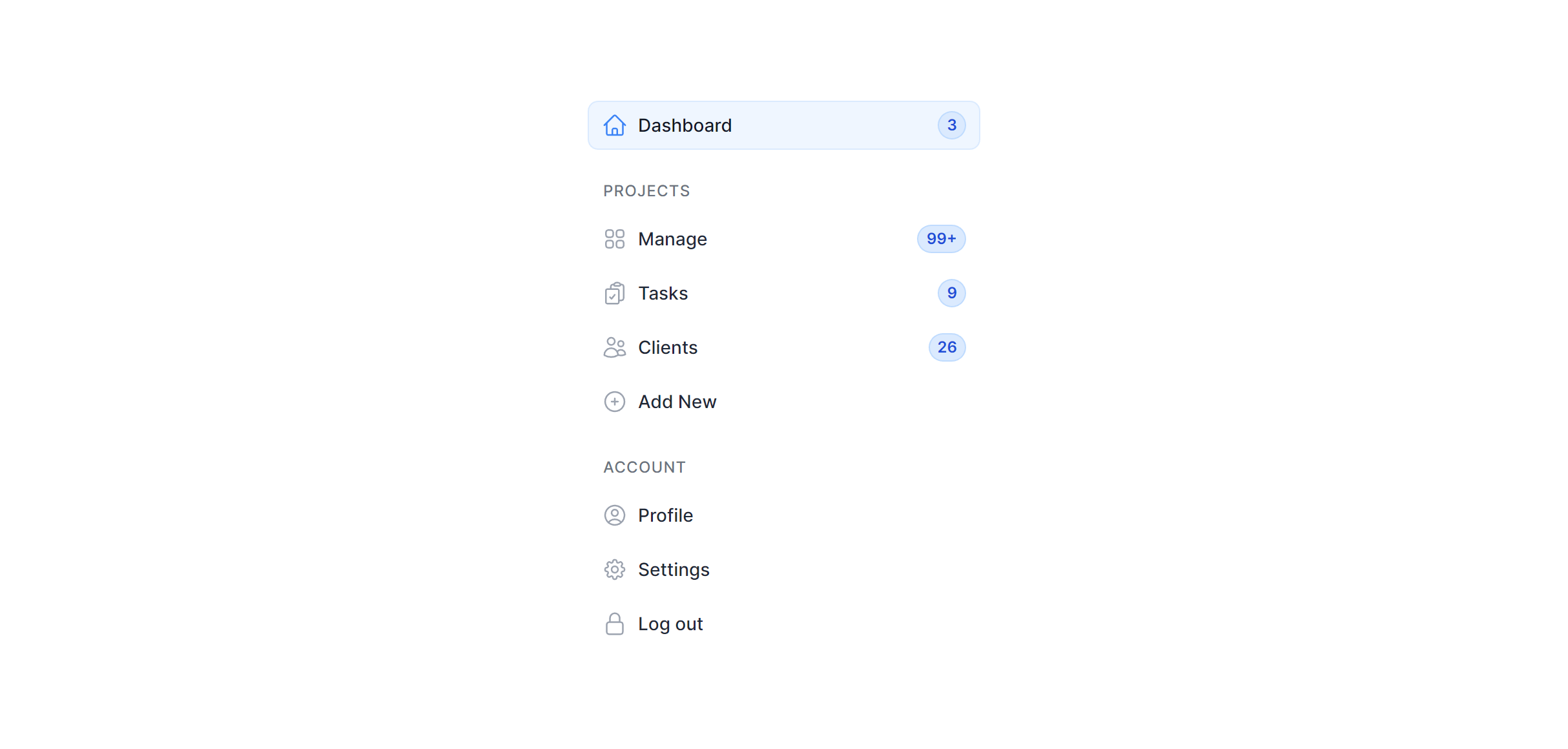
With Extras Gray
Fully responsive design
Supports dark mode
Supports color editor
HTML code snippet
React code snippet
Vue.js code snippet
Screenshot
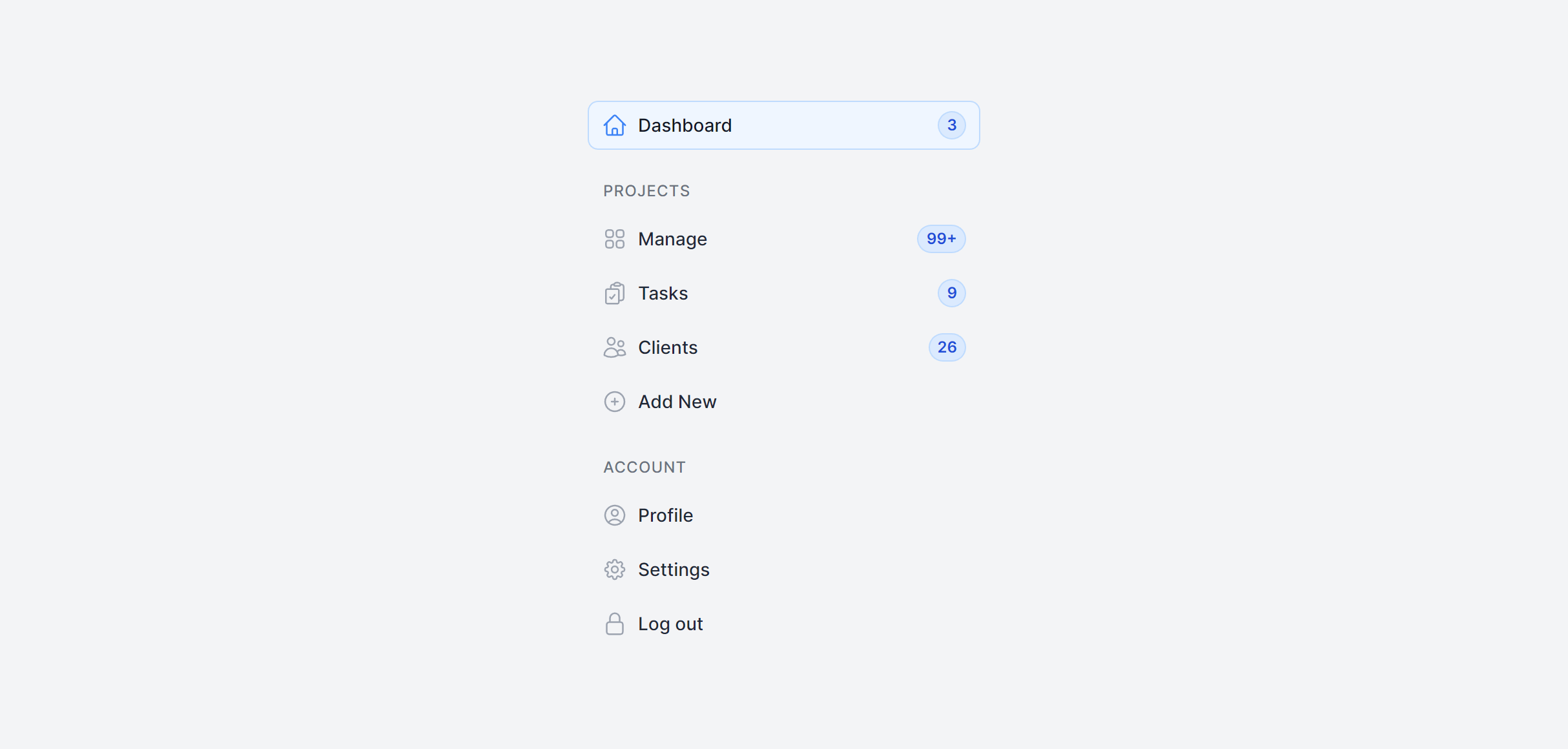
With Extras Dark
Fully responsive design
Supports color editor
HTML code snippet
React code snippet
Vue.js code snippet
Screenshot
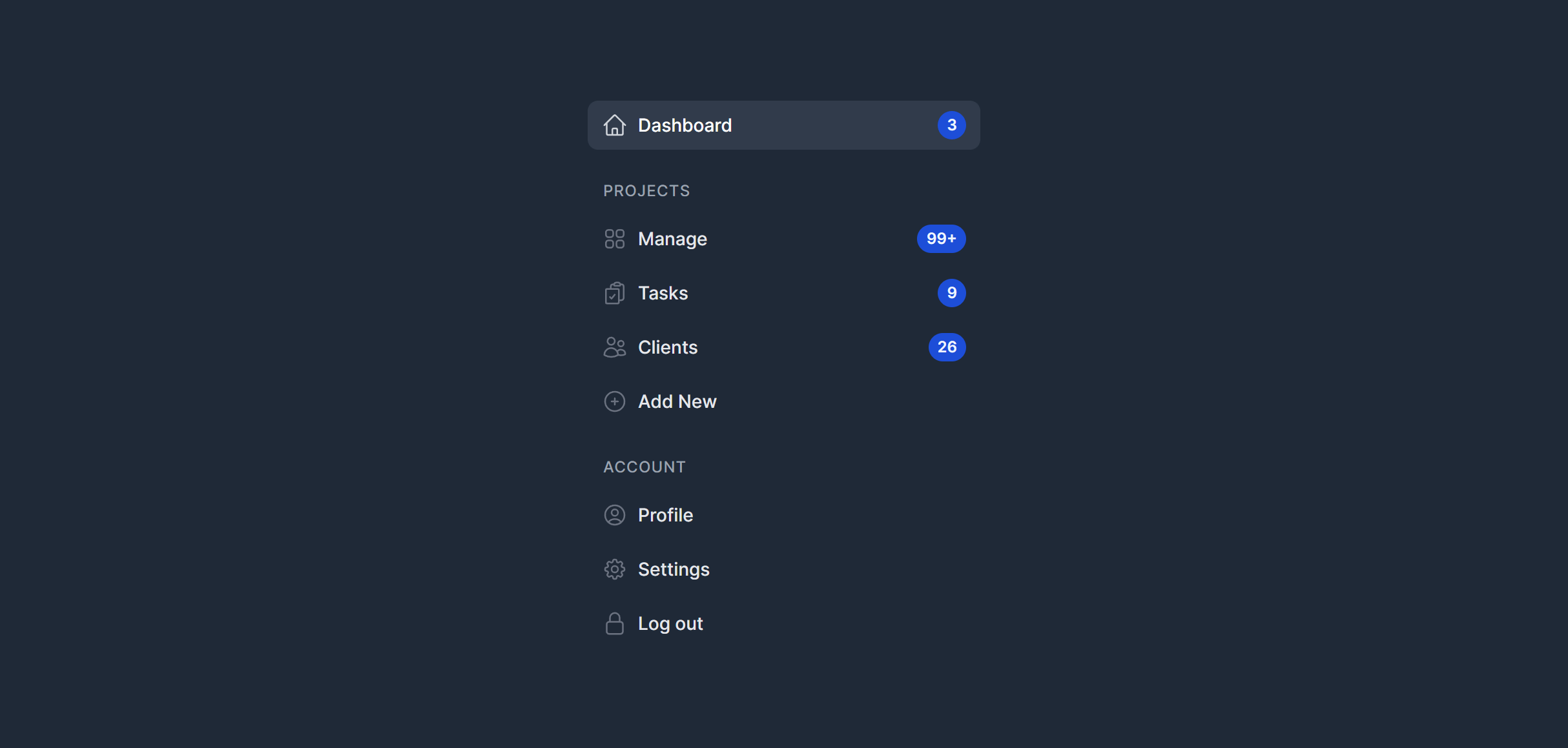
Toggle
Fully responsive design
Supports dark mode
Supports color editor
HTML code snippet
React code snippet
Vue.js code snippet
Alpine.js code snippet
JS required
Screenshot
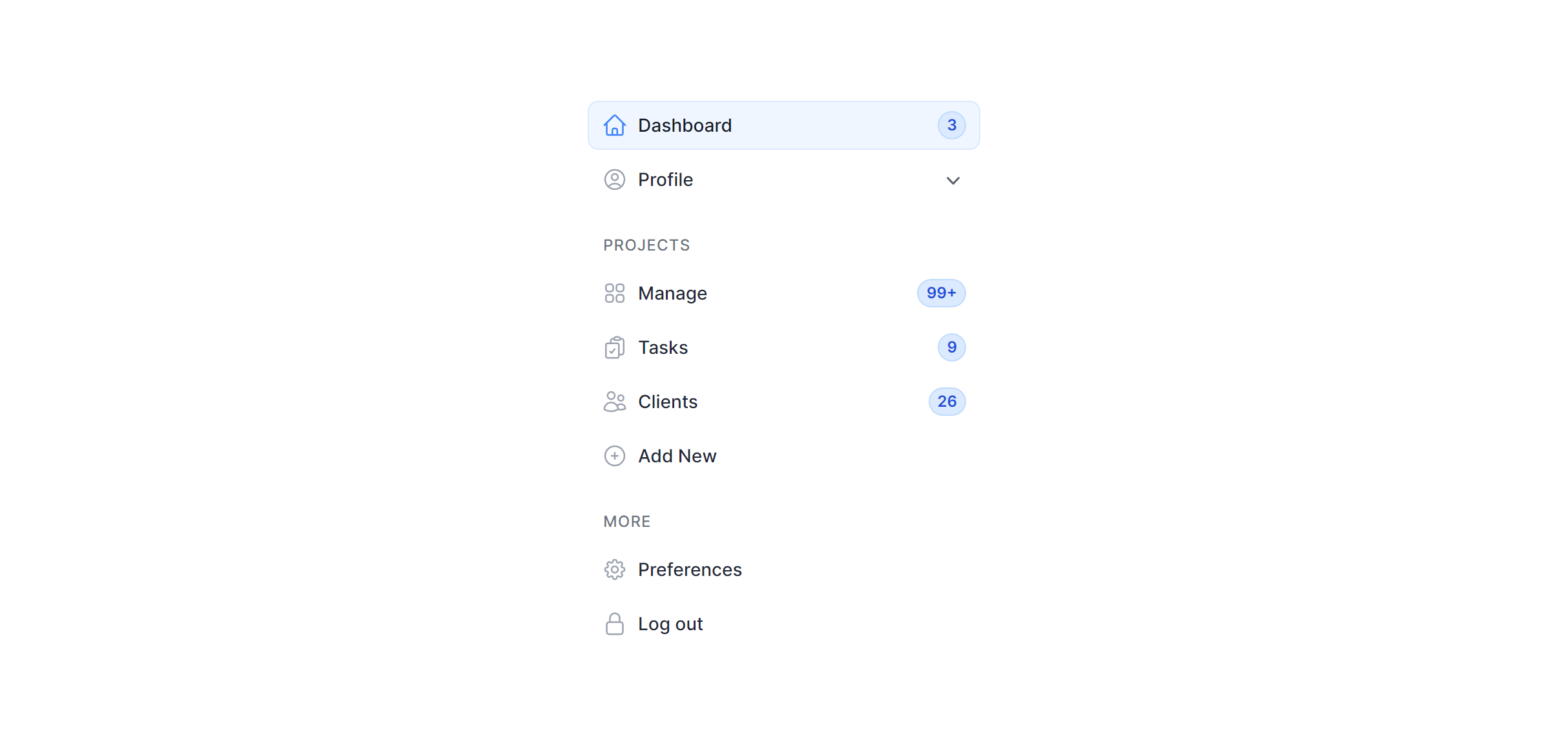
Toggle Gray
Fully responsive design
Supports dark mode
Supports color editor
HTML code snippet
React code snippet
Vue.js code snippet
Alpine.js code snippet
JS required
Screenshot
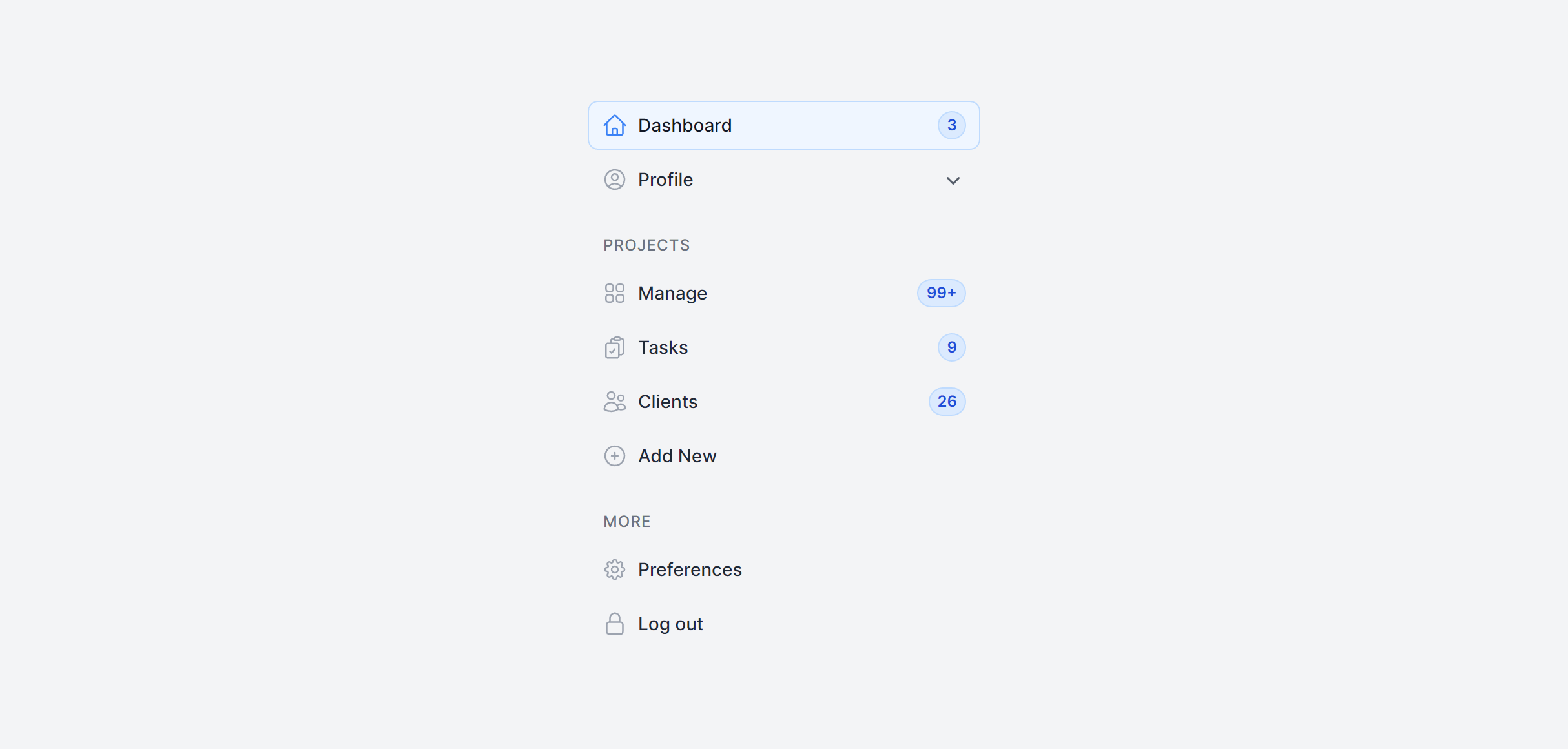
Toggle Dark
Fully responsive design
Supports color editor
HTML code snippet
React code snippet
Vue.js code snippet
Alpine.js code snippet
JS required
Screenshot
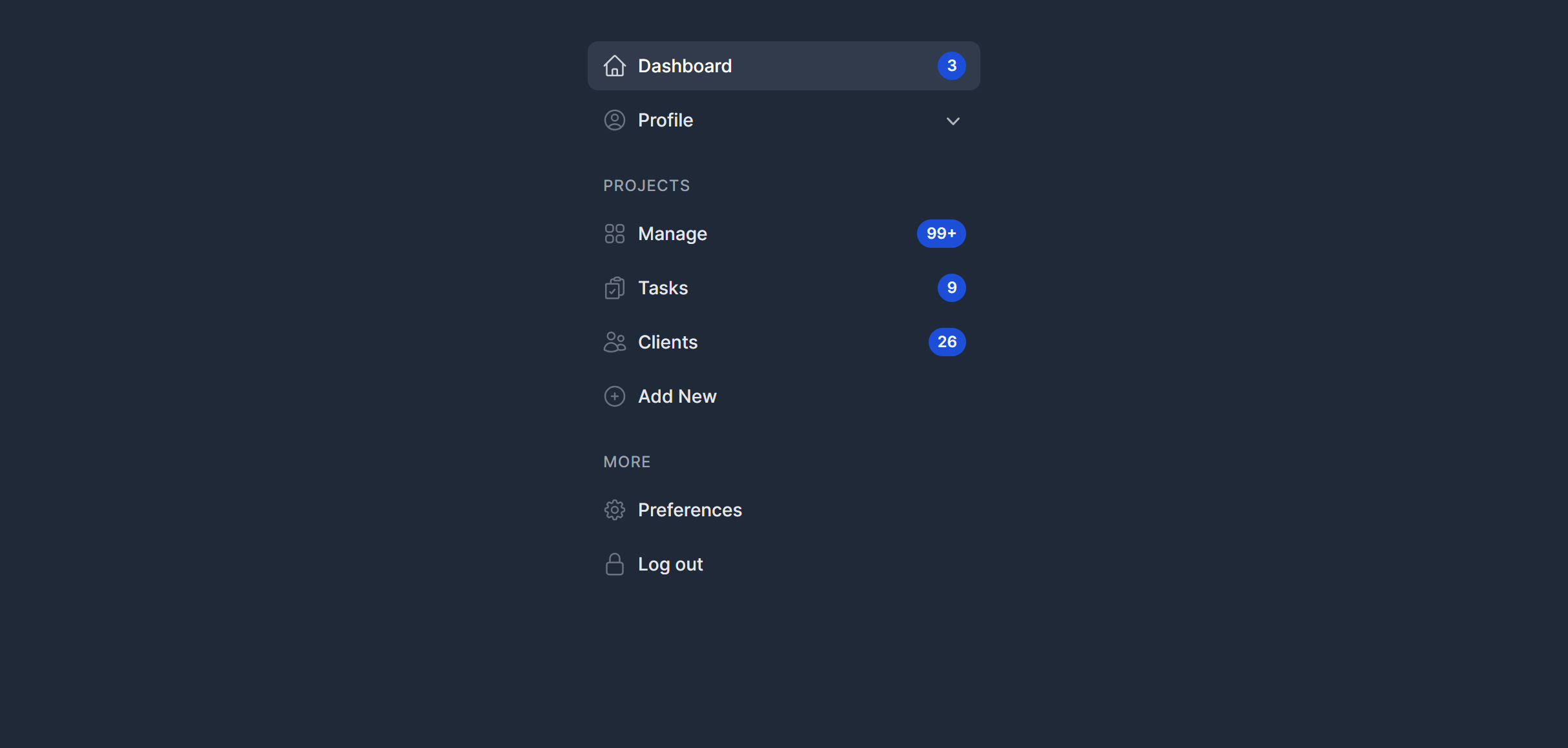
Need more information?
Frequently Asked Questions
Let’s have a better look into Tailwind CSS Navigation.
How do I highlight the active page in the navigation?
Apply distinct active state styles using Tailwind utilities like a different background color, border accent, or bolder font weight. In your app, conditionally add these classes based on the current route. Frameworks like Inertia.js, Next.js, and Nuxt provide route-matching helpers that make this straightforward. For plain HTML, compare window.location.pathname against each link's href.

Ship faster with AI-powered components
2,000+ handcrafted snippets.
Now in your AI editor.
Build modern web apps and websites with Tailkit's huge collection of Tailwind components, templates and tools. Now available through our MCP Server.