Summer Sale is now on!
Tailwind CSS Avatars
There are 10 available components in this category, preview them all!
Default
Fully responsive design
Supports dark mode
HTML code snippet
React code snippet
Vue.js code snippet
Screenshot

Rounded
Fully responsive design
Supports dark mode
HTML code snippet
React code snippet
Vue.js code snippet
Screenshot

Default with Indicators
Fully responsive design
Supports dark mode
HTML code snippet
React code snippet
Vue.js code snippet
Screenshot

Rounded with Indicators
Fully responsive design
Supports dark mode
HTML code snippet
React code snippet
Vue.js code snippet
Screenshot

Default Stacked
Fully responsive design
Supports dark mode
HTML code snippet
React code snippet
Vue.js code snippet
Screenshot

Rounded Stacked
Fully responsive design
Supports dark mode
HTML code snippet
React code snippet
Vue.js code snippet
Screenshot

Default Placeholder
Fully responsive design
Supports dark mode
HTML code snippet
React code snippet
Vue.js code snippet
Screenshot

Rounded Placeholder
Fully responsive design
Supports dark mode
HTML code snippet
React code snippet
Vue.js code snippet
Screenshot

Default Placeholder Text
Fully responsive design
Supports dark mode
HTML code snippet
React code snippet
Vue.js code snippet
Screenshot

Rounded Placeholder Text
Fully responsive design
Supports dark mode
HTML code snippet
React code snippet
Vue.js code snippet
Screenshot

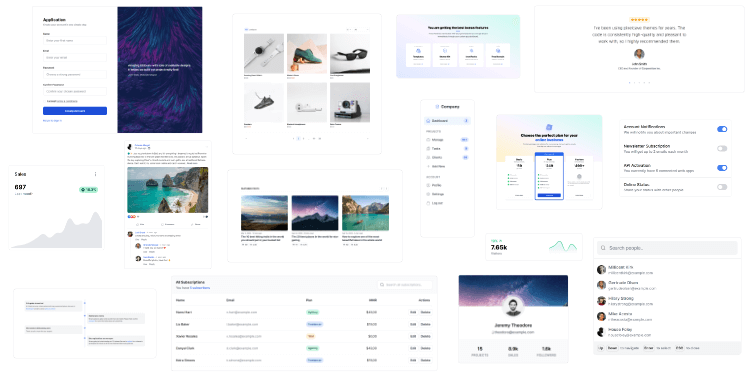
Bring your ideas to life
1,950+ code snippets are waiting for you.
Build beautiful and super modern web applications and websites with Tailkit's huge collection of Tailwind components, templates and tools.